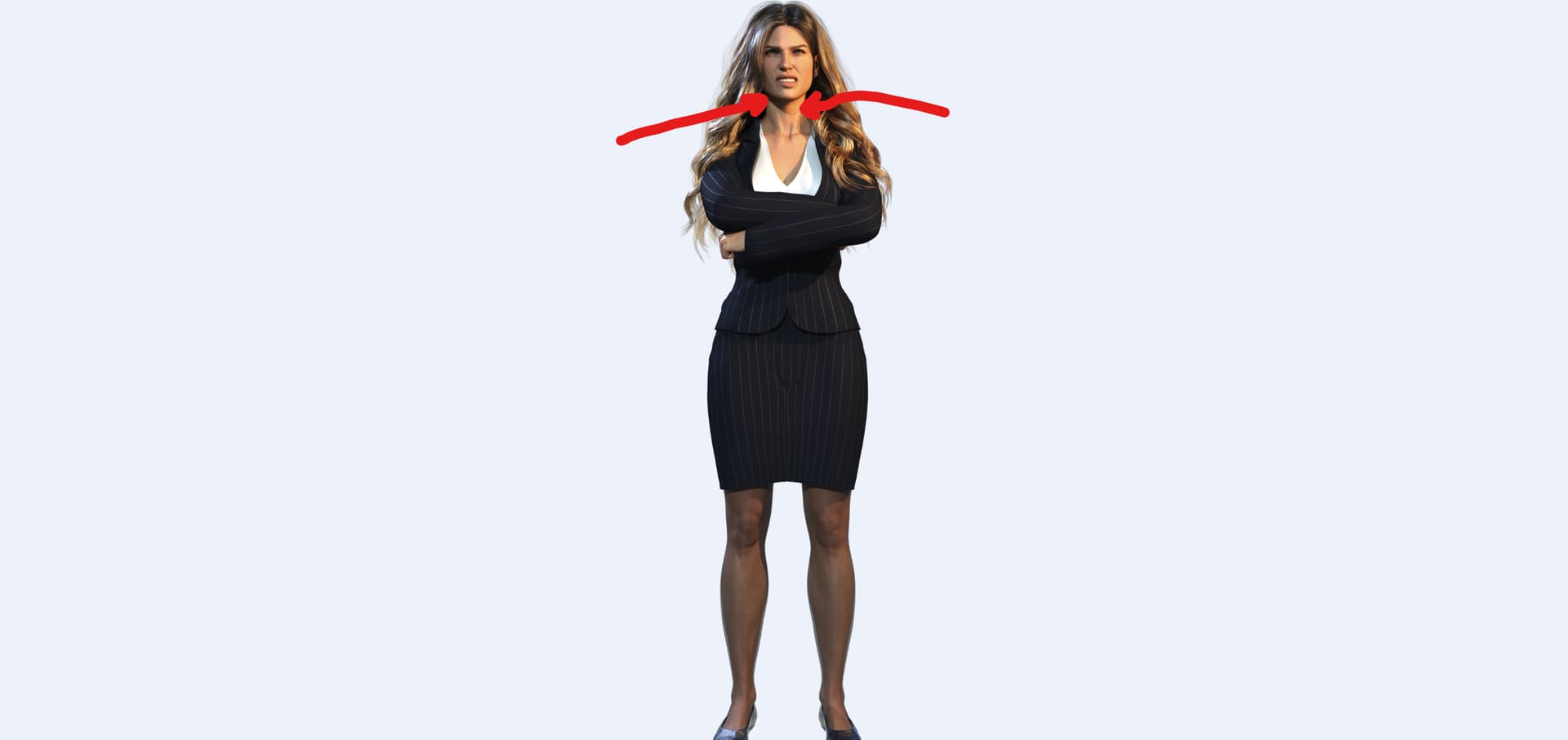
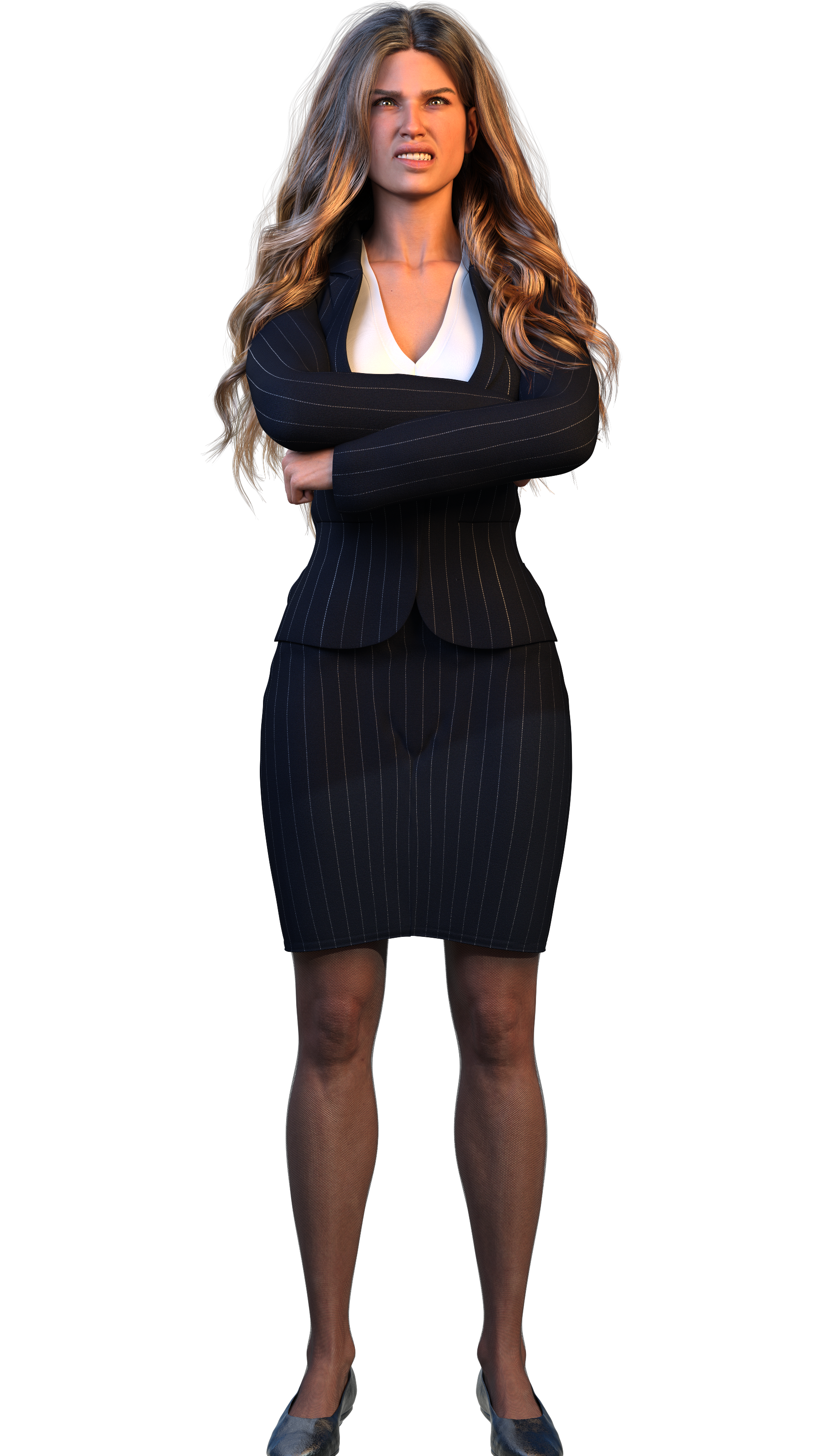
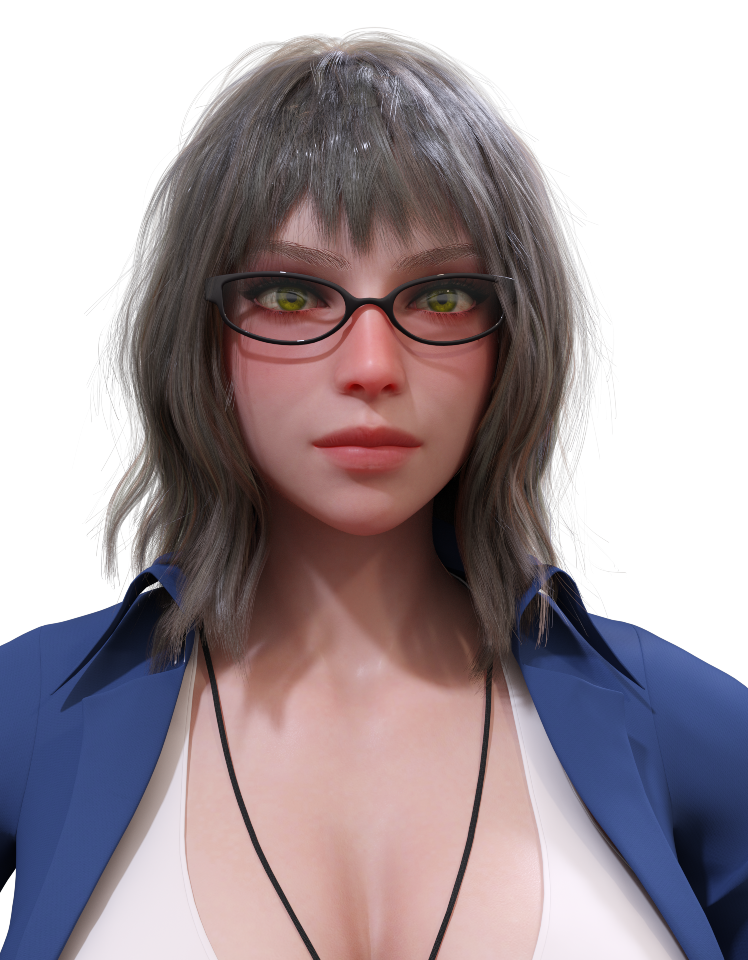
The neck really does pop in image 2, and she does look more angry. Yes. Those are great points.
As for moving sliders in real time… yeah I can see the colors in real time, but… the real time render is… pixelated and blurry so all the extra detail dimension readability etc doesn’t exist during the real time preview 
I will say though that this sprite takes about 5-10minutes to render, whereas a scene containing this sprite would take 120-240minutes more likely, hence why I’m such a big fan of sprites.
Also I ended up just making it way too dark because it can be tough to “math” out how making two lights stronger and one light weak will look in a final render.
TLDR: A game requires so many images, I’m not sure I have time to spent on more/better artistic lighting for all of them 
P.S.
But I could definitely do something silly like 4500k key light and 9000k back light, for like every single thing (letting the HDRI overpower both to achieve my main desired lighting balance)… this would result in an extremly subtle result, like 95% image 1 and 5% image 2, but wouldn’t require me to constantly try to fine tune the colors myself…
Don’t worry that I’m spending a week on subtle lighting effects for one sprite. This is how things shake out when I’m working on code or writing. I thought when I started the project I could write or code during renders. But that’s not super feasible. If I spend all day pondering a coding or writing issue, I don’t have the brainpower left over for designing new poses and character designs and outfits and such.
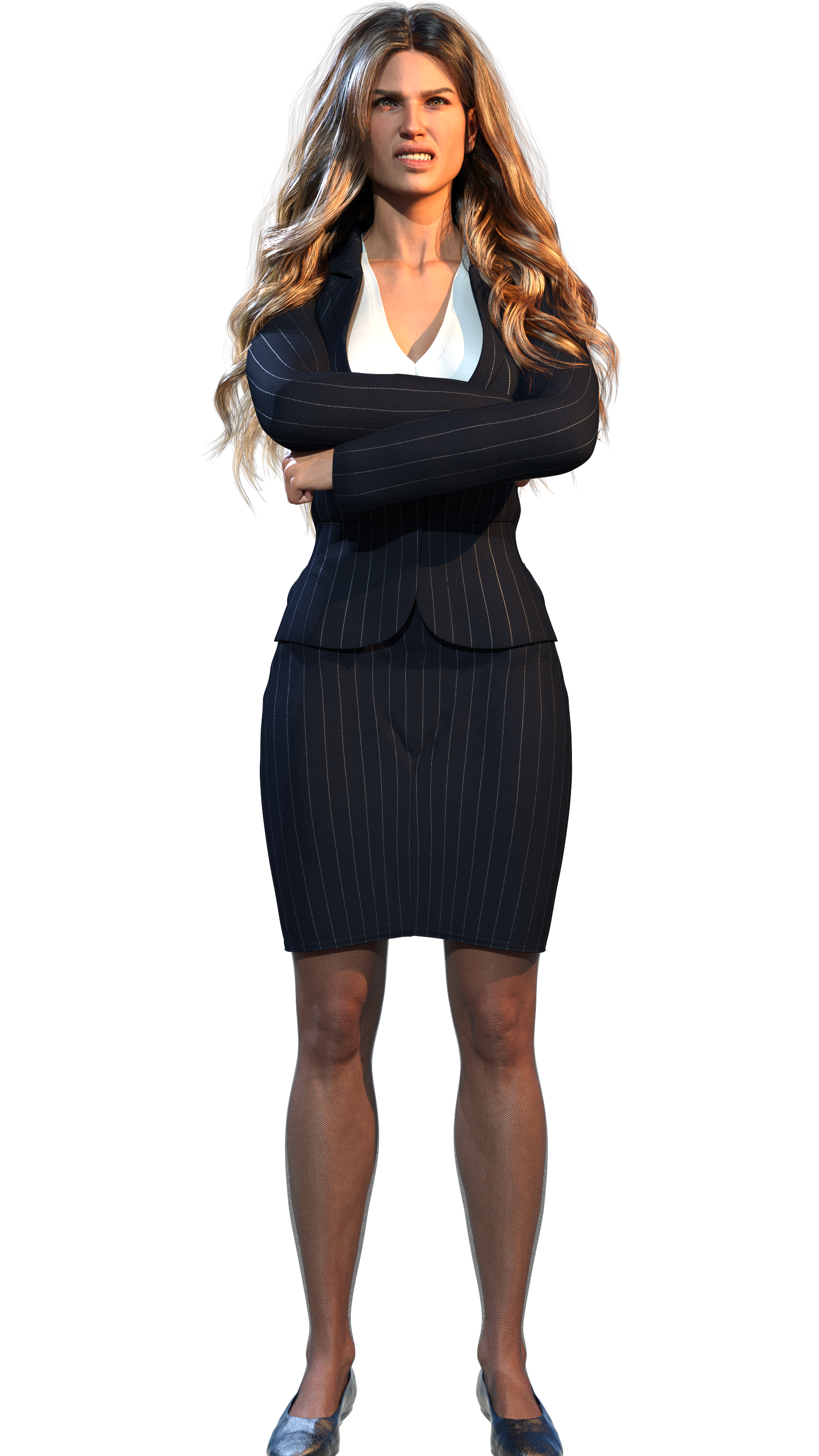
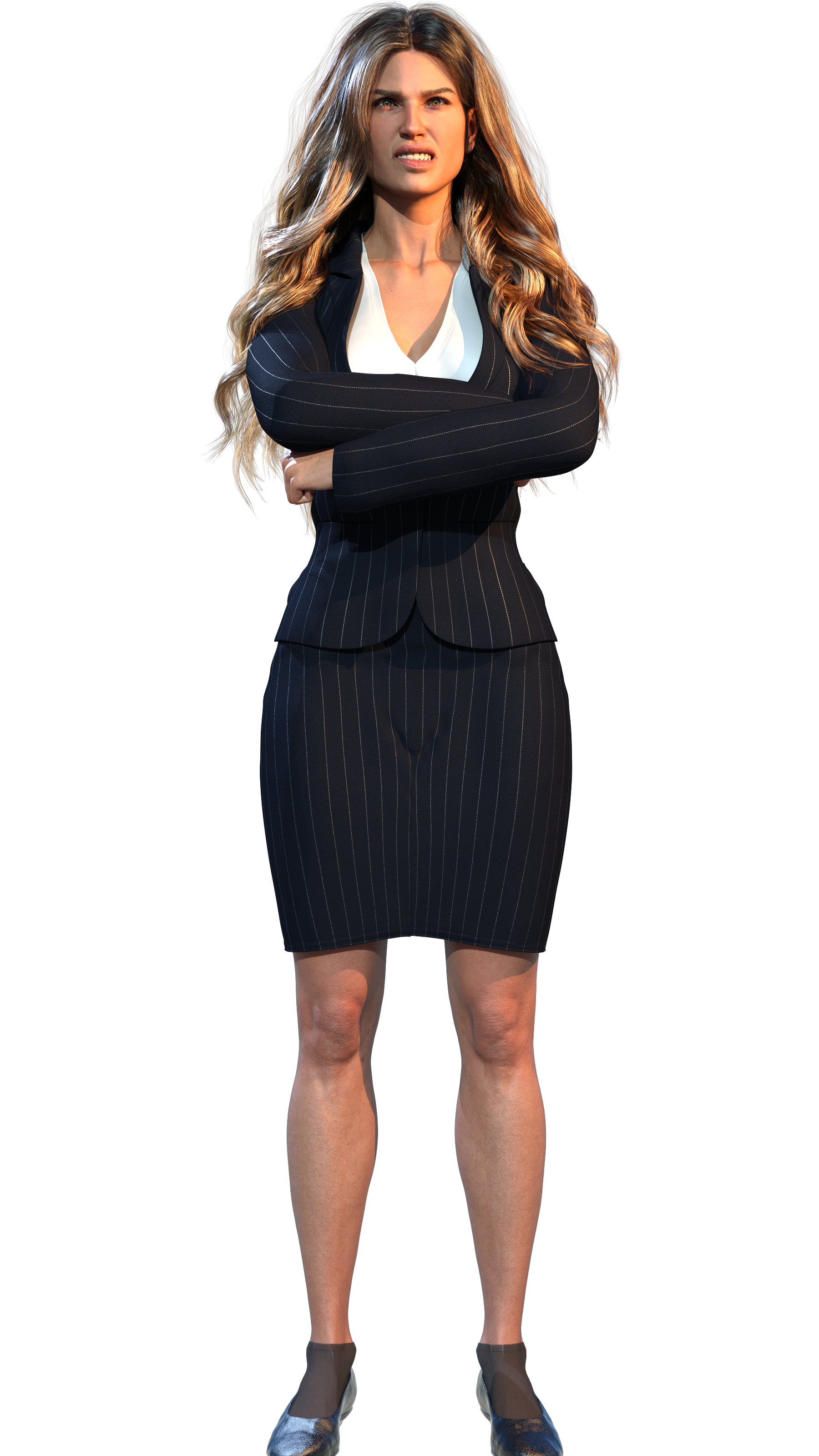
Also, lowered the opacity on thick cotton socks by like 20% to pretend they’re those thin nylon dress socks, figured the stockings were ruining everyone’s view of her knees, even if the stocking matched the motif well. Hmm, I need to use a different shader or whatnot for these socks though. They look clearly incorrect given that 80% opacity cotton is not the same as a thinner fabric.
OOOF this line
It’s the shadow from her hair/chin I reckon, probably a result of using the sun as a fill light instead of adding an actual fill light.
One reason I started cutting the fill light out was that if the sun lined up right behind the fill light, then the shadow of the geometry of the fill light would appear.
BUT 4.22 added true ghost lights, and I spent 2023 using 4.21. TLDR: Figure out how to convert my old fill light to the new 4.22 pure ghost lights, and start using them again, and if I line the sun up directly with the new and improved ghost light, it won’t create a shadow.
EDIT: Thankfully the fill light was just hidden not deleted (in most of my saved scenes.)
Also, making lights into a true ghost light (a new feature in 4.22) just requires going, products, default resources, create advanced iray properties, select the one about iray primary rays and the one about ghost lights, go to parameter and set iray primary rays to off. blammo! took 1minute.
EDIT: So I did the above. I decided to un-align the sun from where the dead fill light was. Which ended up washing out most of the whole red/blue effect. BUT, I think some of the added dimensional detail was kept. Also, with the sun back at a neutral position. Note I nudged it to 14degrees to the camera’s left; that weird shadow line on her neck is of course gone. Why 14 degrees? Because it turns out I nudged my default scene’s default lights 14degrees like 4months ago and never noticed… but today I set them back to 0 
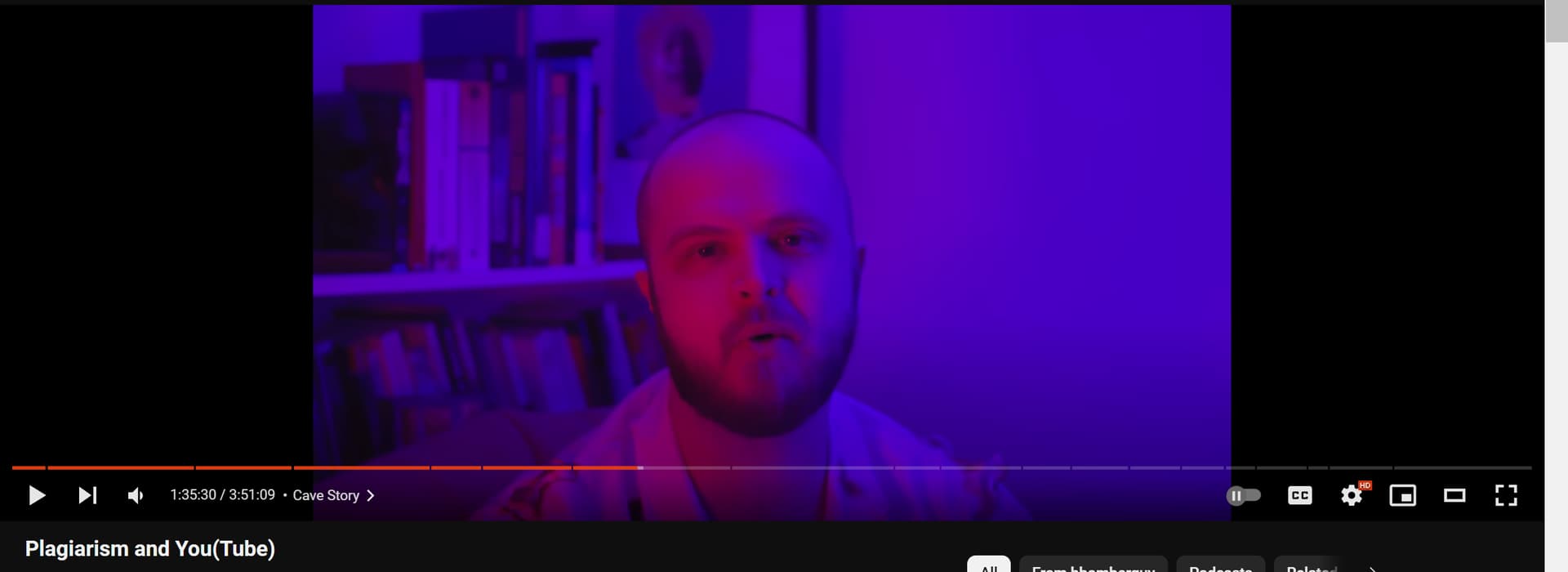
Apparently this cheesey two color lamp effect is a bit of a meme on youtube that everyone is copying. Which somehow I did not know.
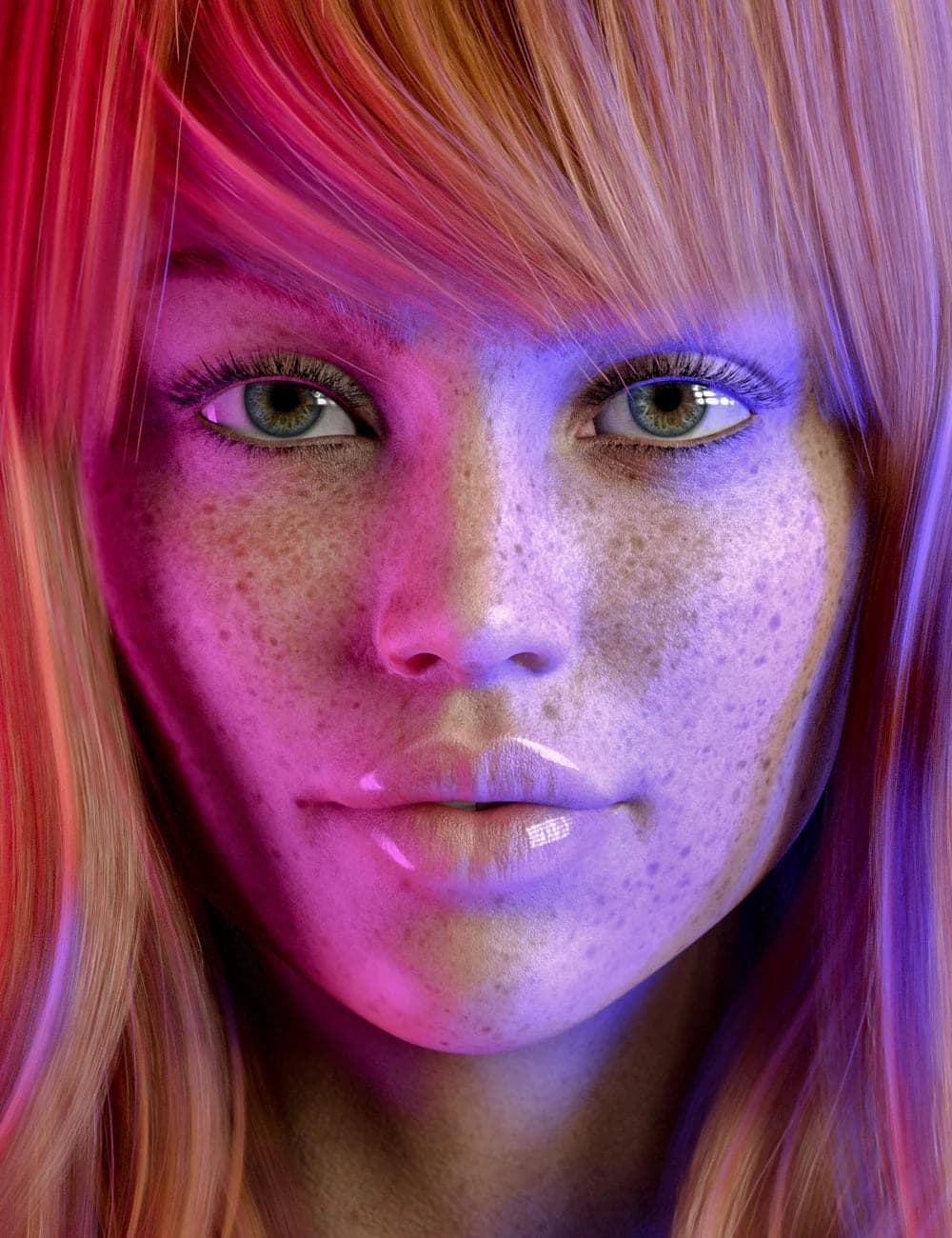
I was instead copying… this image
Which is actually just fucking brilliant!
Of course I’ve changed which shader I’m using, and also my girl is pregnant, which is a detail no one can know since it’s a close up of her face. But as part of my overall story for this render, she has a chubby face that I found went well on her pregnant body shape
The actual point of my entire concept for this copying actually is this very well hidden image (hidden on my own page that is, by me, because I figured no one but me would care).

The fancy lights help showcase the render’s micronormal detail, which is a newer feature in daz3d and one I hadn’t used before. This scene was my attempt to convert a scene from using the uberiray shader to using the newer pbrskin shader (also an iray shader) so that it could benefit from micronormal detail. Micronormal detail is all of those tiny squares on her face that isn’t really visible at all unless you zoom in on the 8k render’s original file. Which likely doesn’t embed well on the forum.
TLDR: I watched a really interesting video essay today
EDIT: I FIXED IT! The image was embedding at like 75% reduced quality because I TOLD DEVIANTART TO RUIN MY IMAGE! (The setting was called “free download” which is/was off by default, which meant no one but me could see the 8k version of this image, and so no one could zoom in to see the micronormal detail, until now… wow silly me I guess).
So, I spent most of 2023 coding work arounds for renpy that allowed for a pale shadow of the features I could’ve just instantly obtained for free from
https://feniksdev.itch.io/inline-conditions-for-renpy https://feniksdev.itch.io/inline-python-for-renpy
and I was doing it without having read Python's F-String for String Interpolation and Formatting – Real Python
TLDR: I was wasting a lot of my time, not using basic tools someone else had already made. So if you’re looking to make renpy say statements more context aware of the game state and grammar for variables and such… don’t reinvent the wheel, just use something simple that already exists!
2 Likes
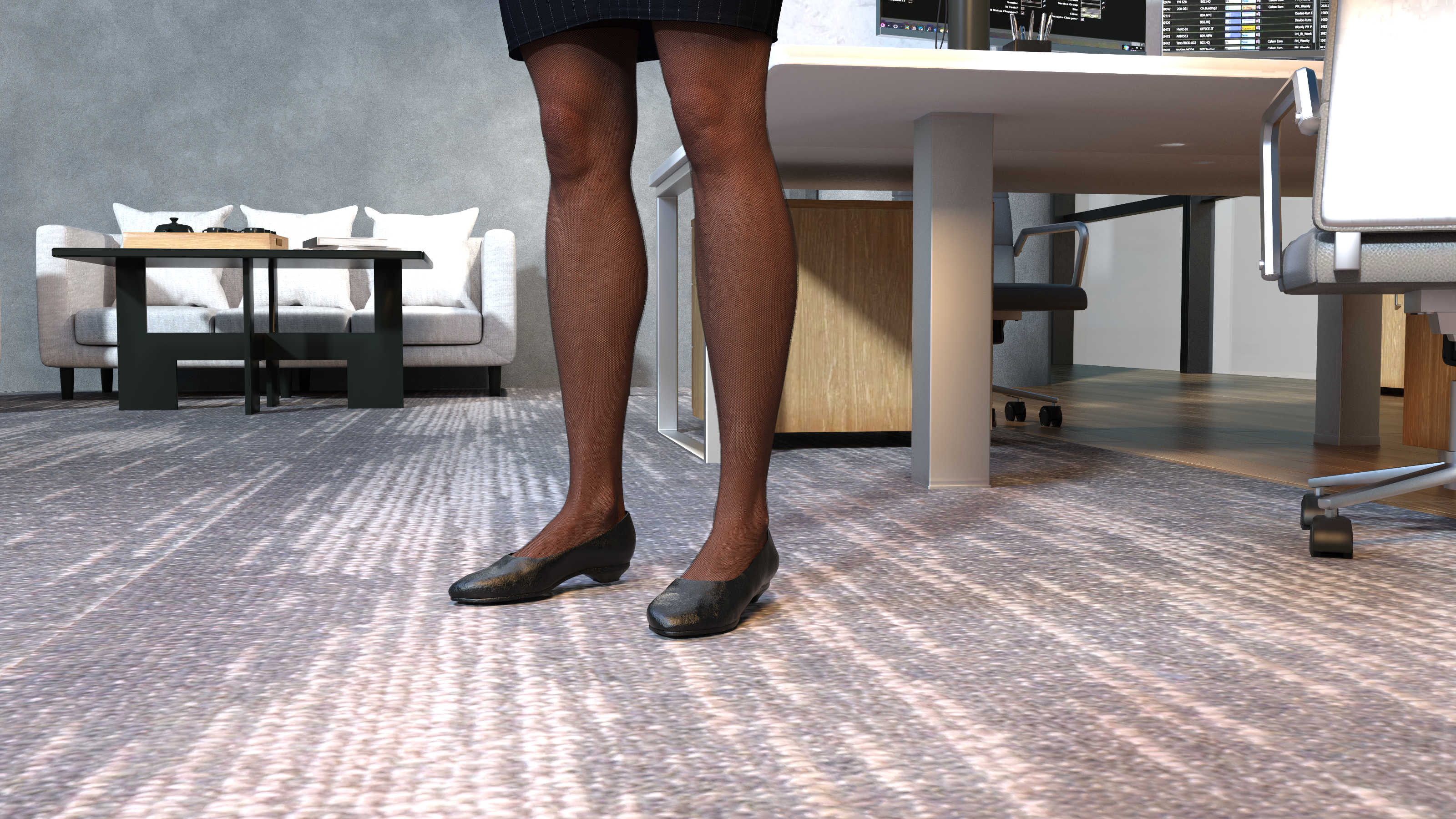
Who decided it would be hard to line shoes up on carpets?
Default genesis realism based eyes?
Or stylized eyes that are enlarged a bit sort of like drawn art would do?


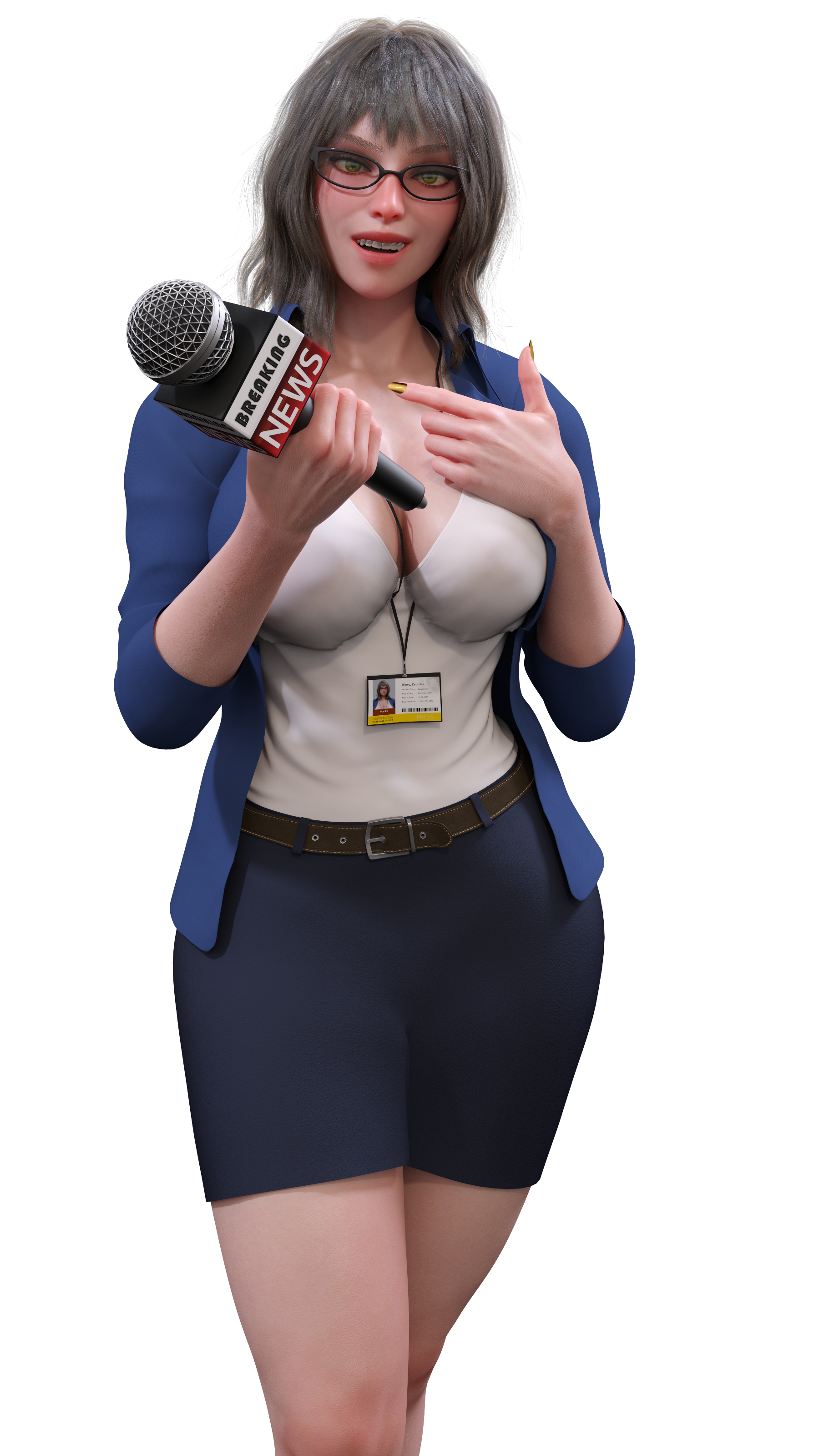
Instead of forcing genesis stock girls to have stylized faces or eyes, I could just start with a stylized figure asset.
Only major downside with her so far seems to be that I cannot get the glasses fit exactly right like I reckon I could on a less stylized shape.
- Default eyes image 1
- Larger eyes image 2
- Keep searching for a way to make an even more stylized look
Well in a landslide 1 vote to 0 to 0… totally new style wins.
Instead of forcing genesis stock girls to have stylized faces or eyes, I could just start with a stylized figure asset.
Only major downside with her so far seems to be that I cannot get the glasses fit exactly right like I reckon I could on a less stylized shape.
This face render is merely meant to replace the default texture on an idcard worn on a lanyard so it’s intentionally a neutral expression. It ends up accounting for just a few pixels of the actual render below it. But I figured a close up couldn’t hurt for a fair comparison to the two above.
2 Likes
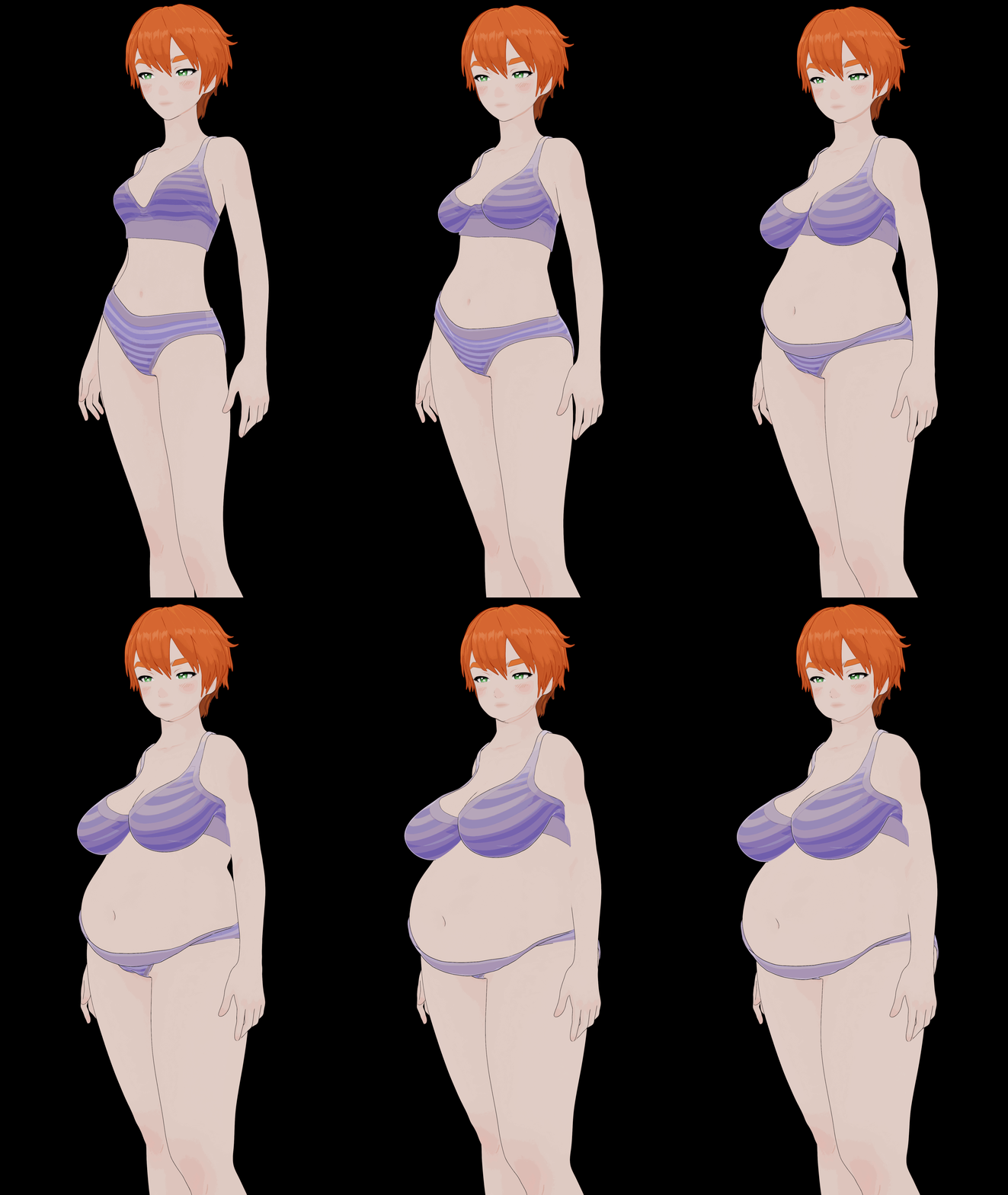
daz3d now comes free with base anime figure assets, they’re calling it filatoon. because the shaders render in filament, they’re real-time render option… which I’ve always thought was shitty… but hey it was a set of new free assets so…

added some sonsy real quick, doesn’t look half bad, at least compared to ai stuff or whatnot
2 Likes
Someone asked for more fat, so I give you more fat, anime style, cranked on that sonsy lever…
1 Like
mixamo precanned smoking animation
I’ve always found Filament to be a load of crap, but this does look interesting. Might even persuade me to upgrade to the latest version of Studio.
The free filatoon offering is pretty sweet, BUUUUUUUT the catch is the only reason they gave away 200megabytes of cool free filatoon content is because they also put like 100 different first and third party filatoon related assets on their store at the same time… using the freebies to create interest/buzz/sales.
But as someone pointed out on discord, maybe this can kill koikatsu party?
Haha, yeah. I noticed there was loads of toon stuff appearing in the Daz store.
I’m assuming it’s like the Gen models. Give away the base stuff for free, but if you want to do anything beyond very basic stuff, you need to start spending money on assets.
Think I’ll pass…