CakeMix uses a fixed internal context size of 4096 tokens. That isn’t user-editable because, in my testing, pushing it higher doesn’t reliably improve results and can actively hurt coherence or performance depending on the model and quantization. It’s the sweet spot for this game.
For the kinds of models most people run with CakeMix (roughly 6B–13B):
4096 tokens is stable on 8 GB GPUs with some headroom
8192 can work in some setups, but leaves very little safety margin and tends to increase latency and drift
16384+ isn’t realistic on 8 GB cards
The character limit when typing to the AI isn’t a hard model limit, it’s a soft UI cap. Before I added the counter, people were pasting in full paragraphs, which could confuse the AI. The counter is there as a reminder to keep things concise, but you can type more if you want.
So there’s no way for a user to change the context size, but you can change various other settings for each llm in their config ini file if you like:
[LLMCharacter]

; If deleted, this file will be created with default values.

; maximum number of tokens that the LLM will predict (-1 = infinity). Note: Values lower than 512 may result in replies being cut off.
numPredict = 1024

; slot of the server to use for computation (affects caching)
slot = 0

; grammar file used for the LLMCharacter (.gbnf format)
grammar =

; grammar file used for the LLMCharacter (.json format)
grammarJSON =

; seed for reproducibility (-1 = no reproducibility).
seed = -1

; LLM temperature, lower values give more deterministic answers.
temperature = 0.8

; Top-k sampling: higher = more diverse, lower = focused. 0 = disabled.
topK = 40

; Top-p sampling: cumulative probability cutoff. 1.0 = disabled.
topP = 0.95

; Minimum probability for token to be used.
minP = 0.05

; Penalty for repeated tokens.
repeatPenalty = 1.1

; Penalty based on token presence in previous responses. (0.0 = disabled)
presencePenalty = 0.7

; Penalty based on token frequency in previous responses. (0.0 = disabled)
frequencyPenalty = 0.5

; Locally typical sampling. 1.0 = disabled.
typicalP = 1

; Last n tokens to consider for repeat penalty. 0 = disabled.
repeatLastN = 64

; Penalise newline tokens during repeat penalty.
penalizeNl = True

; Prompt used for penalty evaluation. Null/empty = original prompt.
penaltyPrompt =

; Mirostat sampling: 0 = off, 1 = Mirostat, 2 = Mirostat 2.0
mirostat = 0

; Mirostat target entropy (tau)
mirostatTau = 5

; Mirostat learning rate (eta)
mirostatEta = 0.1

; If > 0, response includes top N token probabilities.
nProbs = 0

; Ignore end-of-stream token and keep generating.
ignoreEos = False
I’ve been working on the new update and putting in some things I hope people like.
There’s now an A and B version of a character, so in the Creator you can make version A and then version B can be changed. For instance, A can be a skinny girl, and B can be when she’s much larger. But you have control over how she looks in each version. So then in the story mode, there will be various ways to change between them. You’ll be able to do it instantly, or over time automatically, or manually with a slider. Up to you.
Another way that will come in handy is with the monster girl stuff that will come out at some point. A year or so ago I started adding monster girl options to CakeMix, but stopped to work on some other things. Well the shapes, etc. are still in there, just not exposed, and at some point soon I’ll finish it up so you can use them. Then you can make character version A be regular, and B a monster, so you can have her turn into a monster or whatever you want.
So, yeah I’ve got the A/B stuff coming in the next update as well as some other improvements. I’m also going to put a simple weight gain thing in there so if you don’t feel like doing the whole A/B thing, you can just have her get bigger via various means. I’ve got some cute things in the works to make that more fun.
Anyway, thanks so much for the positive response so far, and I hope everyone is enjoying the season!
I’m still working on the new weight-based additions and I have a question about weight gain over time. If you wouldn’t mind voting for your choice it will help me to focus more on what would work best.
There are already methods now (in this update I’m working on) to make a character larger manually, so this question is about the automatic “over time” weight gain setup.
What would you prefer?
Weight gain over longer real time: pounds/kg per day/week/month
Weight gain over shorter real time: pounds/kg per minute
Big fan of longer timeskips, especially since it sounds like the game design will more naturally suit itself towards a set of conversations with gaps in-between, leaving plenty of time for realistic gains to happen offscreen.
Correct, to some degree, as one of the characters available is bigger, but no where near fat. I’m going to revamp the demo once I get this new update out, to add in a larger character and some other stuff.
It will be interesting to see how the A to B gain/character-change system works in practice. I think that’s one of the main things I’m wanting to see. I might cave for making custom characters at that point for that alone. Though, I would also like to see the monster girl thing you were talking about as well someday for sure.
Yeah I’ve been finessing the A/B character thing, trying to make sure it makes sense and fixing the inevitable bugs that come along with revamping a major part of the system. So far, so good.
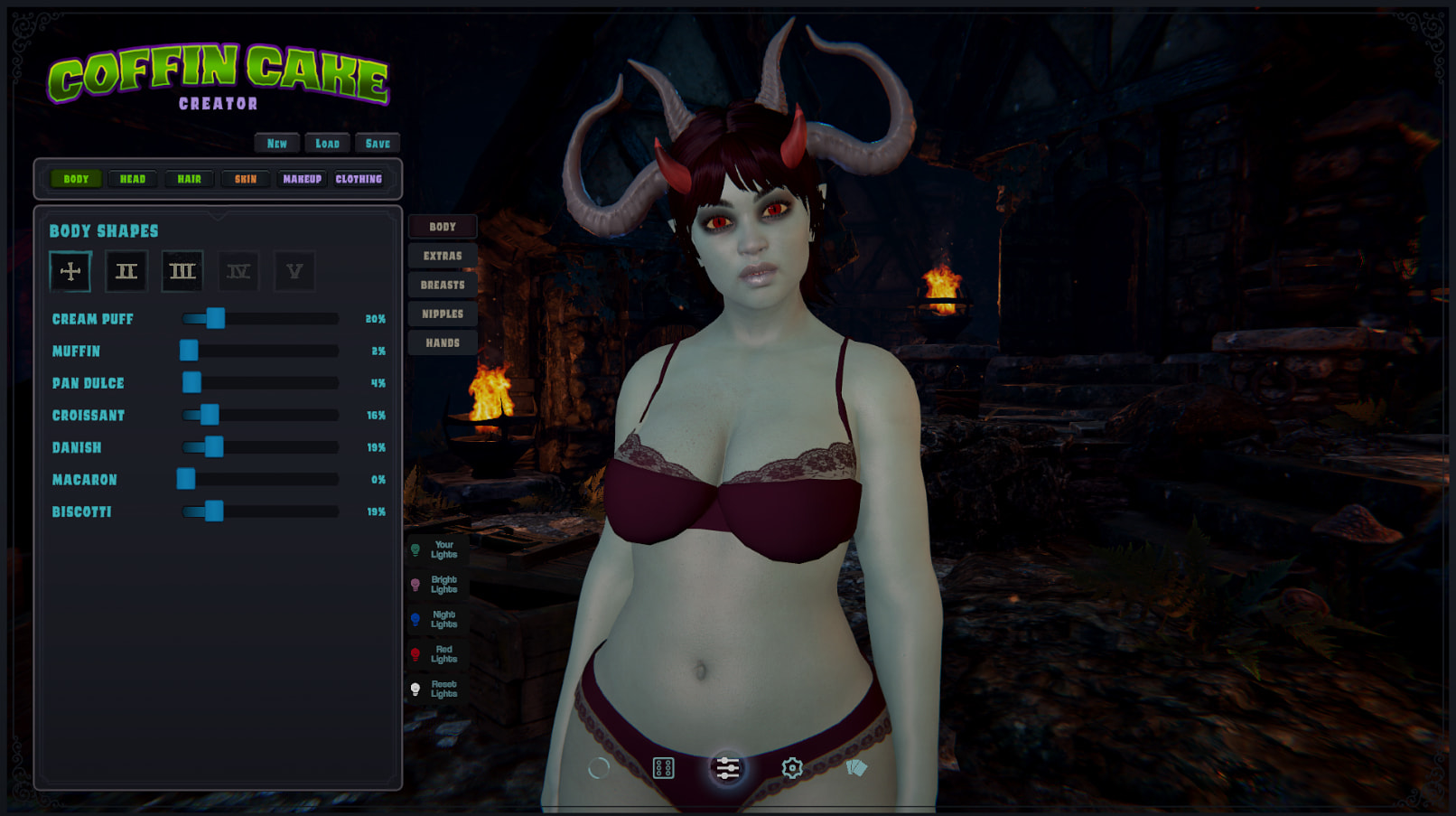
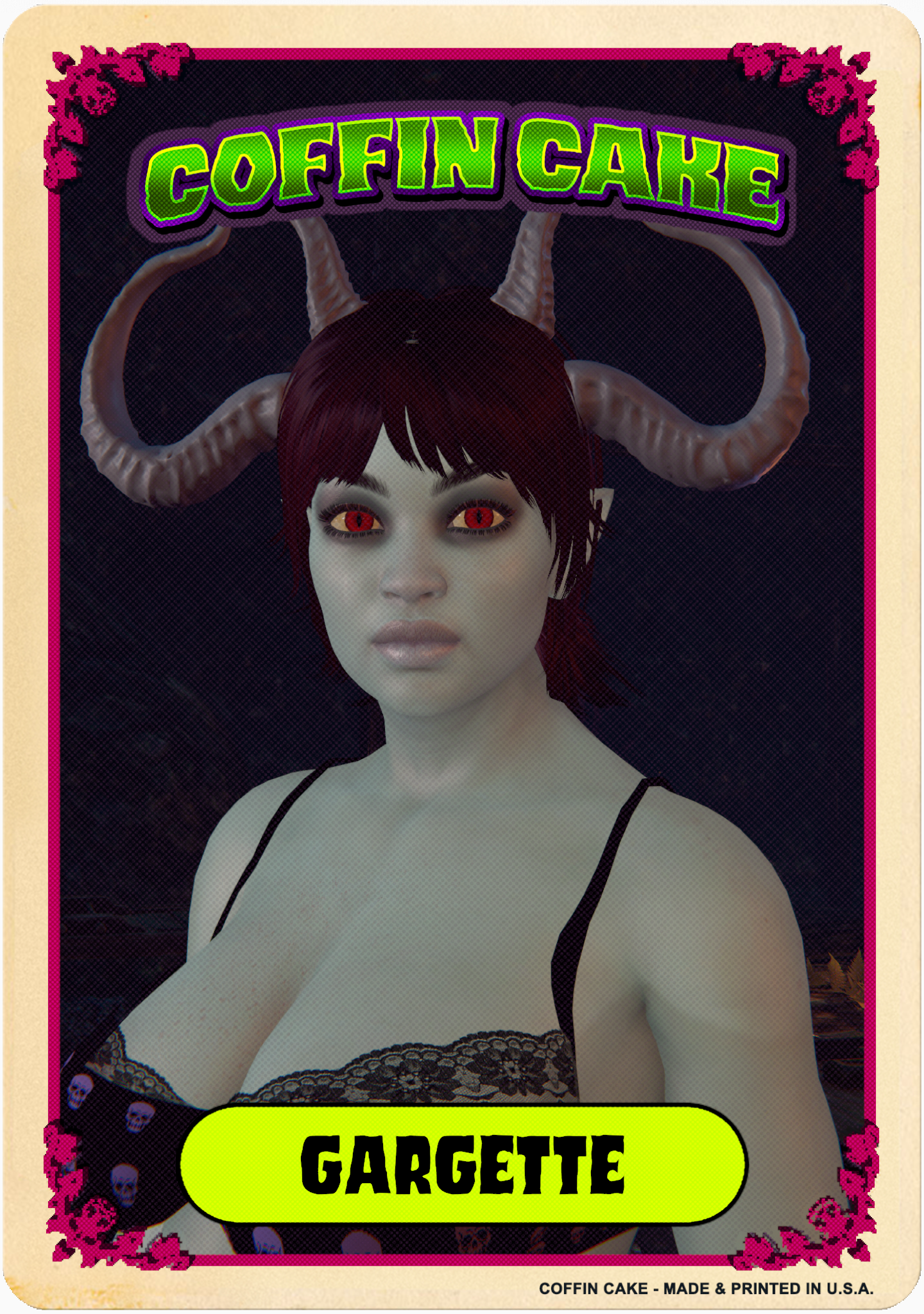
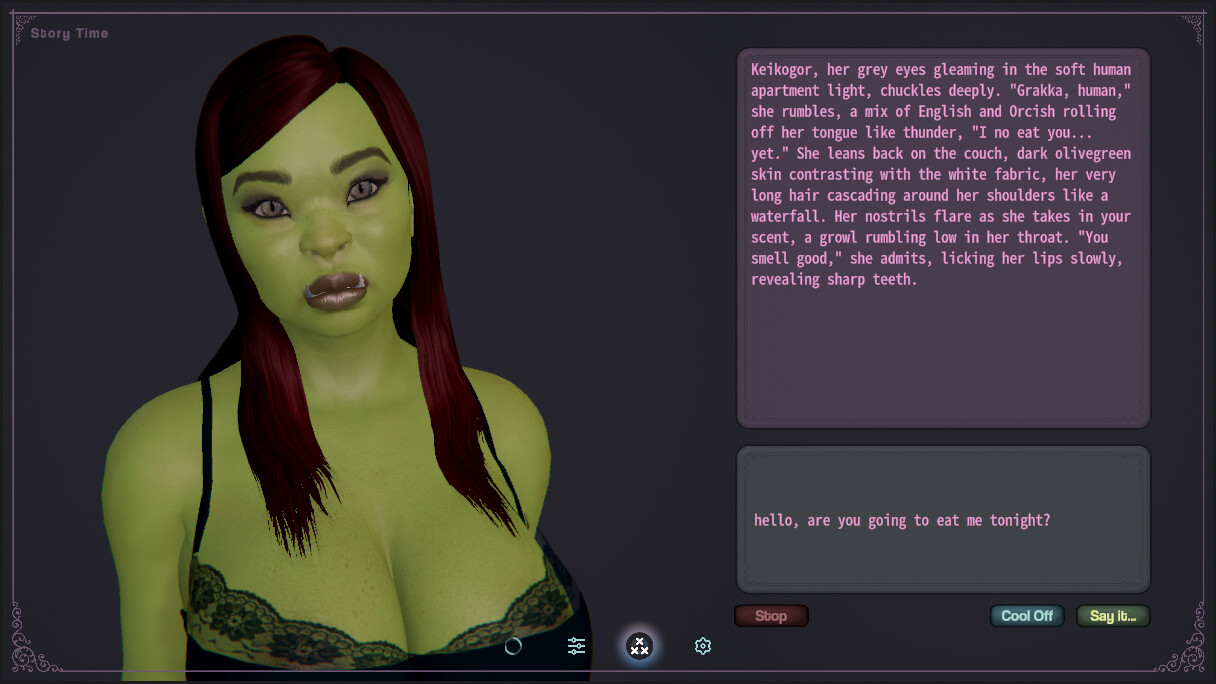
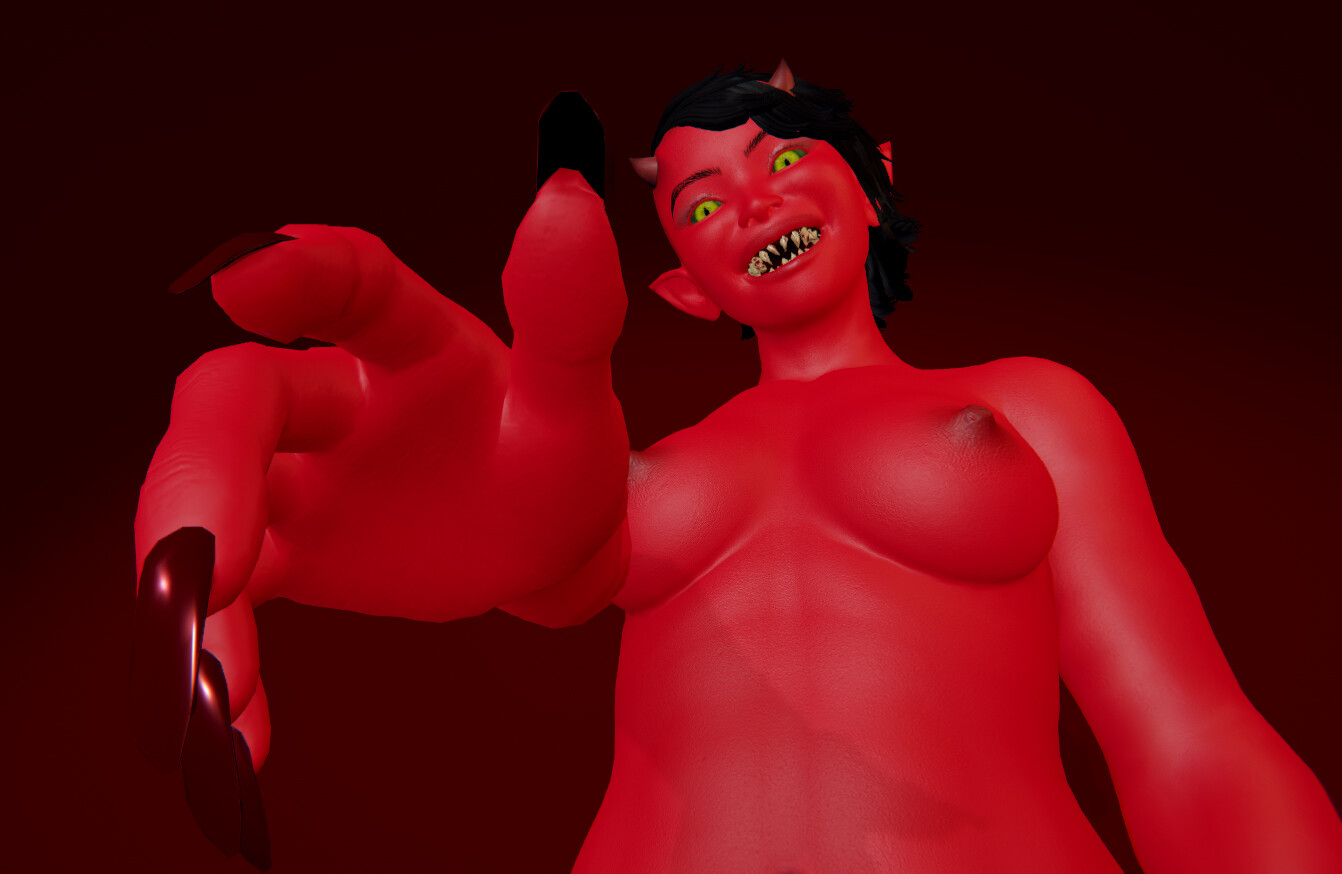
The monster girls are something I started doing as an offshoot project called Coffin Cake, but then I stopped working on it so they’re just sitting around doing nothing now. I’m not sure if I should keep them in their own project or incorporate them into regular CakeMix.
Here are a couple of screenshots (from earlier builds) showing a little bit of the monster stuff.
Just brainstorming, but I kind of love the idea of monster girls being hidden characters that are unlocked through gameplay or maybe some kind of cheat code.
It could give the game a bit of a masquerade feel and make them feel special, while also making the game feel more thematically grounded at first.
I think it’s just a good call to simply add more options in a project that already revolves around the loose freeform nature of a chatbot. Probably just add them to character customization if possible. You can already in theory convince the bot that it’s anything, so now you just have the option to actually visually represent another possibility. I’d really like to see animal ears and tails and things like that.
I’ve released the latest CakeMix update, with a bunch of additions, fixes, and improvements, including a “heavier” focus on weight.
New Weight-Gaming features:
New official character, Penny! She’s right there in the main image of this post. Her scenarios are all about weight gain.
A weight scale button you can press to see the character’s current weight at any time.
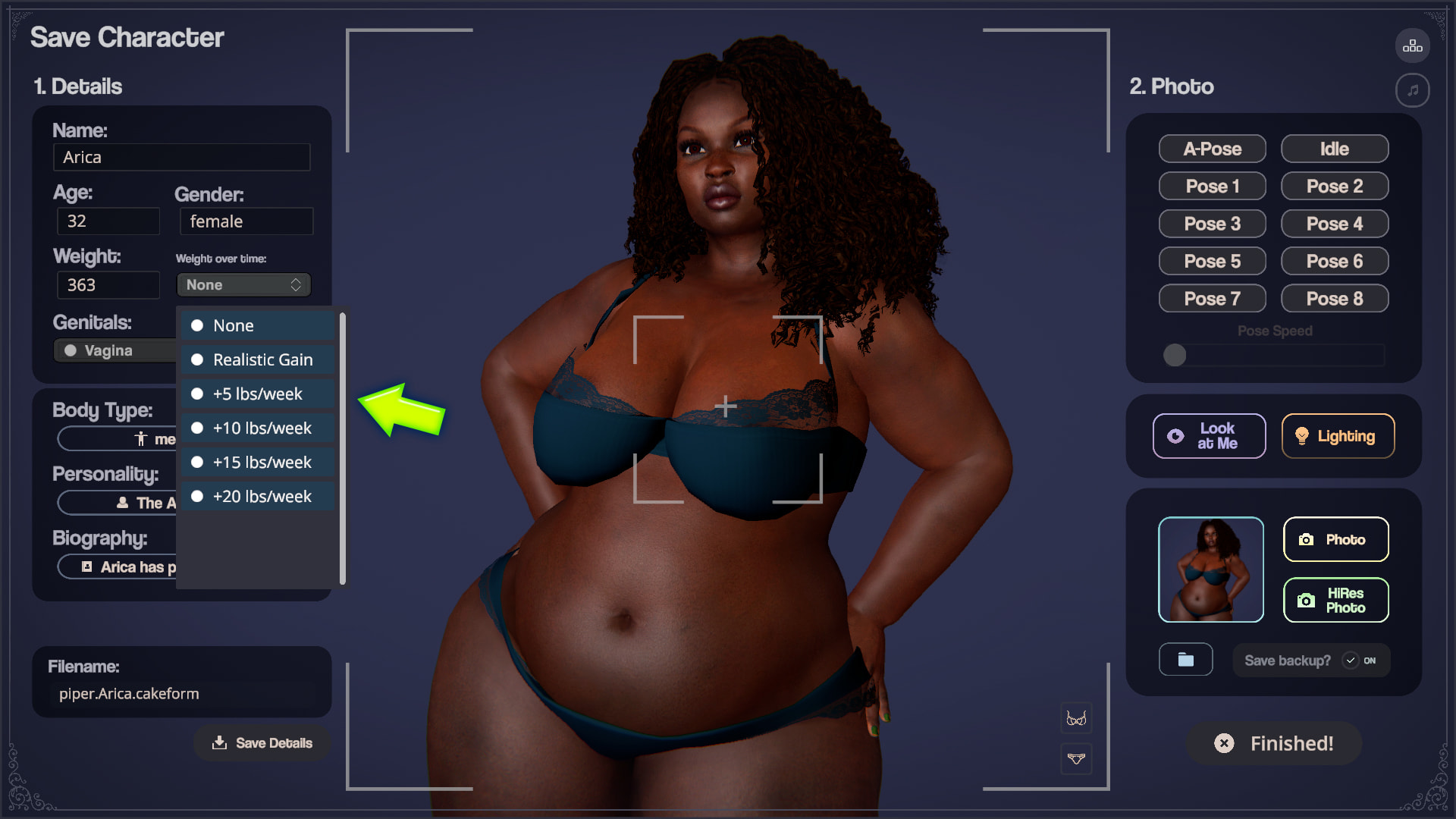
A “weight-gain over time” option you can choose when saving a character. It’s real-time weight gain so every time you load up that character, she’ll have gained more weight.
10 new weight-gain type personalities in the Personality options.
45 new weight-themed scenarios in the Scenario Chooser.
Several new shapes in the Character Creator, not all weight-based but most are.
You can now edit a character during chat, including weight and more. When you return to chat, the system will know that things have changed, so for instance if you add weight to her, it will likely mention it.
Added Interests field to Settings/Special, so you can enter your interests/fetishes, and the AI will use them in chat. Enter “weight gain” or “inflation” or “sloppy eating” or whatever (even multiple things) if you like, to help the game know what you’re really into.
You can choose between lbs and kg in Settings.
Aside from those additions, there’s a ton more in the change log, which you can find here.
Try the most recent free demo of CakeMix, featuring eight unique characters and multiple interactive story scenarios, weight gaming features, and more!
Downloaded extracted and clicked the demo’s .exe and nothing happens, wonder what I did wrong? Doesn’t appear to be starting, hourglass whirled a few seconds then nothing, task manager notices the task, but the task isn’t doing anything, hmm. Anyone else run into this issue and manage to overcome it?
thank you! Regarding your question about Lyric, no, not at the moment, sorry. Are you wanting to edit her (as in add weight to her), or make a new character based on her?
Sorry to hear that. Are you sure your computer meets the minimum specs?
If so, could you send me your Player.log file so I can take a look? To find it, go to Settings/Advanced, and click the button to open the Local CakeMix Data Folder, then look for the Player.Log file. Email that to support |@| ripenedpeach.com. Thanks!
Annnnnd I just realized that if you can’t open it, you can’t easily find the folder for the player log. If you are familiar with Windows, you can open an Explorer window and look for the CakeMix directory in your local AppData folder. It’s usually something like:
Mono path[0] = 'X:/CakeMix_Demo_1.2.0/cakemix_demo_Data/Managed'
Mono config path = 'X:/CakeMix_Demo_1.2.0/MonoBleedingEdge/etc'
Input System module state changed to: Initialized.
[PhysX] Initialized MultithreadedTaskDispatcher with 16 workers.
Initialize engine version: 2022.3.62f2 (7670c08855a9)
[Subsystems] Discovering subsystems at path X:/CakeMix_Demo_1.2.0/cakemix_demo_Data/UnitySubsystems
[Subsystems] No descriptors matched for  examples in UnitySubsystems/UnityOpenXR/UnitySubsystemsManifest.json.
[Subsystems] 1 'inputs' descriptors matched in UnitySubsystems/UnityOpenXR/UnitySubsystemsManifest.json
[Subsystems] 1 'displays' descriptors matched in UnitySubsystems/UnityOpenXR/UnitySubsystemsManifest.json
[Subsystems] No descriptors matched for  meshings in UnitySubsystems/UnityOpenXR/UnitySubsystemsManifest.json.
GfxDevice: creating device client; threaded=1; jobified=1
The above is the entire log file. I have a 4070ti with a bit of an older intel cpu 10700k, 64gb of ram, although quite a lot of ram was in use, but cakemix didn’t try to use any of it, so I doubted that was related…
EDIT: I am assuming the word “no” is a serious error in my log file?
Hmmm, that’s super odd. It’s basically saying that the GPU never initializes. A few things to check would be making sure you’re running the latest video card drivers (I assume you are, with those specs).
You can do this to force DX11 and see if that works:
Right click on cakemix.exe

Choose 'Create Shortcut'.

Right click the new shortcut and choose 'Properties'.

In the 'Target' field, at the very end (after the closing quote), add a space and then add:

-force-d3d11

It should look basically like this:

“X:\CakeMix_Demo_1.2.0\cakemix_demo.exe” -force-d3d11

Click OK, then launch the game using that shortcut.
Maybe that will do it. If not…
I notice that you’re running it from the X: drive. Is that a networked/removable/portable or otherwise different type of drive? If so, you might want to try the game on a different drive.
If it still doesn’t work, you can try redownloading the game and “re-installing” it. It’s possible that it didn’t download fully correctly and that is throwing it off.
Do you have any VR related drivers or setups installed? The game has OpenXR in the backend because it was originally made for VR, and it’s still in there (not fully enabled but I might one day), so that could also be causing a problem.
Hopefully one of those will do the trick. If not, please let me know. I’m going to test it tomorrow on a different computer. It should run on yours with no trouble. I’m using a GTX 1070 with a Ryzen 7 5800X and 32GB RAM, and the game works on a system with a GTX 970, so higher end systems should work fine. Something is preventing your GPU from starting up, not sure why.