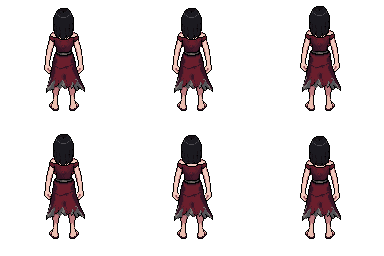
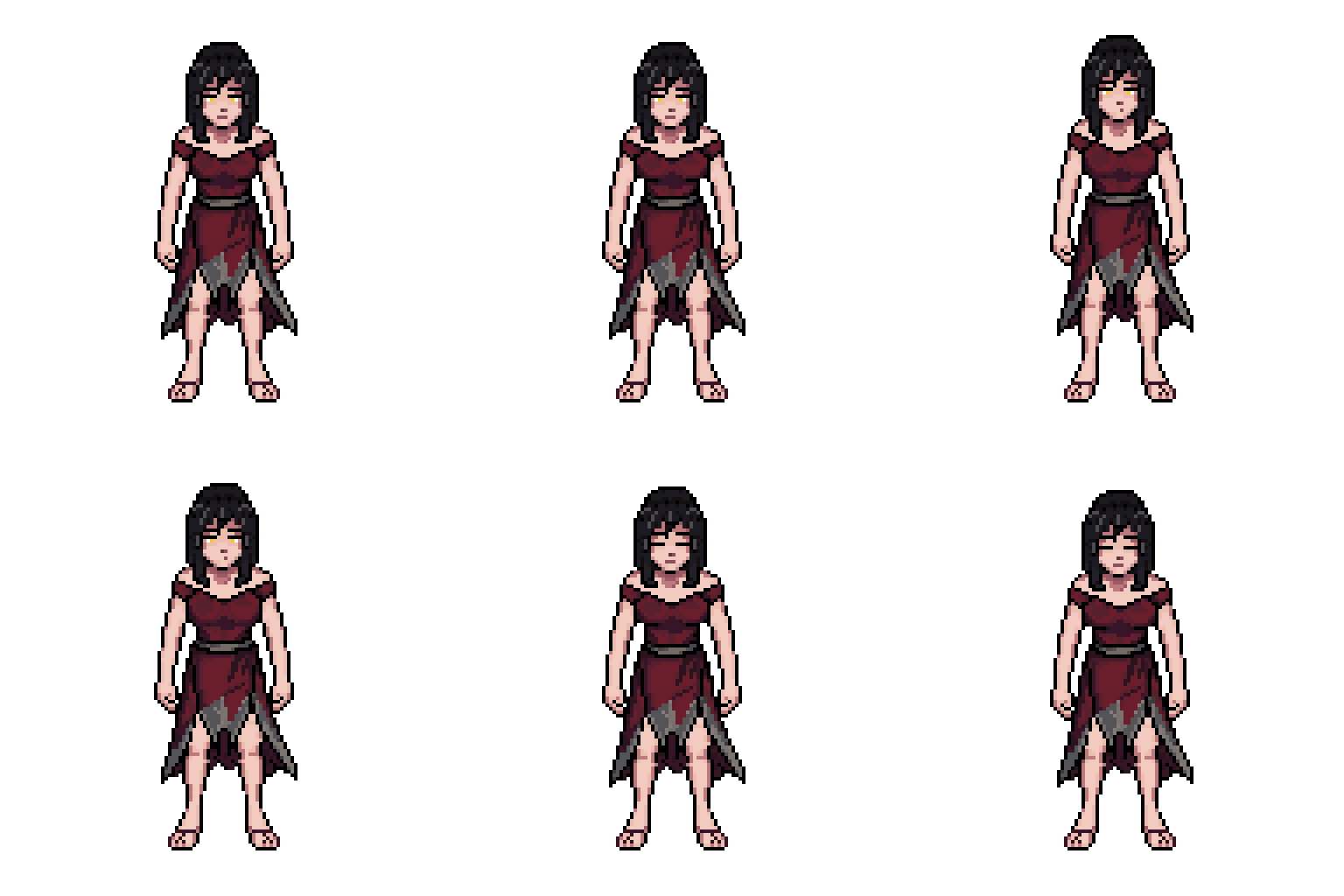
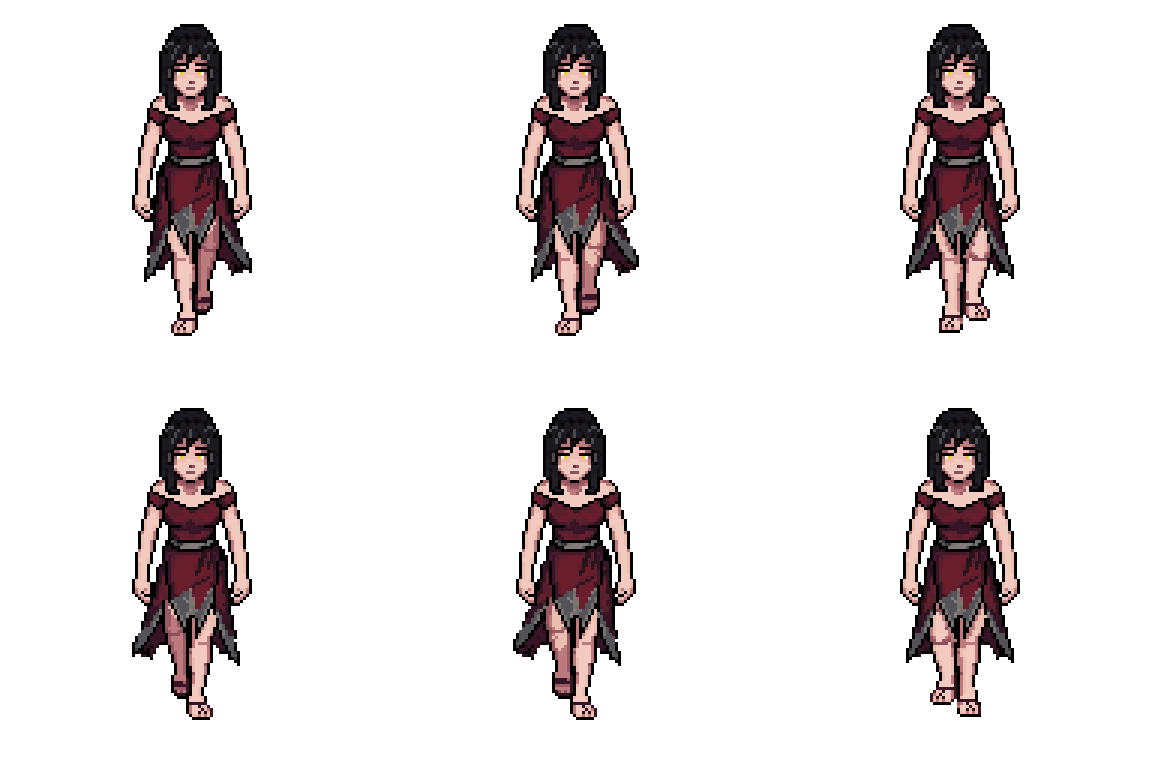
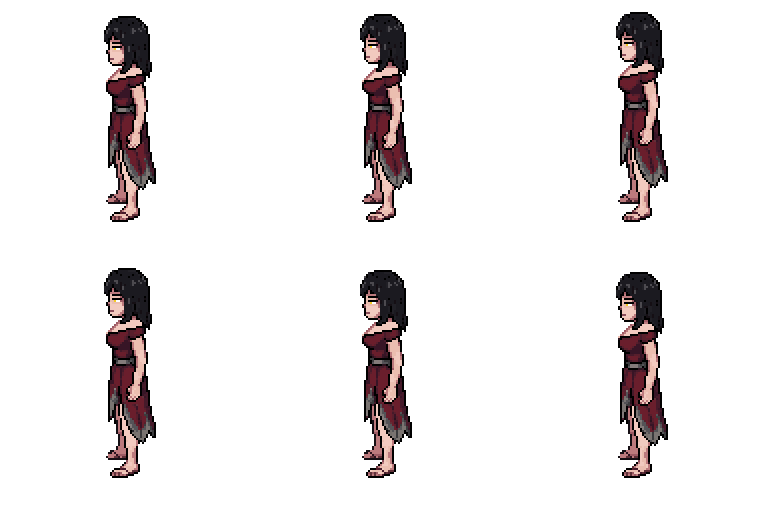
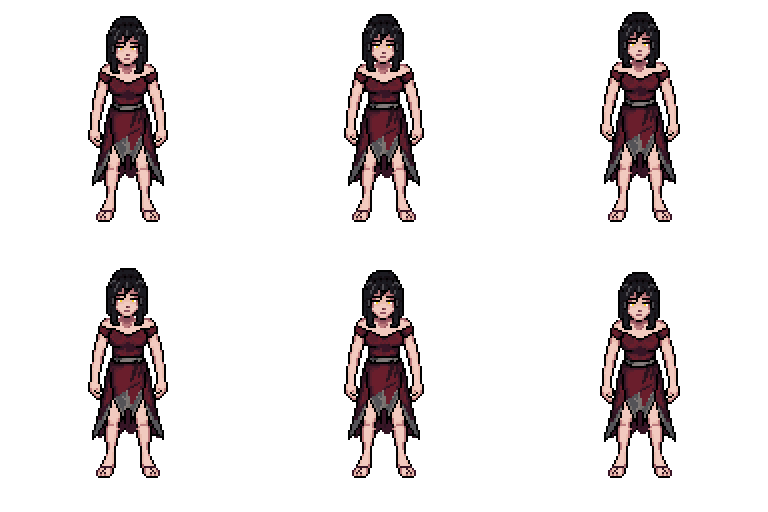
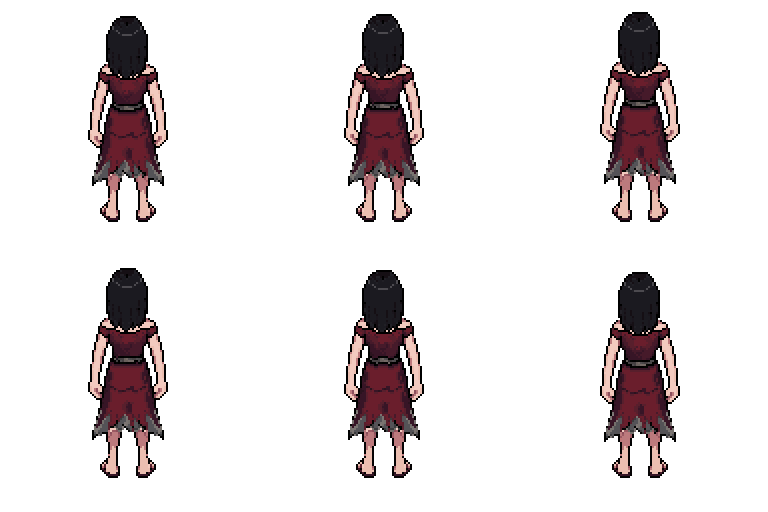
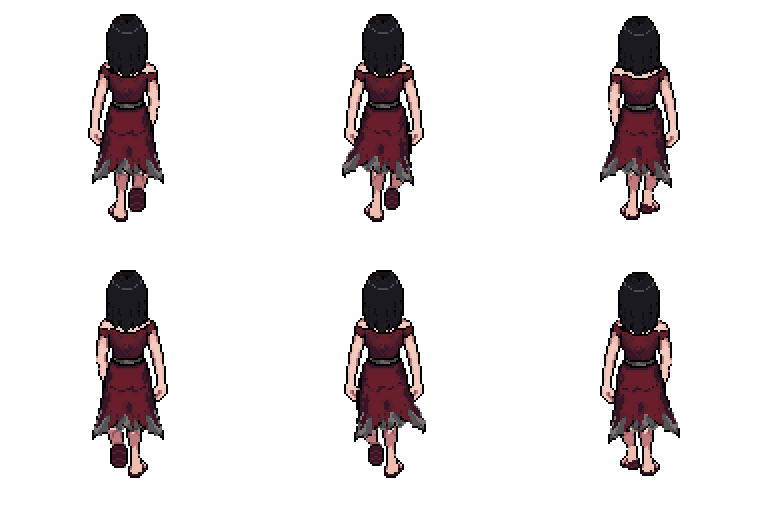
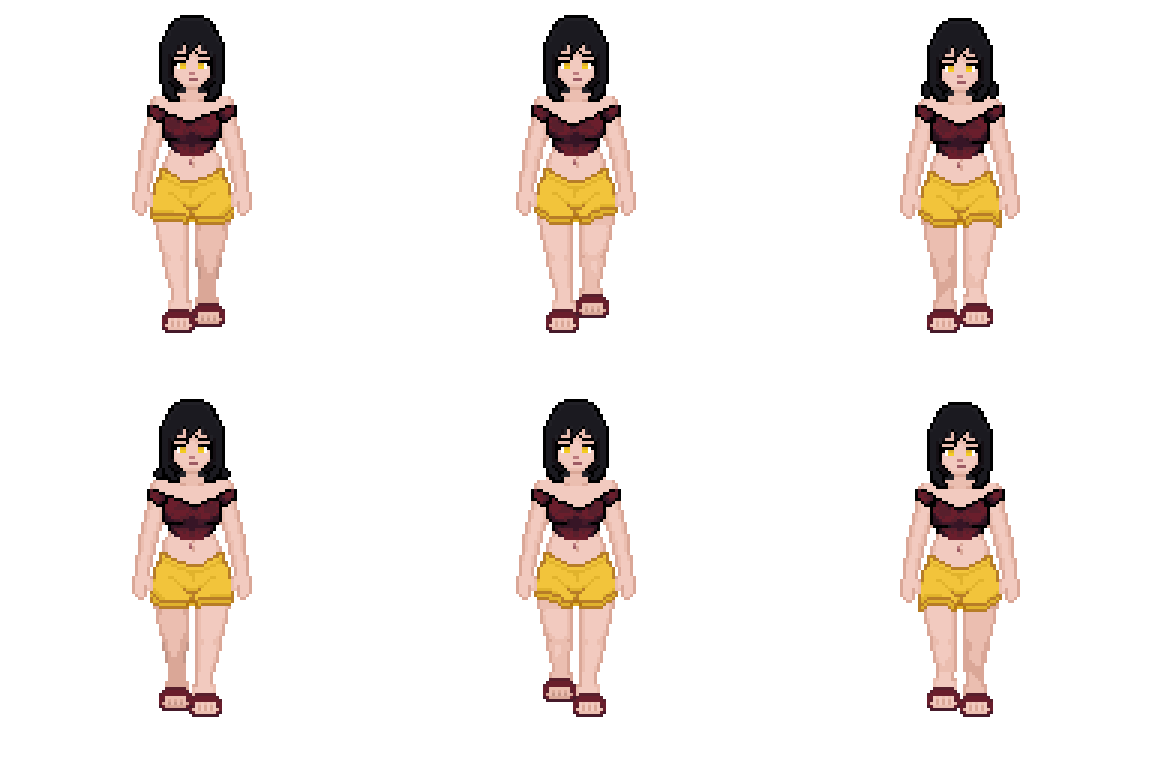
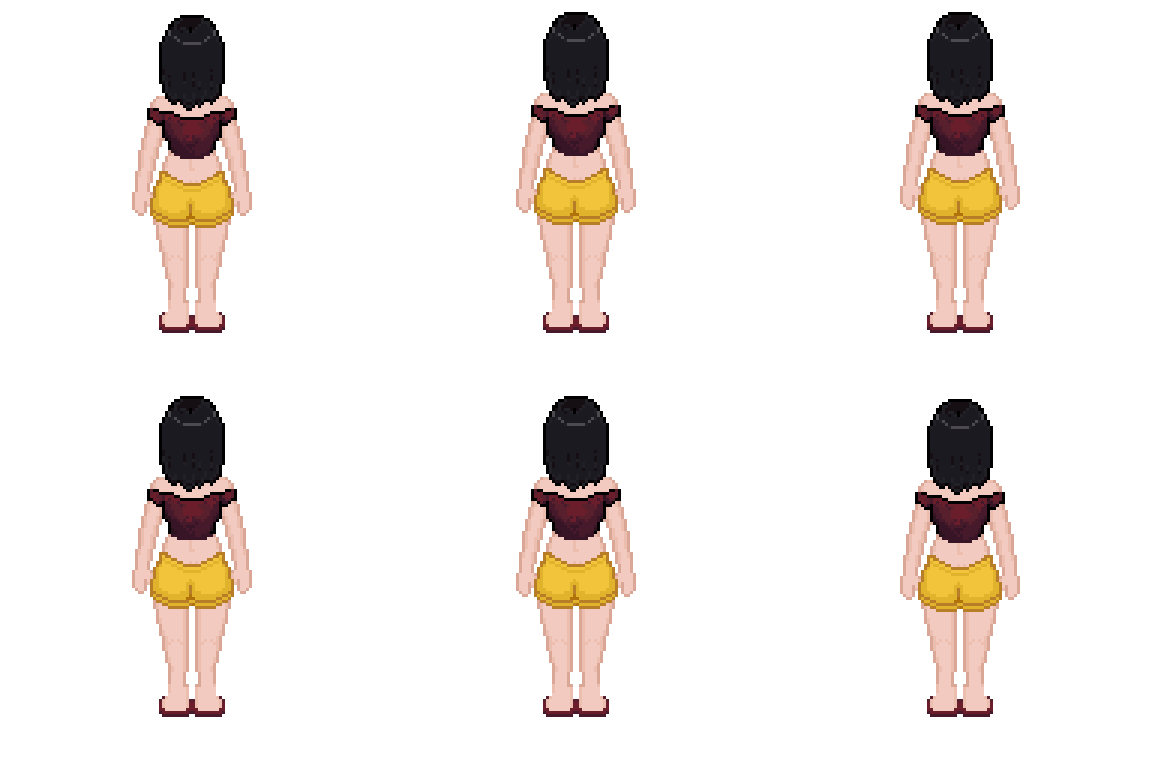
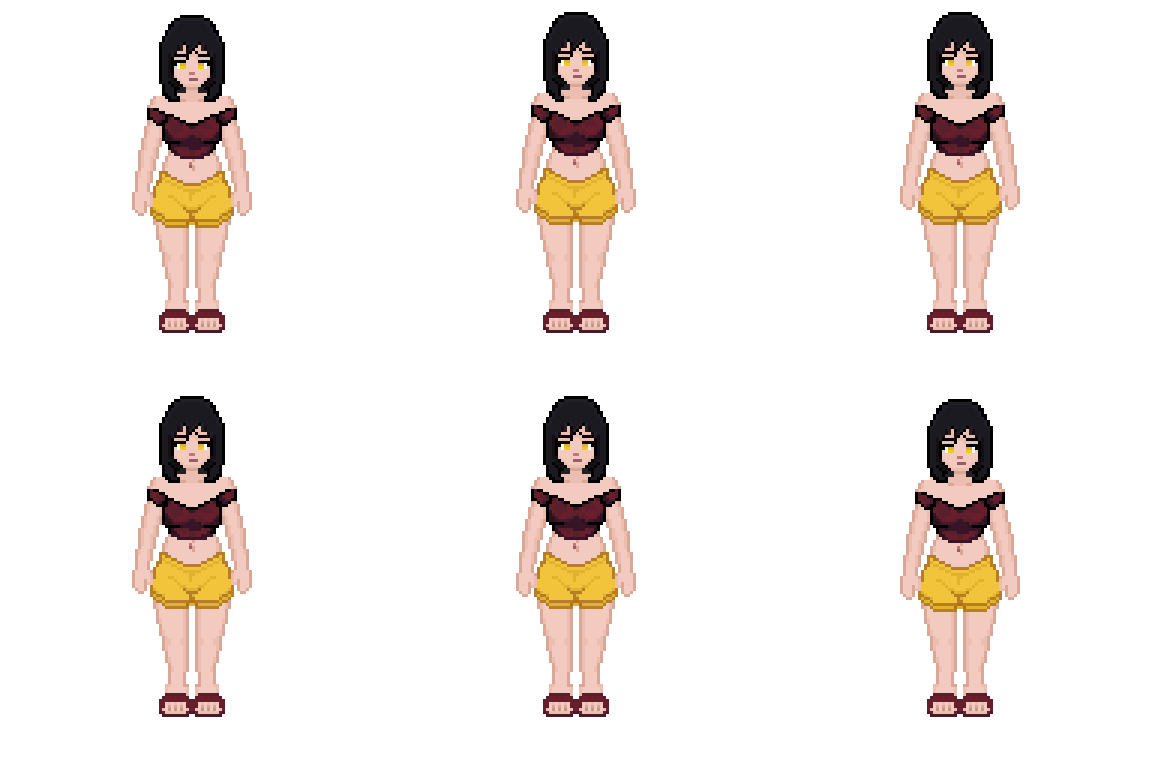
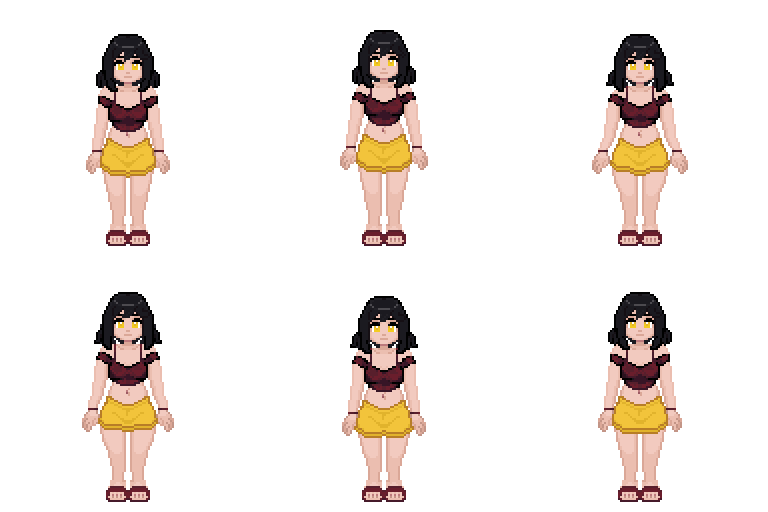
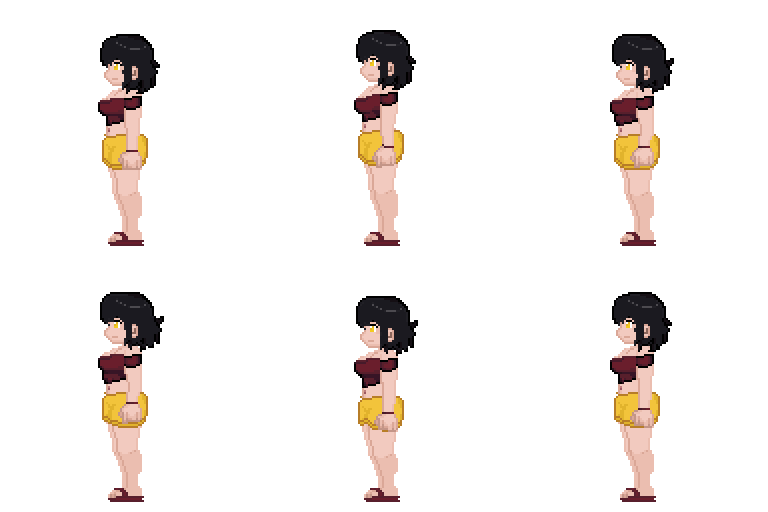
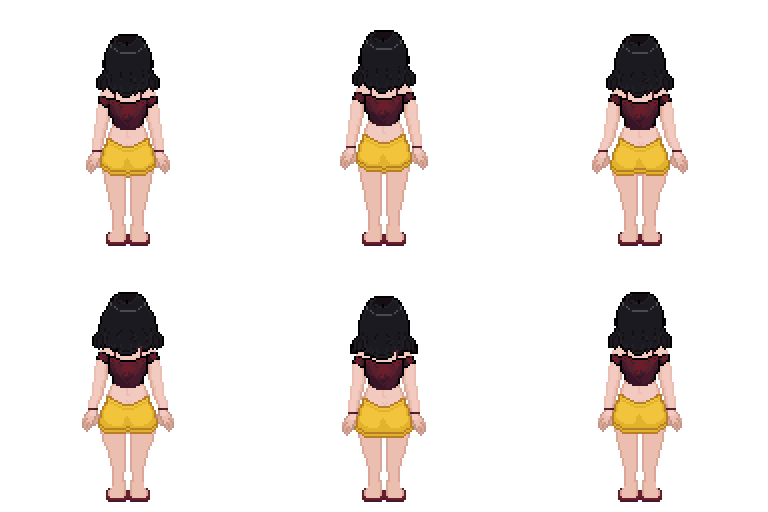
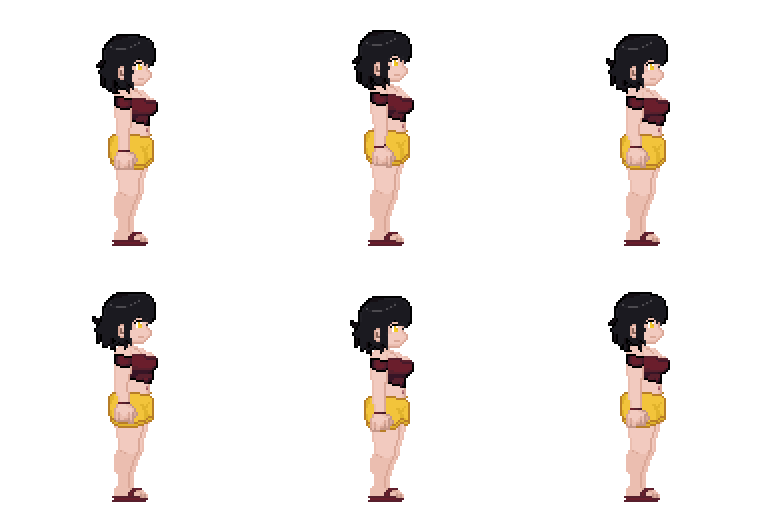
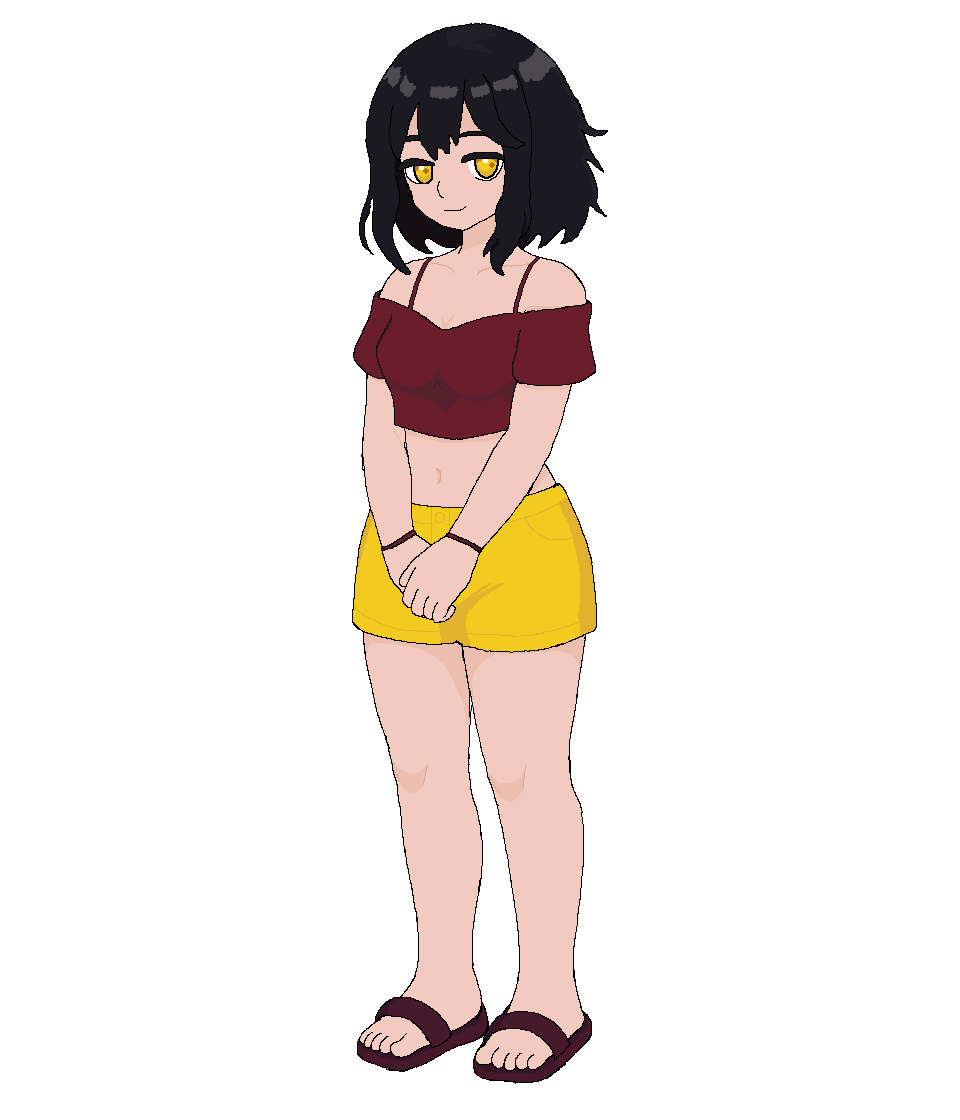
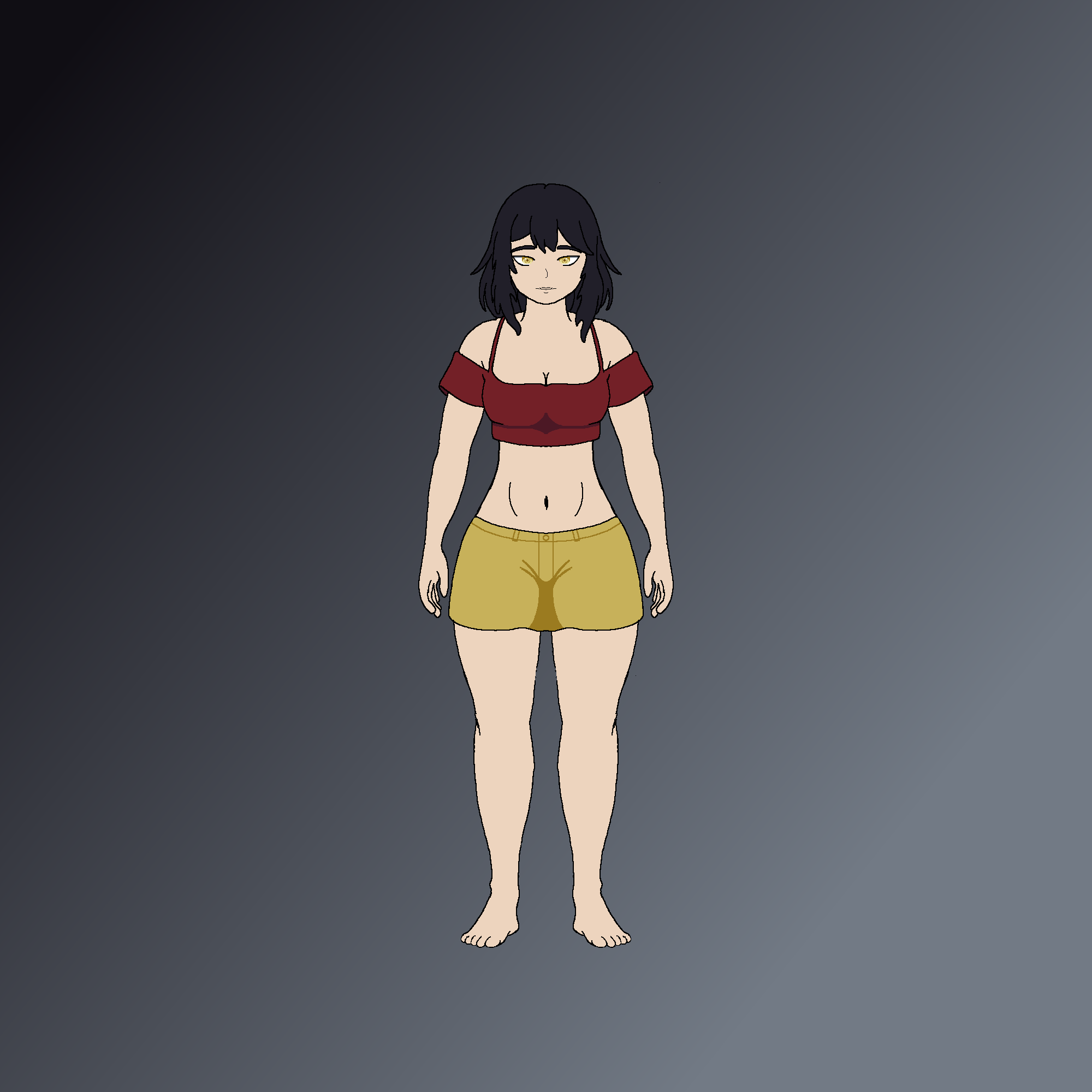
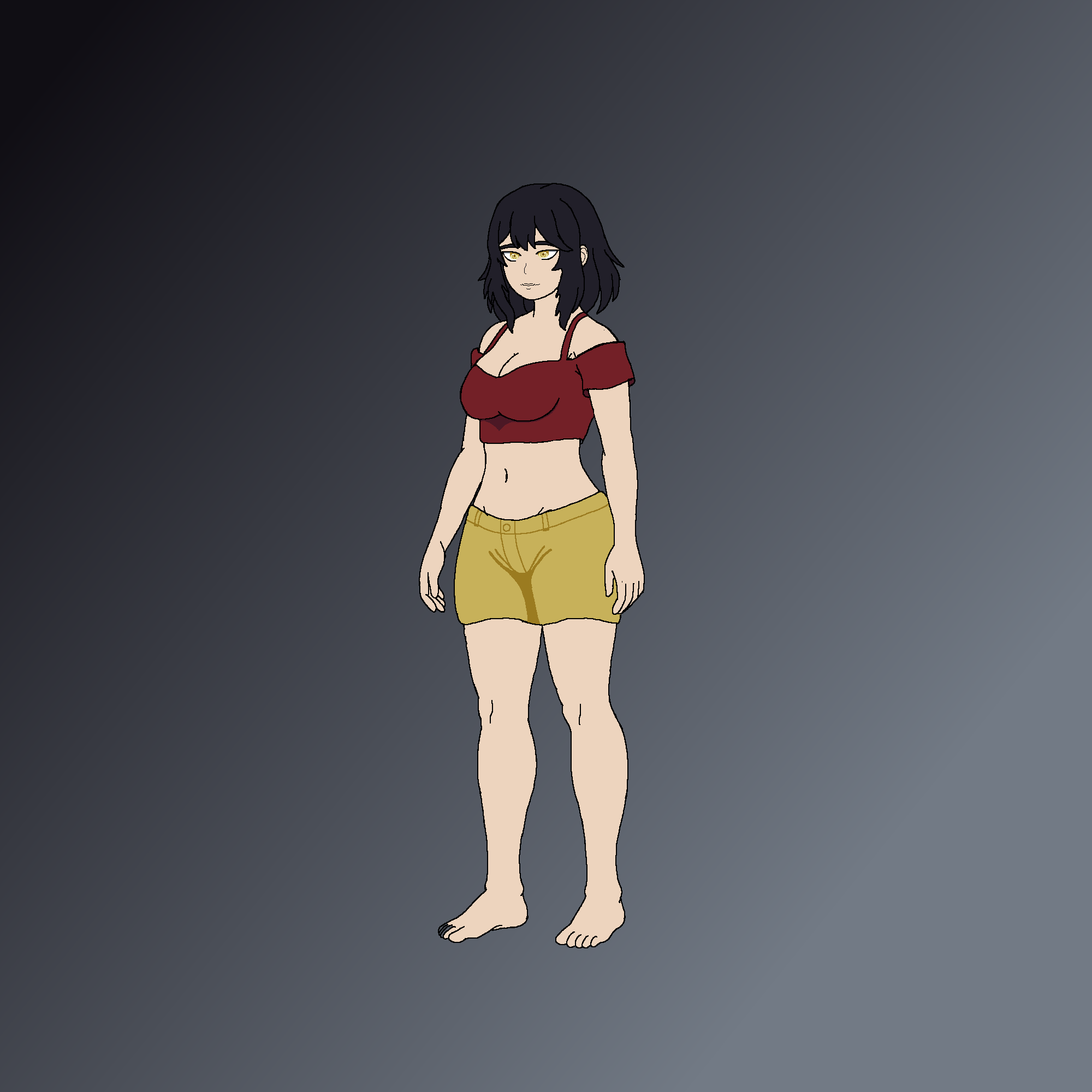
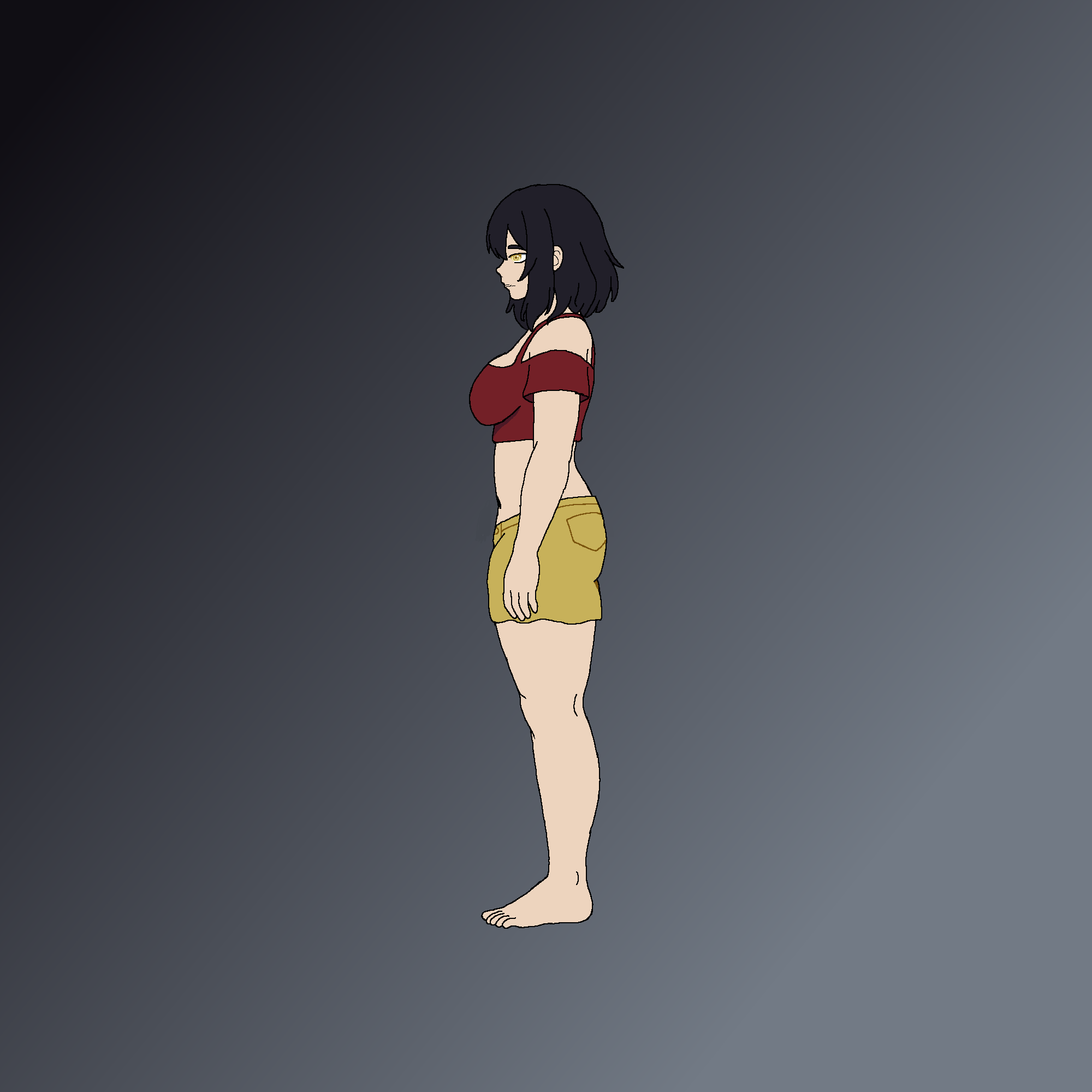
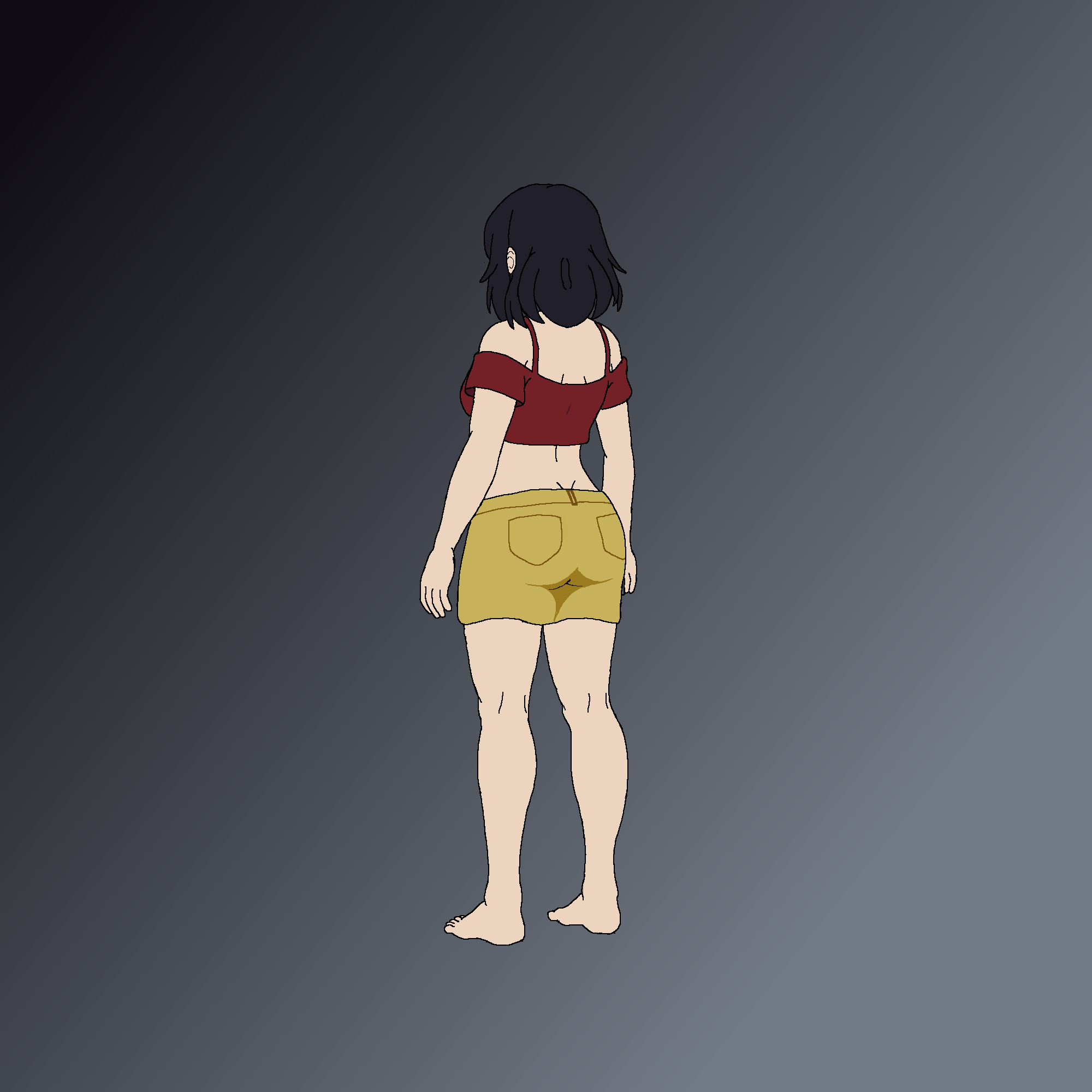
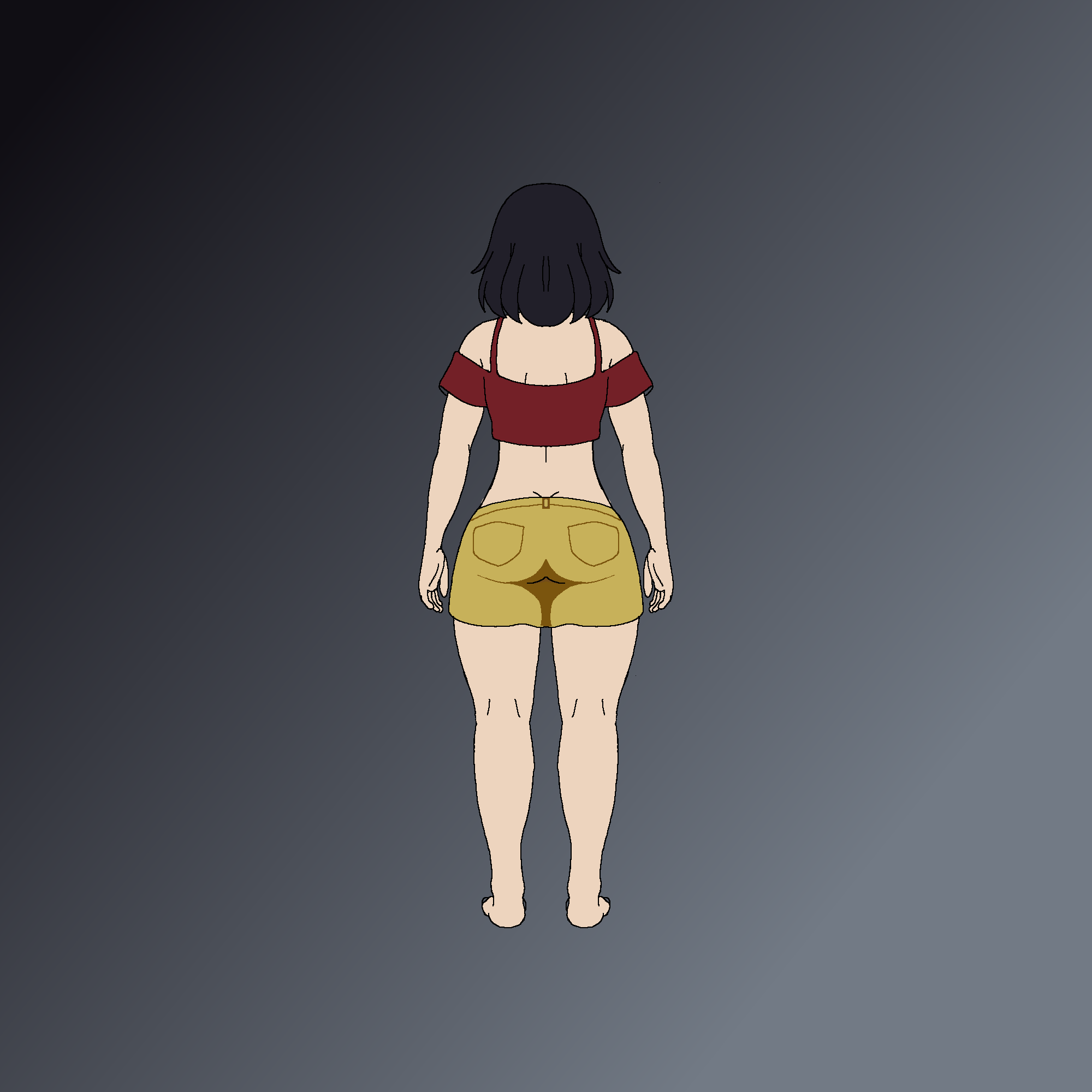
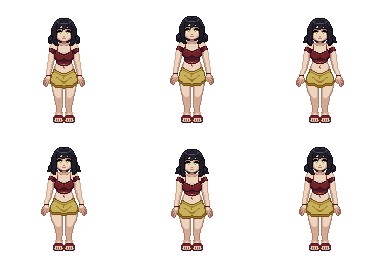
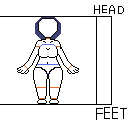
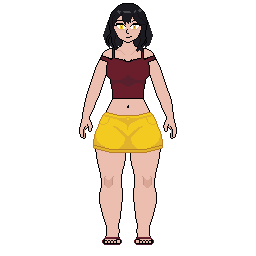
Howdy hey, I don’t post anything really but I know there are a whole cavalcade of artists and developers who have tried their hand at this and I wanted to seek out some advice. I have been messing around in rpgmaker and got a plugin that lets me make sprites go beyond the size limit of the maker but needed advice on how to properly make frames in between look nice in a looping idle animation. What I have are a front facing and back facing sprite doing subtle movements to simulate movement but I think it needs some redoing, I didn’t know how to expand the chest to simulate breathing properly and don’t know how to subtly move the arms without needing to completely redo them to not look weird. I also don’t really know how I should move clothing in general. If you have any thoughts, I would love to hear them and read them; I would also be more than willing to try other idle animation idea’s thrown my way.
I put this in general discussion since I didn’t know which category or tag to use for this post. I couldn’t add “question“, or “pixel-art“ to this. Thanks for changing the category and tags Krod.
Generally for a breathing animation the legs don’t really move, and having the shins get longer looks a bit off in general. Unless you’re stretching or smearing something to emphasize movement for something to change shape like that it should be rotating along a joint and the whole thing shifting.
For the chest itself, look in a mirror and take a deep breath, noting how your own chest moves. It’s less of the boobs expanding like you have now and more of the whole upper torso moving up and forwards.
For the clothes and hair and when they should move, the way I think about it is that the less rigid the material is the more it will “lag” behind the core movement. In the examples below the only difference is the small circle is set one frame back in the bottom animation, but it makes it look waaaay less rigid.
You don’t have to move entire parts out by a whole pixel, sometimes even shifting one pixel on a diagonal line or curve can imply more subtle movement at this resolution (or you could do sub-pixel movement, but that’s not really a beginner technique).
It can be helpful when you’re doing stuff with a strong outline like your sprite to worry about just how that looks and fill in all the color/detail/shading after you’ve got the broad strokes of the movement right so you don’t have to redo it all when adjusting the movement.
Thanks for the shotgun of idea’s. I tried some of the things you shot my way, I also was wondering if there is to much thrown in at once, like the blinking and the hair along with the diaphragm compressing. I also plan to smooth it out by coloring the torso better in each frame to flow better.
I also didn’t want to keep making the torso longer so I slightly extended it then stretched the upper body and then compressed further. I forgot to mention this in the original post but the idle animation is in 8 frames. I have not done it for the back idle yet, but I wanted to see what suggestions you had. Thanks again for the help earlier.
(⌒▽⌒)
Consider having her shoulders lower just a pixel over the course of the loop in addition to what you have.
Try breathing to match her, it seems too fast!
Every part can be redrawn every frame. Especially with pixel art some people will just translate and scale parts and they miss lots of things.
Not drawing each frame from scratch makes it likely things won’t morph and therefore feel stiff. Redrawing each frame means you have a choice to draw it the same or not. And drawing the same is valid and will make the animation feel realistic, grounded, and not too floaty. If you study video reference, you will see this happens in real life too.
Record yourself and watch it. Even multiple angles, since everything moves in 3d. It will show you what to look for when you draw every frame. Your ability to compress what you see in the reference into a reusable idea for a drawing will improve over time. It does not even take many hours if studied well.
You may consider not doing straight-ahead but rather two extremes, then figure out how you want to go between. It is easier to keep in proportion this way. You may have pose A on your timeline and pose B. Duplicate pose A to after pose B so the frames are “A B A” so you can flip frames forward and backwards and feel the motion as you add pixels on the in-bwtween.
Animator’s Survival Guide is a decent book full of ideas and how they answered this question.
When you get experience, this question will still be hard, but you will have an intuition of motion you’re working with that you’re figuring out how to express.
(◞‿◟)
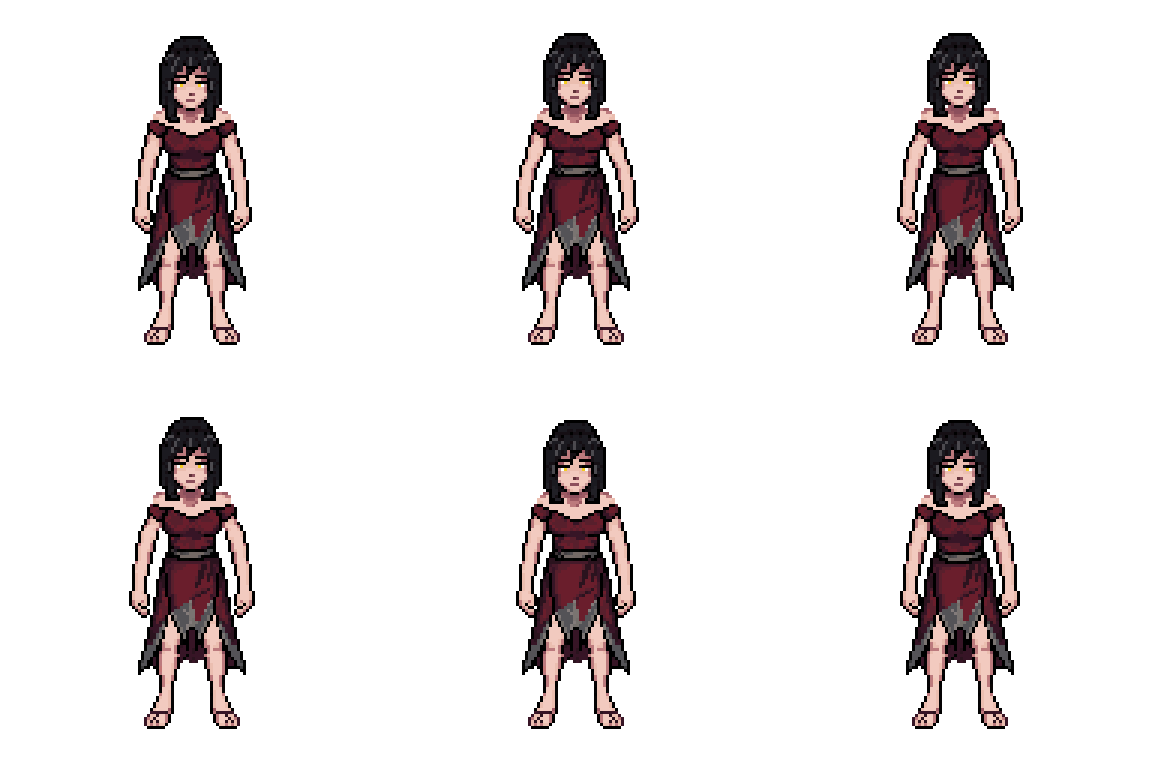
I gave it another whirl in the free time I had for a bit and I removed the dress swaying since it made no sense, she isn’t moving her legs and there is no inherit breeze. I instead tried moving the head slightly and I think I got the diaphragm to look like its breathing. I tried to move the arms slightly on breathe intake but feel like something is off. Also I tried to mess with the shoulders, I tried lowering them but then it looked really strange when her hair also frames around her shoulder area. So for that I decided to try simulating her shoulders raising a bit when breathing in. i also staggered the hair and removed the full curl since I thought it looked better without it. Here is my latest attempt at this, and I think it looks way better than my first attempt posted.
I feel its the arms that need the most right here, after what I tried.
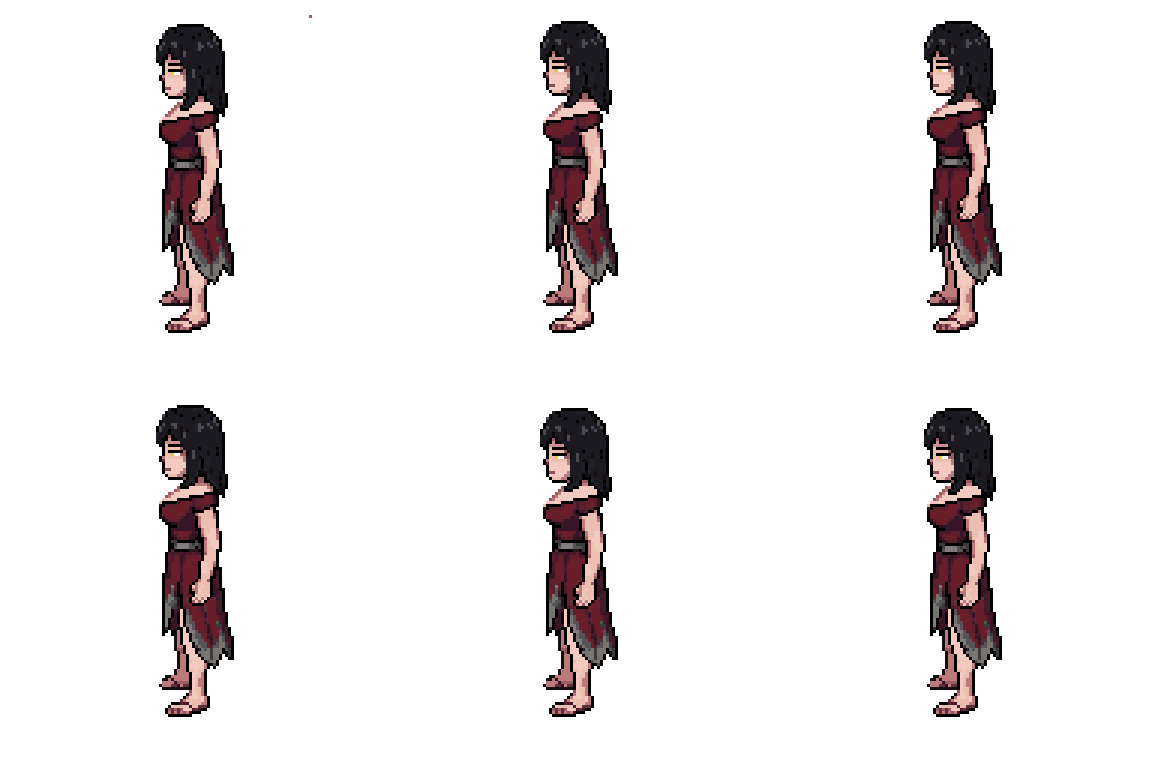
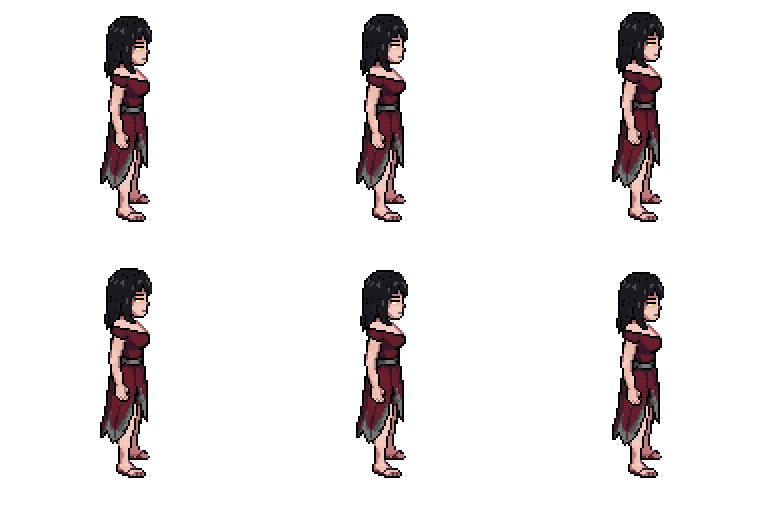
I have returned after some free time came my way, I have the idle poses for the side view and tried to make it follow the same movements as the front and back but I think the arms moving up and down her look better and could be the route I use with some different movements there.
Edit: I removed that rouge dot of color on the left facing one in my aseprite file.
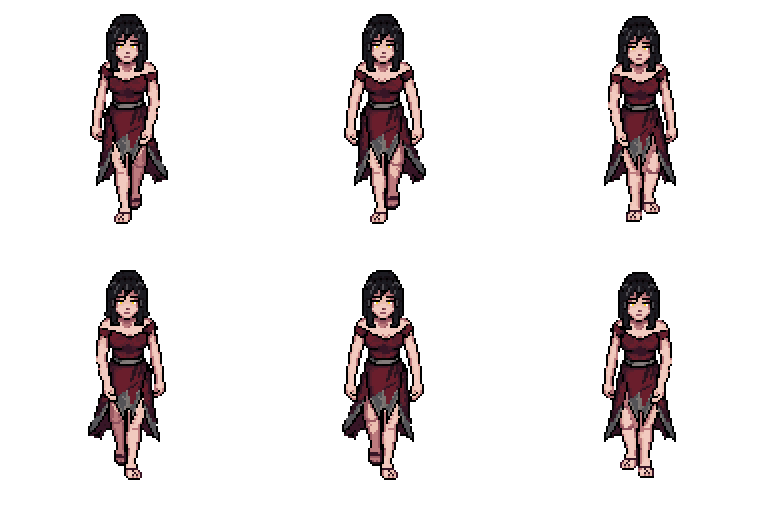
I have returned after almost 2 weeks away while busy and now with progress on walking which I didn’t realize would make my head hurt. All of these things I have posted are my first cracks at animation instead of drawing still images, so I apologize for the glaring issues.
I did not finish making the clothes move, the arms move, or even add facial movement on this since i just wanted the legs to look like they are walking forward and wanted to hear thoughts on it before moving forward if anyone wants to shoot them my way.
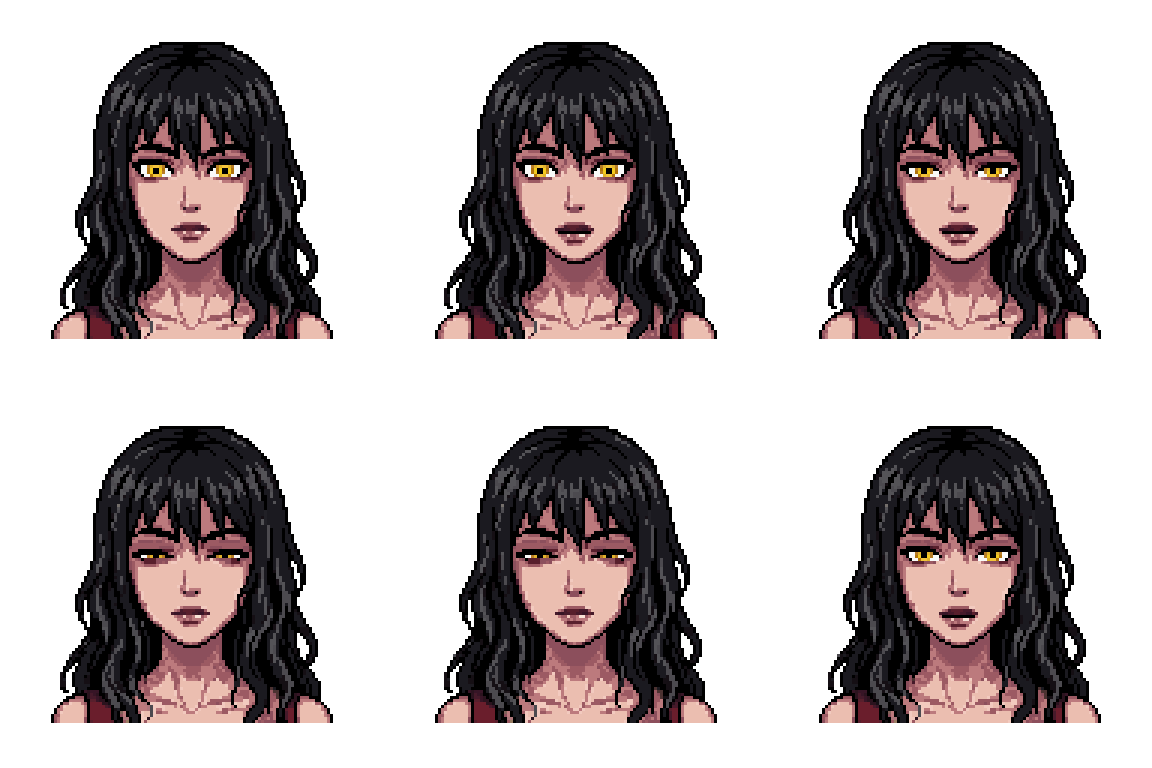
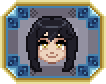
Thanks for the compliment on the skirt, I got some more free time and come with the rest of the moving pieces while trying to learn how people walk in general. I will touch up colors once I make the rest and can take a good look at where to shade properly. It should be faster to make the other directions now that I have this as the base for the back facing one and the sideways ones have been easier for me. I would have had the walking done much faster but my brain trailed off to the thought, “what if I made a face icon for text logs or speech logs.“. So here is that end result and please don’t ask me to move the face icons hair because I have no idea how to make it look good. If you have ideas for other faces I can make as well I would love to hear what you got.
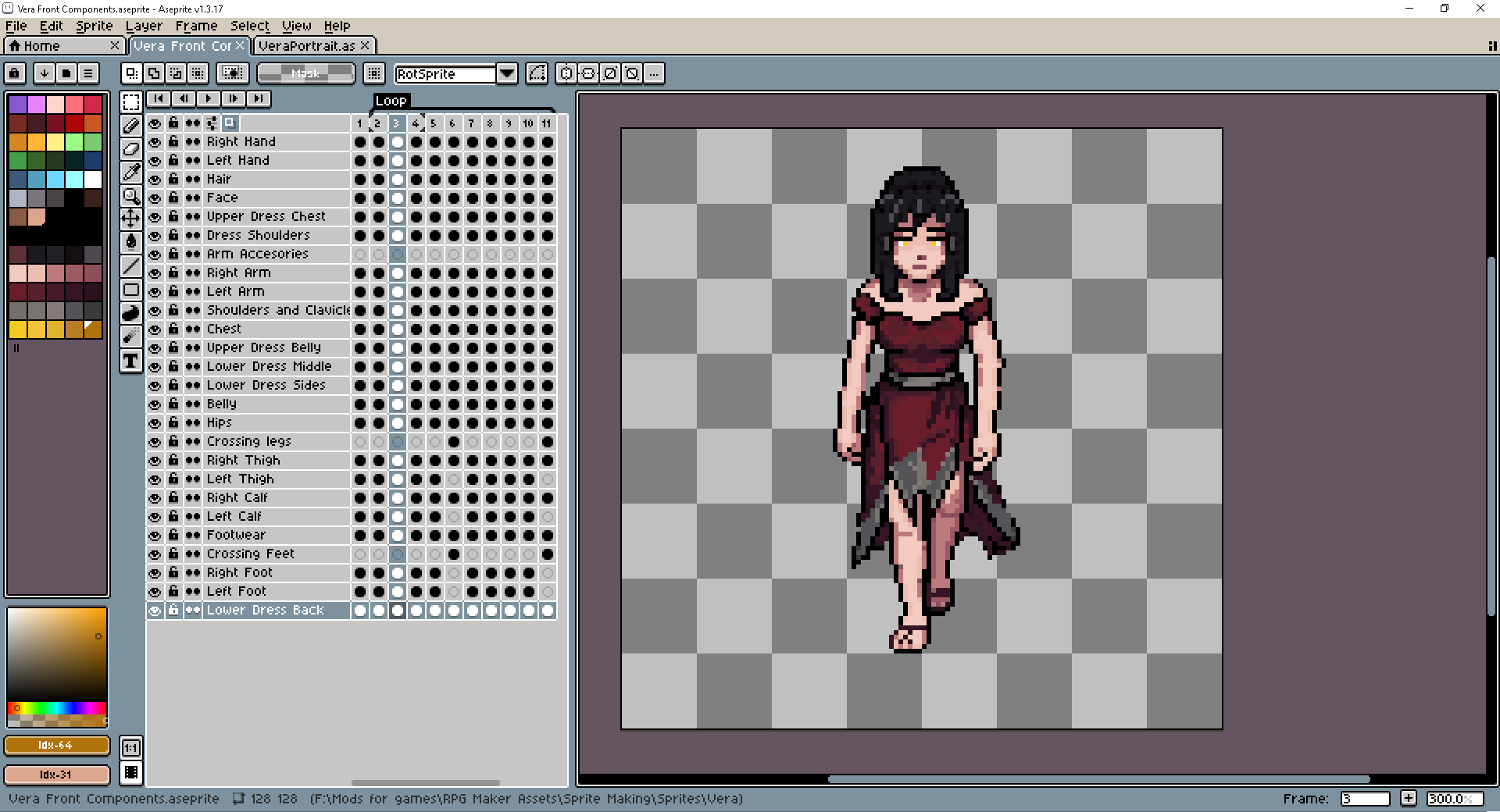
I also took a really long time making sprites before because of something stupid, my siblings gave me advice for drawing in general when using a computer. They told me to use layers which In hindsight was stupid not to do. Now I have a cleaner setup with saved pallette’s and files saved as components for each directions like this.
I also made a simple monster to use as a battle sprite, this little guy was made before I started working on the character that started this entire post. I have been messing with rpgmaker for a month now and have been making animated monsters that change animations when idle, attacking, dead, attacked, or hit with statuses, Its from this neat little plugin I found on itch.So here is one of the first I made which needs much more work now.
Hello again, I came to show some progress and learning and with a question in general. Here are all of the sprites so far, I went back to touch up colors and change the older idle movements to match the side profile since i thought that looked better. I also finished making the back facing walking sprite and made sure that all of the components are layered properly and overlap where they should.
My question is for my understanding, when drawing a walking/running sprite sideways or the side view, how far should the arms and legs move when stepping forward. I know the arms shouldn’t swing high and the legs only lift a small amount with the calf and foot moving the most due to being connected to the thigh. I am having trouble wrapping my head around the placements.
Howdy Hey, I’m back after a few months practice using references, advice from friends and family, looking at tutorials and having the epiphany that I don’t need a myriad of colors. I’m here to ask a question for my character since i am redoing them again for the sixth time and want to ask about idle hands when walking since the first ones I have made are really stiff or don’t look like what a normal person would do, or should i leave them as is with no movement. I have debated having her walk around with her hands over eachother in front of her. I do need to work on the feet though.
Any suggestions or advice is welcome.
Here is her idle poses that I created the pieces for movement.
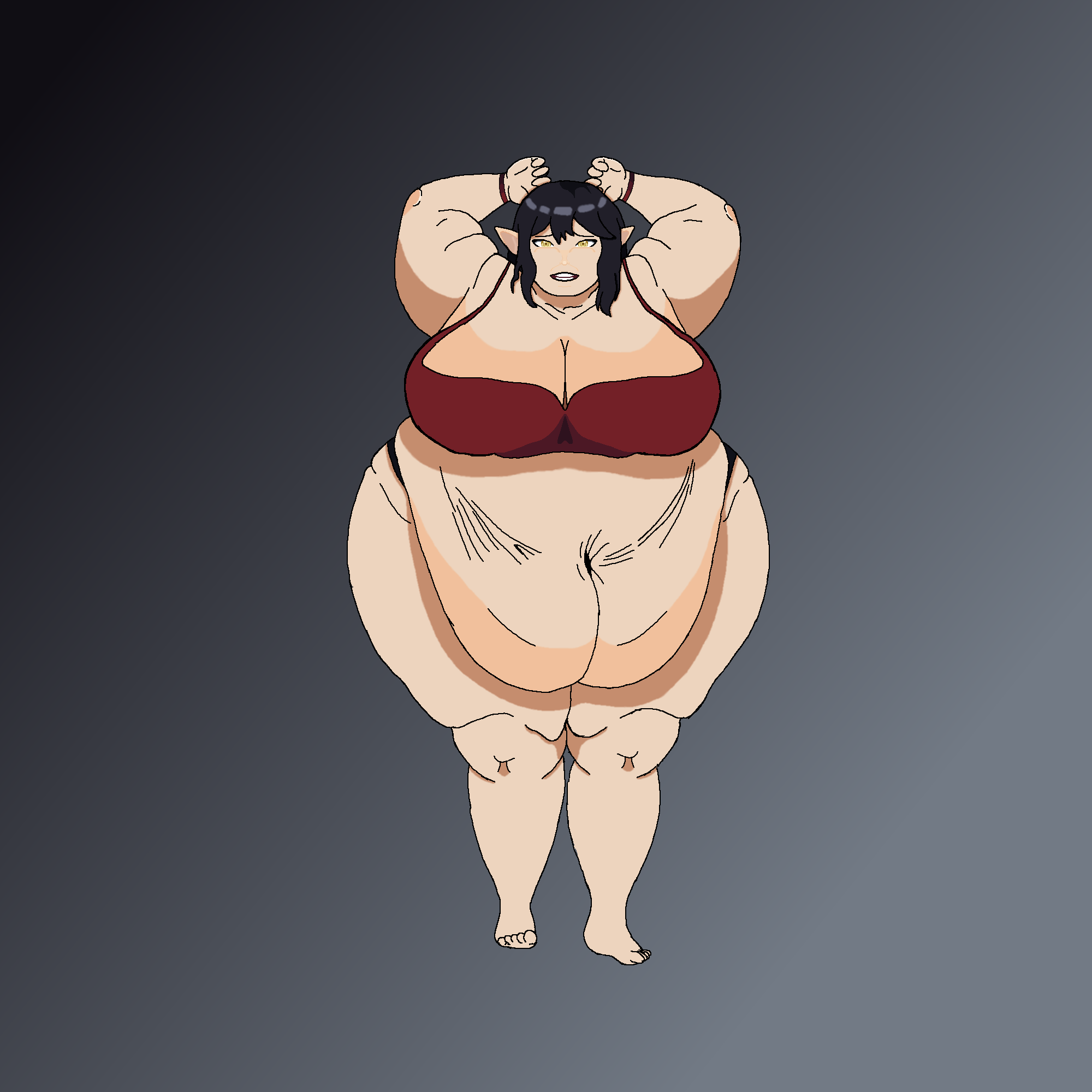
It hasn’t been that long since last time but I have been going through many more iterations of this character as well as started drawing actual non-pixel art and learning fundamentals. I think I got a more exaggerated movement going that fun to look at as well as staying in the realms of how a body should look. I also remade the head as well as how the hips and thighs move by simulating bending with squash and stretch while raising and lowering parts to look like she is bouncing on her feets. I forgot to make gifs of the most recent ones and noticed it now, the side views are missing shoulder straps and the hair is moving a lot more rigid than it does now.
Here is an example of non-pixel stuff like my character here and trying to her using a body reference from PoseManiacs. As I get better, I will have more game assets for my use. \o/
Woww, great job, you’re expressing so much more now!
I think if you ever do more subtle animations, the same wideness of expression will be there toned down, so it’s great you’re exploring it.
When you try the pose in real life (I do this for every animation), try feeling how your feet or paws roll as you bounce on them. That’sh another expression you can capture that will make it subconsciosuly real.
It’s so fun you’re learning fundamentals and bringing that to pixel art. It shows!! You really are making a new level of work now. I’m so excited to play your games and watch your animations.
ヽ(^ω^)ノ
Hello again, I got some more done and was trying a new style since I couldn’t fathom how to proportion anything with the previous large drawing of my character. Its not shaded, just uses flat coloring since I don’t want to go all in on something when I am still learning at the moment. I tried to make them all have the same proportions at the same height levels but I think the side view needs the calf to be a bit longer for the feet to line up with the other angles. The sprite is there to show that I actually got around to learning a little about color since it looked really flat before, I liked the approach I had so I stayed monochromatic but not just making a color darker, I was told to use hue and saturation to make it pop and I like the color scheme a lot more now, the skirt may be faded but it still works for me.
I have not been keeping a good trail of my practice so I don’t have much older things just stuff I started keeping track of at the end of august, but I look at old work I did at this point and I feel better about what I draw now but holy damn, I couldn’t fathom anything. HANDS WILL ALWAYS BE MY BANE!!!
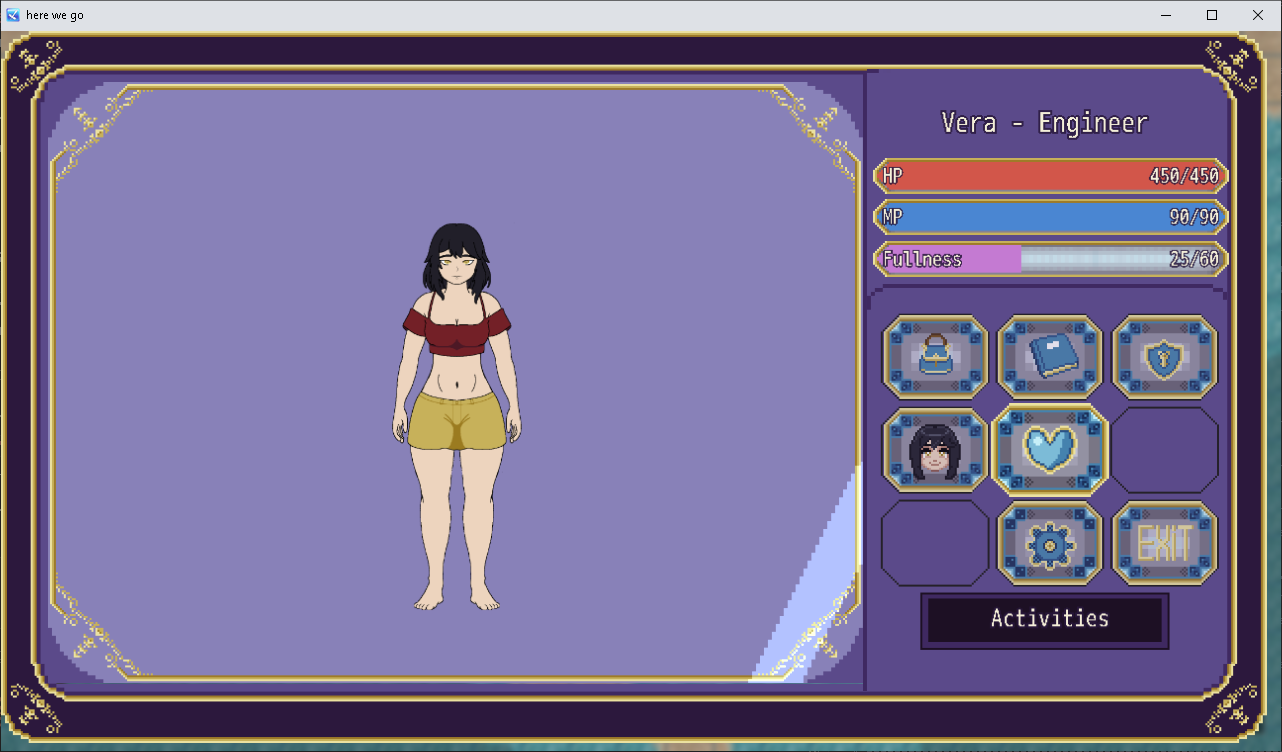
I didn’t do much drawing today other than sketches and gesture drawing but I wanted to ask for thoughts on how this menu came out. I got it working in the project and all the buttons and that little shimmer also moves. It’s not amazing quality but it’s mine and I like it.
I have started working on little monster like this little fella, Its supposed to be like a cracked open sapling and I haven’t drawn the syrup yet but It’ll get there. I got more idea’s for a forested area and the beach but I haven’t drawn them out yet. Slowly my little project comes together with the plugins done and dusted. I am still learning art and I definitely don’t know how to write but we march on learning on the way.
Here are the buttons up close on the panel, I’m not good at using the blend tool but it got the general look I wanted for the button that the icons sit on: