Ultimate sims 4 WG and stuffing mod list
DISCLAIMER: NONE OF THE FOLLOING MODS ARE MINE NOR WERE THEY MADE BY ME. IM JUST LISTING CONTENT CREATED BY OTHER PEOPLE. IF YOU ARE A MOD AUTHOR AND DONT WANT YOUR MAME HERE, PLEASE DM ME OR LET ME KNOW.
This modlist is made specifically with the purpose of WG an stuffing. Bellow is the list of mods organized by category.
Dependencies
These mods by themselves do nothing, but they are needed by MANY of the mods listed here.
Utility mods
-
MCC: This mod is really important. It allows you to control many aspects of the game only accesible through commands. Overall a really usefull mod and basically required if you are using mods.
-
Better Exceptions: Only needed if you are using old mods or mods that generaly dont work too well and tend to give problems. As its name says, gives better information about errors.
-
UI cheats: As its name implied. Gives access to commands but though the UI. A good example is setting a Needs bar to a certain level by clicking on it.
Misc
-
Meaningful stories: mood and emotions system redesign. The sims feel more human.
-
Relationship & Pregnancy Overhaul Collection: A collection of mods that overhauls every bit of relationships, pregnancy and more things.
Graphics mods
-
Cutlery replacer: This is actually a food AI upcaling mod, but i like the cutlery replacements they have.
-
Food Retexture Update: for the food i use instead this mod, they honestly look much nicer.
-
k-hippie replacements: this mod replaces a LOT of textures, they look really nice honestly.
-
20th Century Plumbob map replacements: not much to explain here, just world map texture replacements.
-
No Blu 2: A lighting mod that mostly gets rid of the blue tint on dark enviroments.
WG and fat mods
Main mods
-
Weight reactions: The sims react to changes on their own weight. Currently only negative reactions to WG. I have actually removed it because it was anoying to have the sims be sad all the time because of their weight.
-
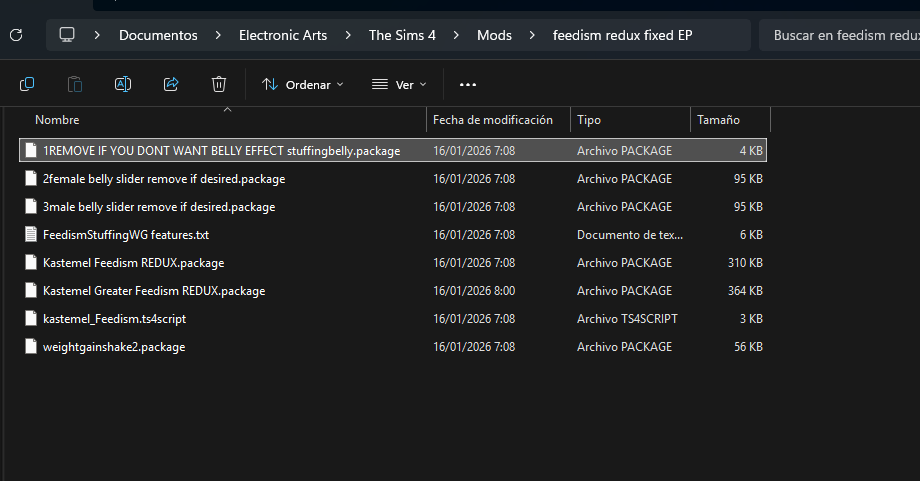
Feedism redux: Lots of nice things for WG and stuffing. Allows stuffing, add propper rections to being really full. The sims get tired if standing for too long when fat.
-
Fat fantasies: More reactions to gaining weight, some traits like fat admirer, and allows you to tease fat sims.
The mod is curreltly broken because of the version. It is still partially functional if the .ts4script files are removed. This is the last update released before the author lost access to the mod files.I made a fix myself, now the mod should be fully functional. Download the new version here -
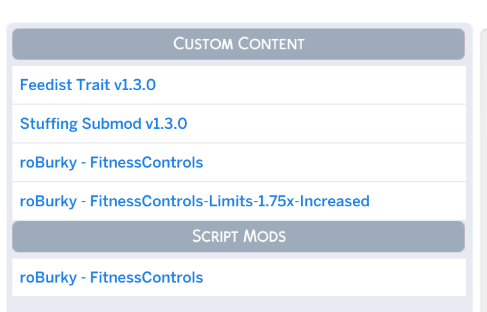
Fitness controls: adjusts how fast a sim gains weight. It also allows you to increase the max weight(size) of the sim.
-
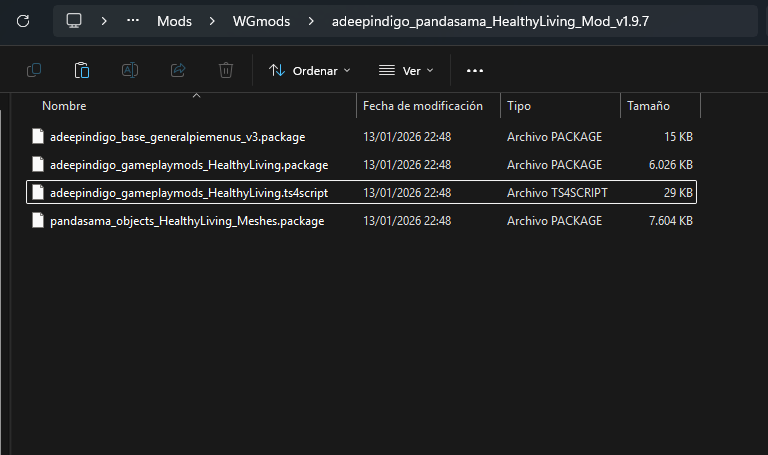
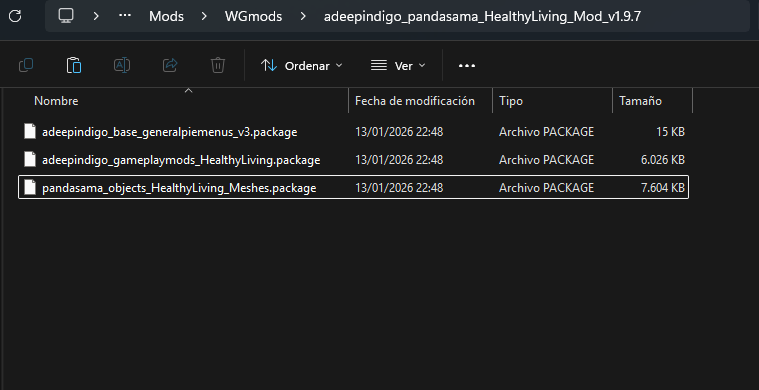
healthy living: A mod that makes unhealthy food unhealthier and healthy food healthier, it basically balances how caloric the food is. And also add many ways of staying healthy, which, if you are reading this, you crearly dont want lol.
Misc
- Gradual Physique Changes: makes the body change gradually instead of suddenly
Sliders
This work by basically draging the body around in the CAS editor.
Skin Overlays
These can be found either on face details or body tattoos (I know, not very intuitive).
-
Pralinesims: this site has some good face skins, there are a lot so im only listing the creator
Presets
Whicked whims
This is a Sex mod. Not much to explain.
The mod itself and many addons can be downloaded from the main site.
This List of Mods & Custom Content has more addons and content like animations and clothing to download.
IMPORTANT: If used with RPO collection, read this. The WW pregnancy system will not be used by default if you have RPO installed, you have to enable it.
Addons
-
Basemental Drugs - Basemental
-
Cumshine - Spent
-
EllaNoir_FlirtyFetishesBDSiM_vSept_ForAll
-
Wicked Perversions - Nisa K
Body modifications
These mods give options for body customization, overlays and such.
-
Female Body Details - wild_guy
-
BETTER BODY - hiroki
-
Pornstar Cock V6 - .Noir.
-
Allure Boobs - Sopor
-
EVE body - ephiny-asunder
-
Extra skin tones - TURBODIVER
Content authors
This are all the authors i donwloaded content like animations, clothes and devices from.
Animations
-
Khlas
-
Azmodan22
-
Lupobianco
-
Azmodan22
-
GreyNaya
-
Amra72
-
Anarcis
-
Anonny_Animations
-
ooOLaLaWorld
-
Supern4tural
-
Vivid369
-
Zorak
-
SexyLunella
-
Wild_guy
-
YrSa
Clothing
-
Beto
-
Harmonia
-
LittleDoxy
-
Blue Craving
-
Myobi
-
Wild_guy
-
Skarrd
Objects and devices
-
YrSa
-
Azmodan22
-
Supern4tural
One link download
WARNING: I WILL NOT UPDATE THE MODS ON THE PACK IF UPDATES FOR THEM COME OUT, MODS COULD BE OUTDATED ORE BROKEN BY THE TIME YOU DOWNLOAD THIS. PLEASE CHECK THE RESPCTIVE AUTHORS PAGES FOR UPDATES. AGAIN, IF YOU ARE A MOD AUTHOR AND DONT WAT YOUR MOD HERE, DM ME OR LET ME KNOW
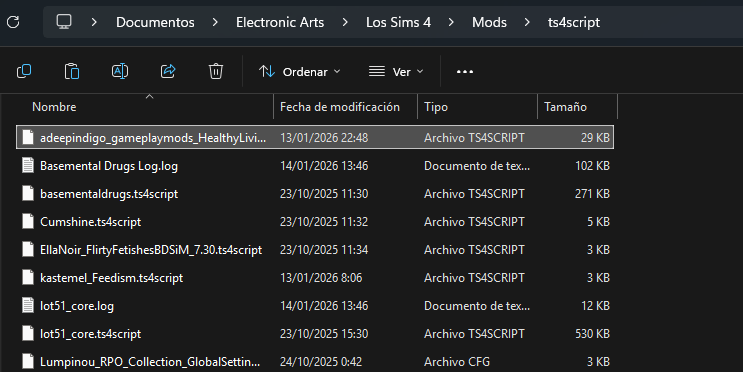
If you want to modify the pack and add or remove mods, keeep in midn that the mods folder is organized in such a way that the mods are more or less organized the same way as i organized them on this list, this is why you have to swap the Resource.cfg file too, i increased the depth at which the make recognizes .package files in order to do that and keep it clean. You will notice a folder names ts4scripts, this folder houses all of the .ts4scipts, which the game NEEDS to the at level 0 or 1 (basically 1 folder deep), if you put them deeper, the game wont recognize them. You can install mods normally tho, i did it this way so that is easier for me to find and swap mods quickly without scrolling for ages.
Now the folder structure is normal. Doing this messed up mods with both .package files and .ts4 files. I tried to keep it fairly organized tho.
If the link somehow dies let me know please. I really hope this doesnt nuke my accouunt
Install Instructions:
-
Download the .zip
-
Unpack it
-
Put the folder named “Mods” on your …\Electronic Arts\The Sims 4 folder, the same one with your saves, screenshots and such.
-
A Mods folder may already exist, if it does, just override it.
-
If you have mods already installed. You can just add the mods inside the donwloaded Mods folder, inside your Mods Folder. Carefull with compatibility issues.
-
You then have to enable mods and scripts on the sims 4 options.