Is here someone who knows how to do good AI work?
I am of course talking about anime fat art, any tips?
My pics are ok but I think there are still a lot of mistakes or artefacts.
2 Likes
I assume that what was brought up here still applies
Spend a few hours (4-6 mayhaps) experimenting with models (I like Dreamscape meself) and negative prompts and stylistic universal prompts (I used a weighted DAZ34 vs 30mm prompt as the core of the images in Unstable Frienemies, for example). Pay a lot of attention to weighing values (no pun intended), blending prompts, and ControlNets. If you’re going for extreme upper weights, you’ll need to learn to juggle inpainting extra width and folds and learn temperature management in order to force the model to give you that >~350lb level.
Lots, and lots, and lots of inpainting. If you have the rig for it, run locally.
Basically everything in the first two posts over on the link that Yamhead posted.
For my in-progress game, I ran a few hundred generic single person images and captured those that would be handy duplicated via the OpenPose controlnet. That’s proven handy - it’s a lot easier to, say, have the MC with her hands in her pockets if you already have an image of someone with their hands in their pockets. (Or stretching over their heads, or giving finger guns, or whatever)
2 Likes
Your best bet (if you have a PC good enough) is to have a local install, that way you have full control over everything. The downside is that it’s legit a skill you have to learn and practice, and not some easy cakewalk like people yell about.
Find the right models, the right LoRAs, figure out how to prompt said model and LoRA, what settings to use, how to inpaint, find all the good plugins, practice various techniques, use textual inversions, it all takes work. I got out of local AI a while back, and trying to get back in is like having to learn a whole new skill from scratch.
Ever since the XL models came out, everything just became like, 10x more complicated to use, and it doesn’t help that there’s been a rise in model makers not liking natural language in their prompting, so now every prompt just sounds like you’re coding, which I feel isn’t the right direction for AI.
Anyway, sorry for going off-tangent.
I guess one question is that I wonder what your setup is in the first place, as you DO seem to be genning AI art right now, but you didn’t say how.
My usual suggestion is “if you’re having issues, try another model”, anyway.
4 Likes
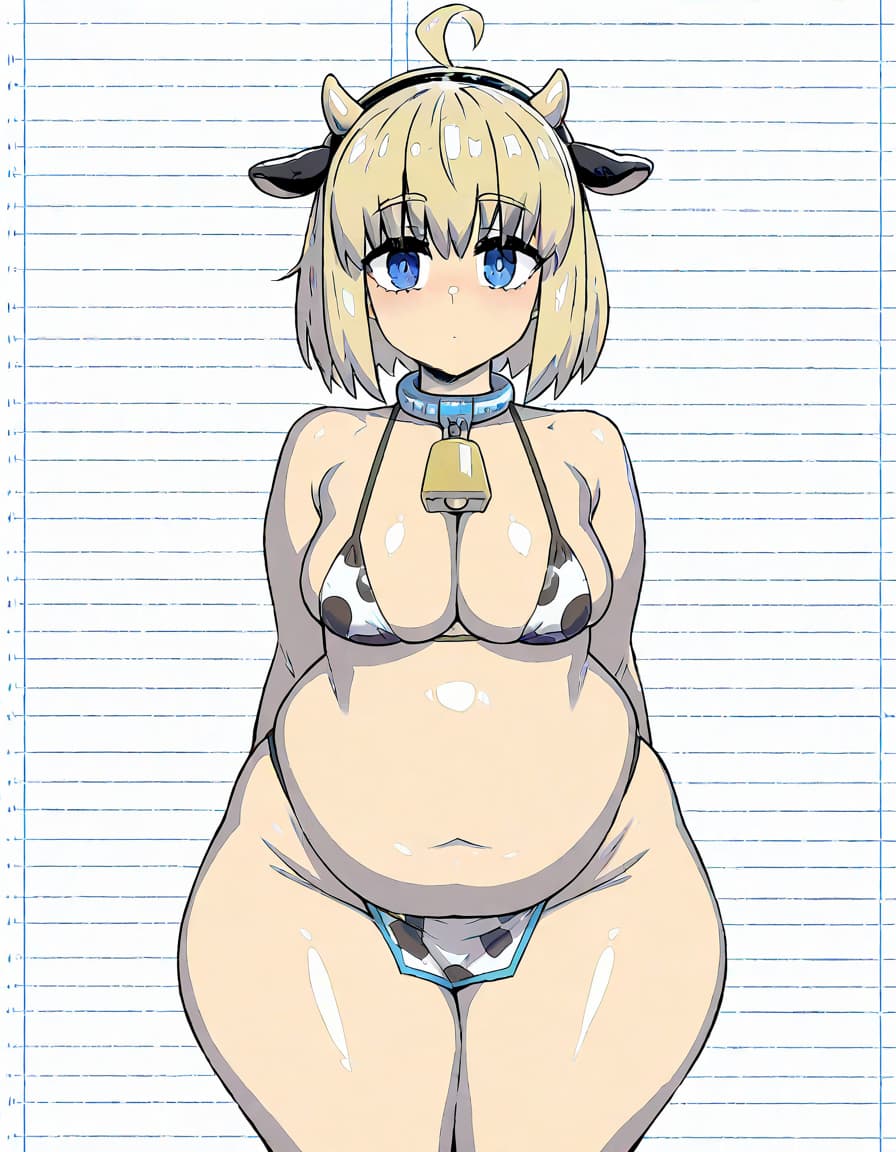
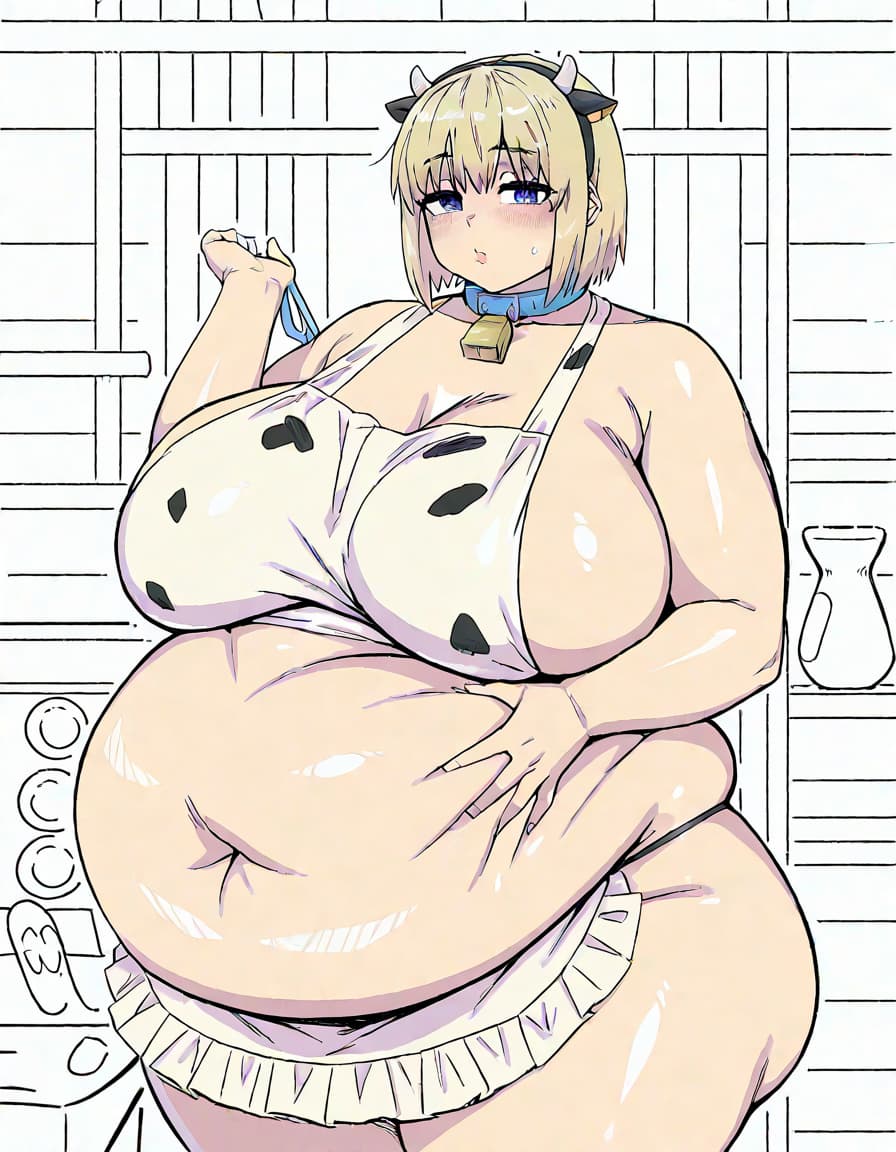
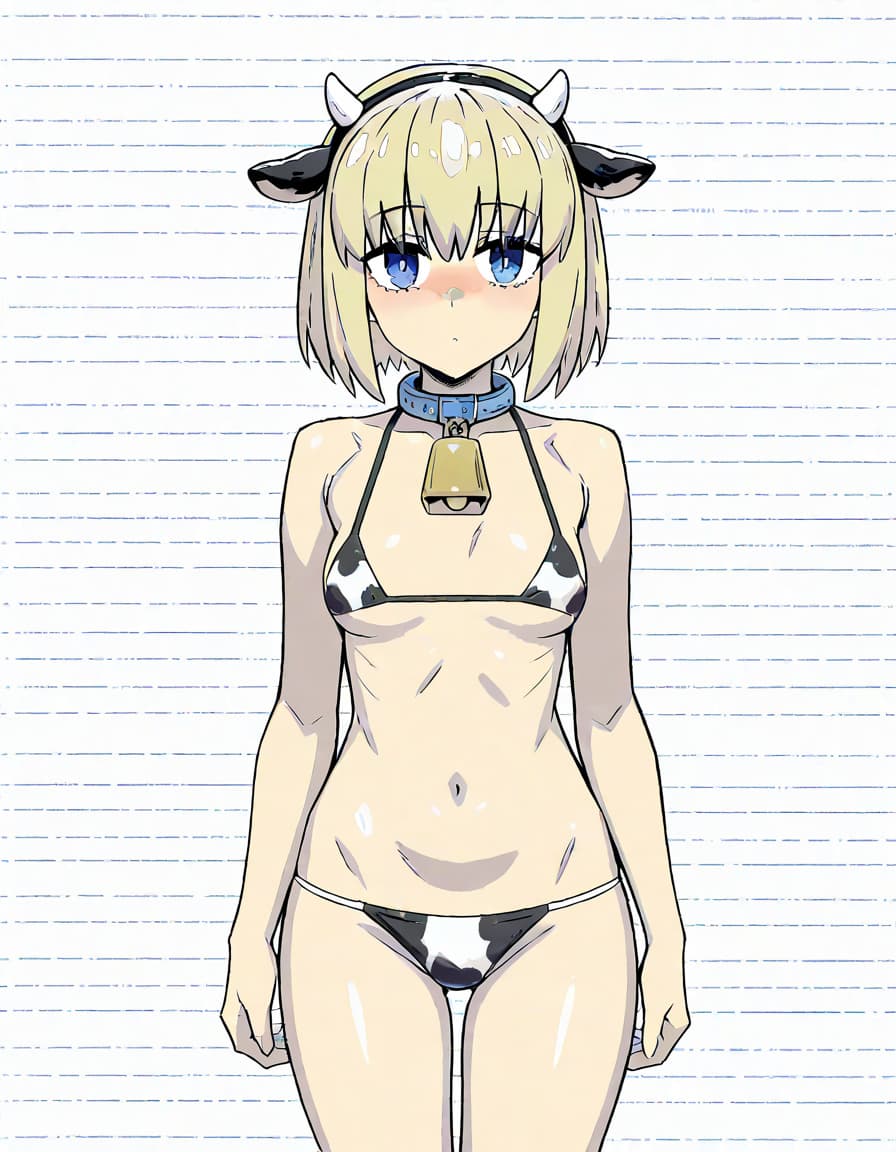
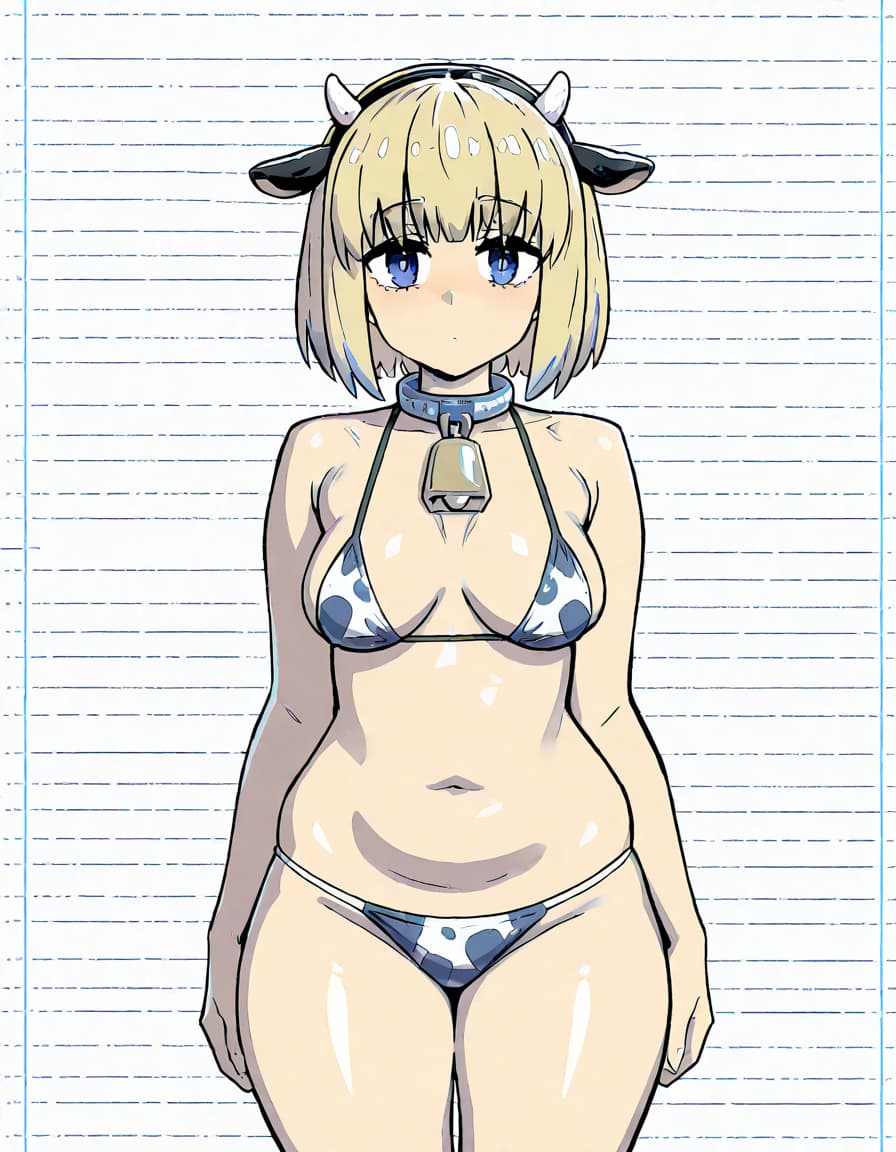
So this is my attempt of making a comfy-ui workflow for generating 4 different weight stages with a solid white background. Sadly I cannot post my json-file but what do you think?
6 Likes
Looks pretty consistent! Would be great to see a few more stages in between the last two.
FYI there was another thread about AI generation here too:
Pretty decent. Though I’m curious about the background. Interesting that it’s rendered the way it has. I would have expected solid white background to be just plain white. What model/LORAs are you using?
I’m also curious, like I have been experimenting with Stuffer.ai. I managed to learn to make consistent with progressing of weight stages. The only problem is that I want to erase the background of the images since I want to have another background for the game. Is there a good app to delete the background and is it liable to use images from Stuffer.ai? Just want to make sure when i apply my images to the game.
Yeah if you want good ai work, you need to do that yourself. I do it with comfy-ui.
I use Pixlr for post processing. It’s got a one touch remove background tool that works I’d say 95% of the time. Sometimes you need to undo then copy and paste part of the image because it got a little overzealous, or you’ll need to manually remove a few little bits of background it missed (typically under the arms, or where there’s a loop of hair). Sometimes it’s easier to use the lasso tool and manually remove the background - depends on the complexity of the image and if there are any background elements you want to keep. For instance you might generate with no background - but your character is sitting on a chair, or lying on a bed, bound by tentacles etc.
1 Like
Do a search for “BGBye” on itch dot com. They have a browser run program up that runs a couple of background remover tools in sequence and then lets you pick from the results.
2 Likes
So Guys I think I found out how to do good ai work with character changes, in this case weight gain. I dont think I can make it any better than that. Its for my small new game I am making, so this is a sneak peak. I just used open pose and chained together the generated images, the output of the last stage is the input for the ref image.
1 Like