This is a continuation of the original WGaC by @vocon92964, updated for Crusader Kings 3 V1.18.*
This is a collection of community additions to the original mod, bundled together and given their own thread to ease the confusion of scrolling through the original to find the most recent version.
Key Features
-
A fully functional height and weight system, with metric and imperial support. Both height and weight are displayed in the character window.
- This expansion has retooled the height and weight systems to more accurately model character growth (no more 6’, 200lb babies), and characters with the dwarf and giant traits.
-
Traits depicting character appetites, weights, heights and weight preferences.
- This expansion features alternate icons for these traits, courtesy of @HopelessLoner. These can be toggled with a game rule.
-
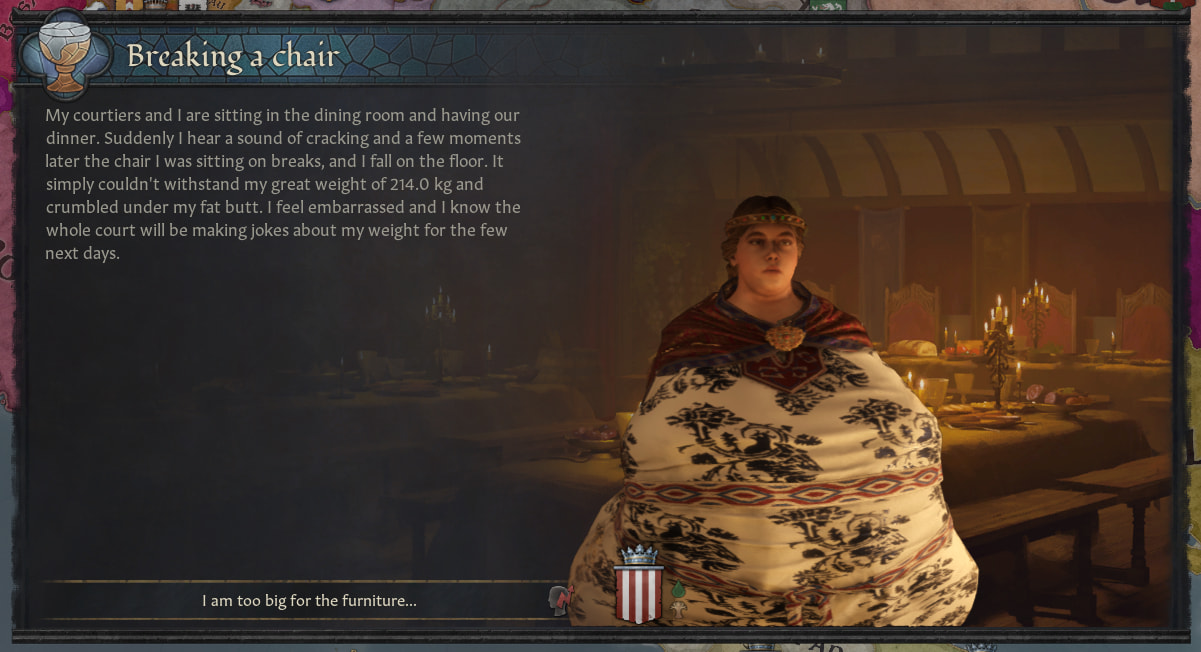
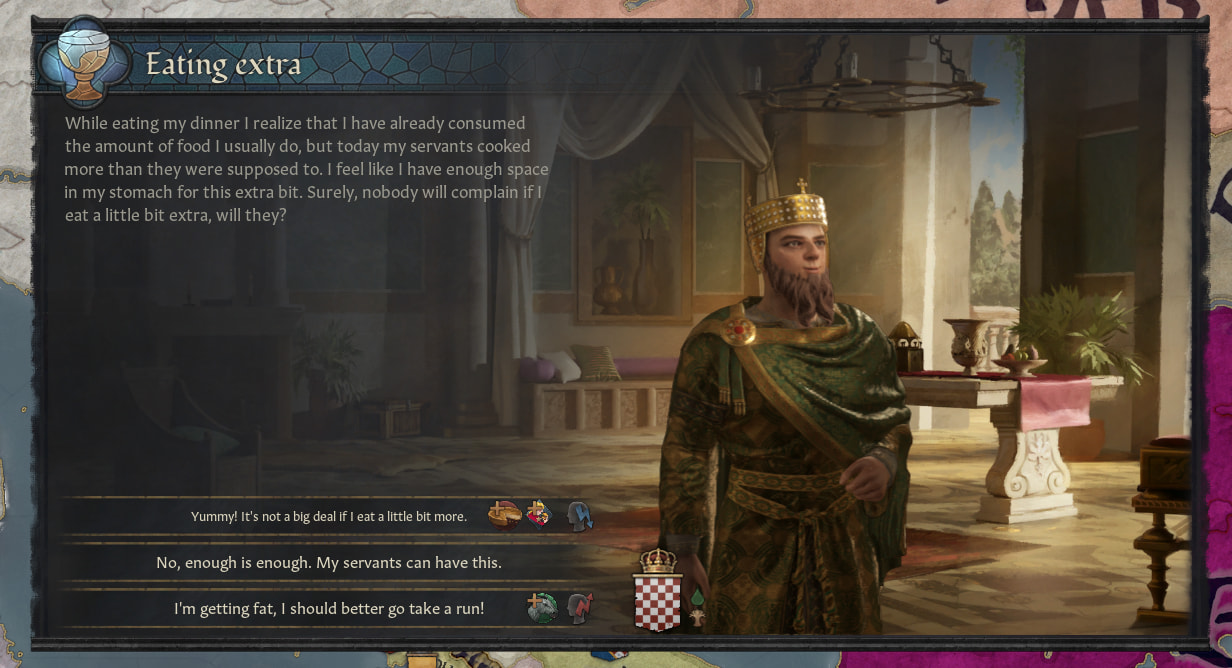
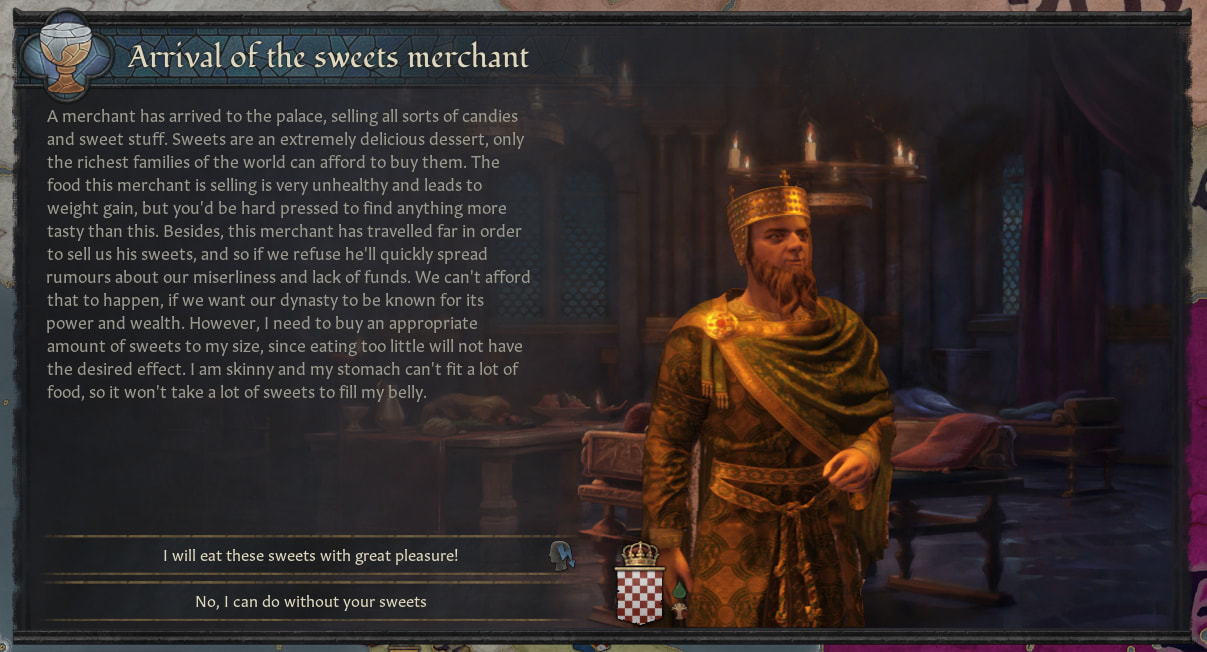
New events involving stuffing, lazing around and squashing people.
- This expansion also includes events for feeding other characters and tearing your clothes, courtesy of @MomoKashi.
-
Dynasty modifiers to reward the most gluttonous families.
-
Full English and Russian localisation.
Download Link: weight_gain_and_consequences_expanded.zip (502.4 KB)
Patchnotes V0.6.1
Wulf_Diomhaireachd updated patchnotes v0.6.1

- Fixed visual height changing for dwarfen and giant characters
- Fixed dwarfs and giants having opposite weight effects
- Fixed the slim face trait to properly apply the low face fat value

Known bugs:

- 6th tier court ammenities don't count towards player or courtier weight, all 6th tier functionality commented out until fixed
Patchnotes for previous versions can be found in Patchnotes.txt
Screenshots
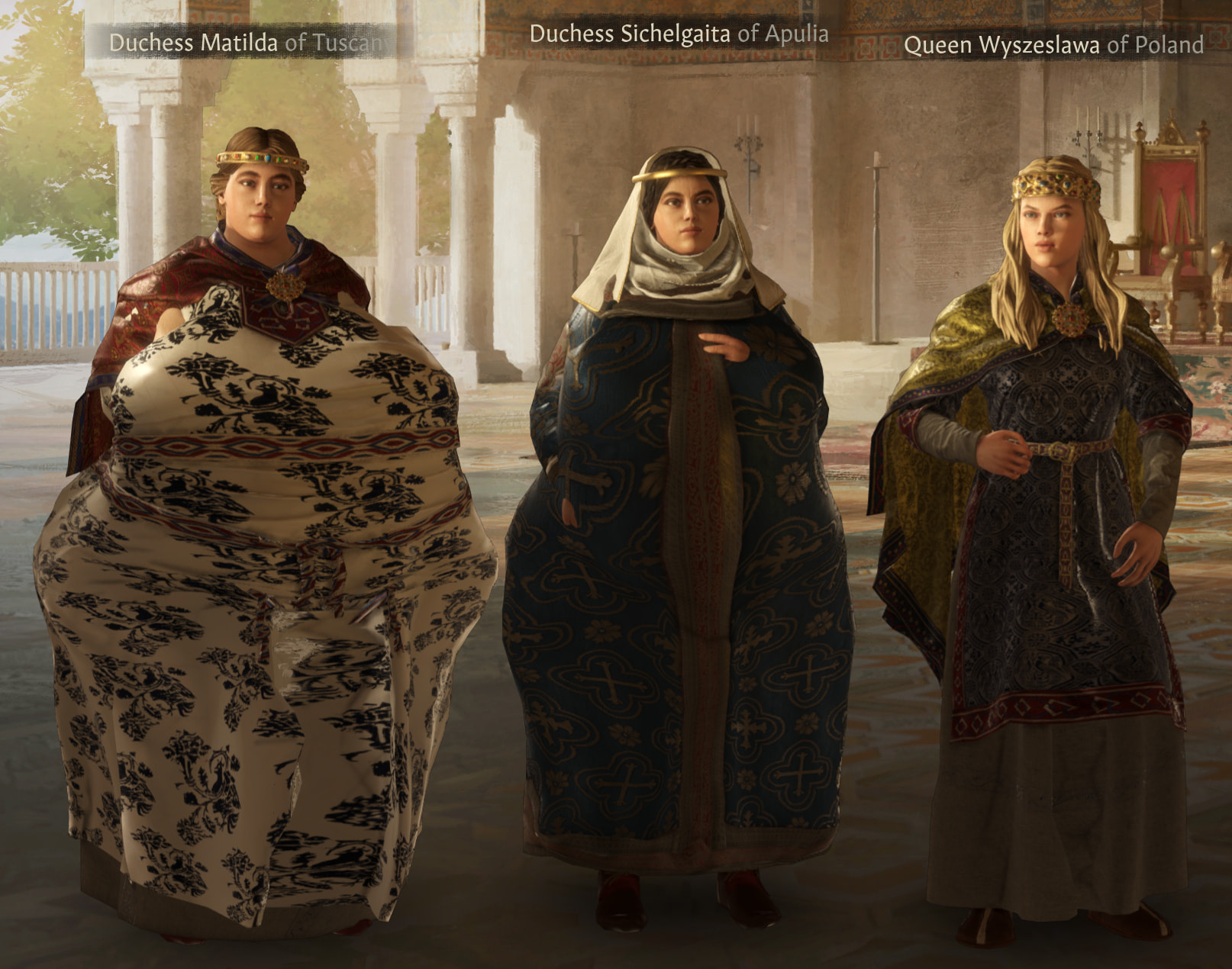
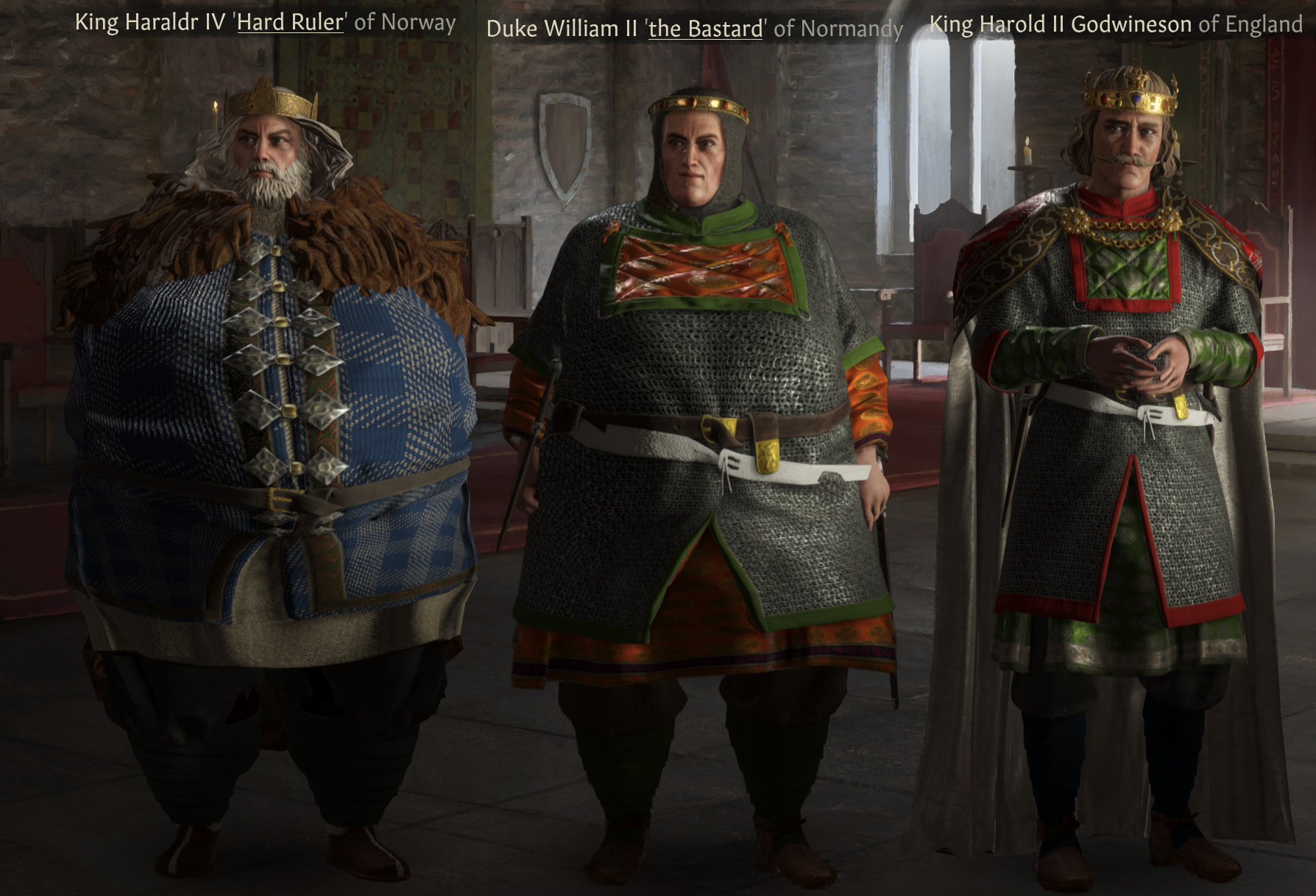
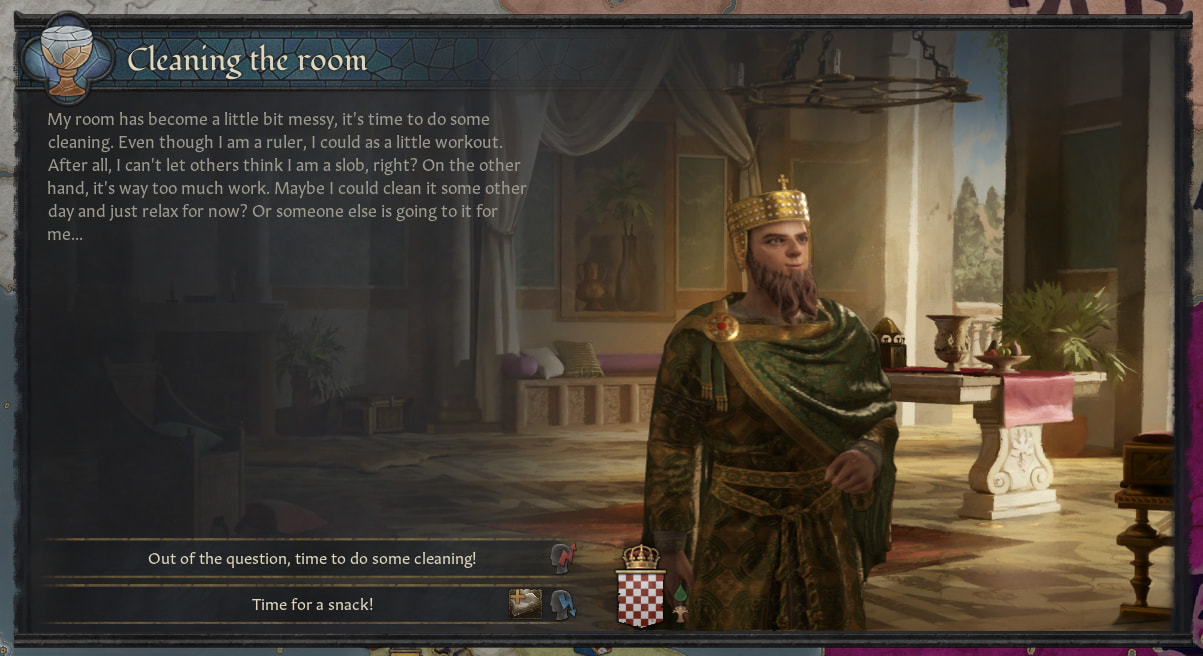
From left to right, all characters are at 75, 50 and 0 in-game weight
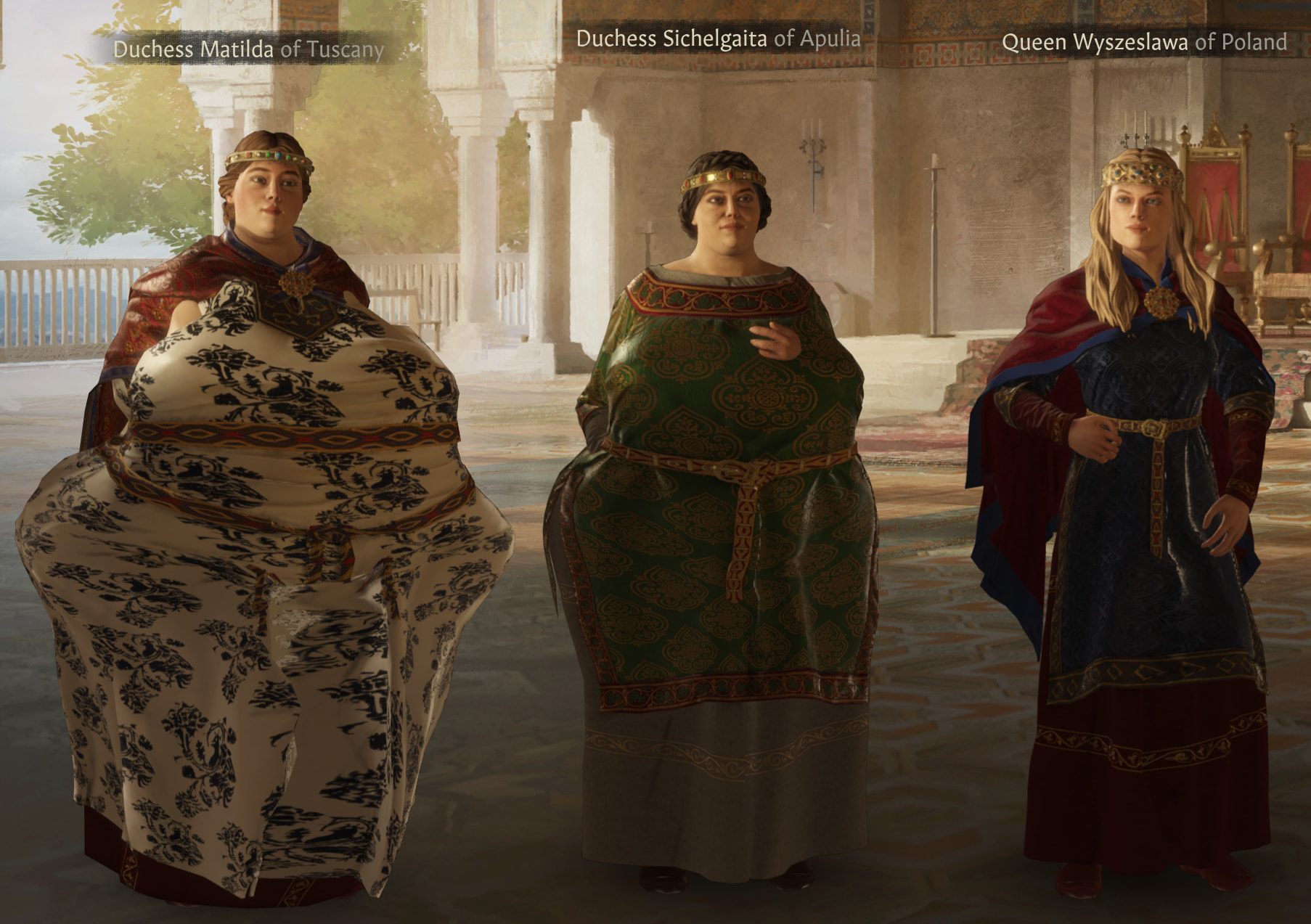
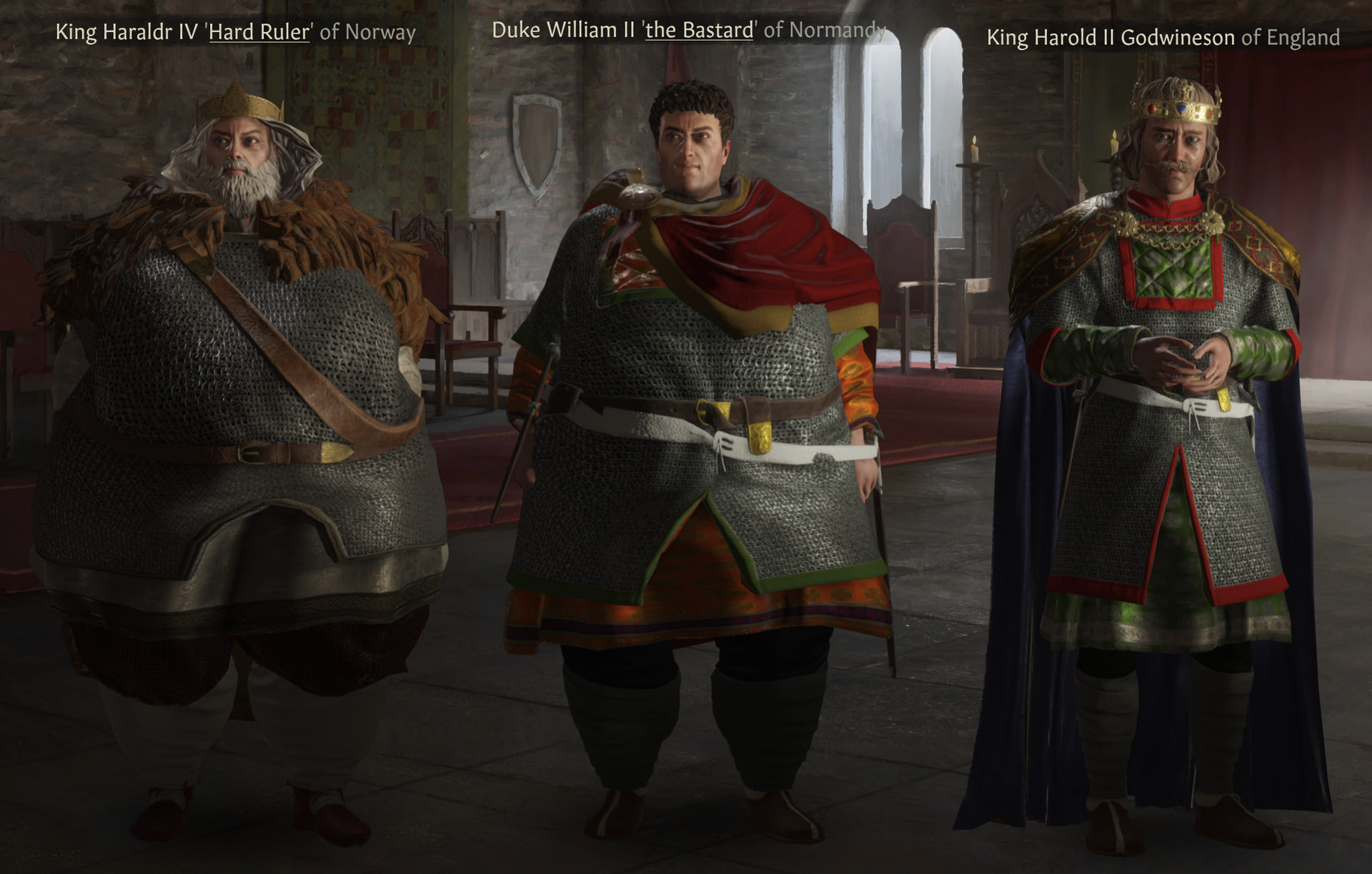

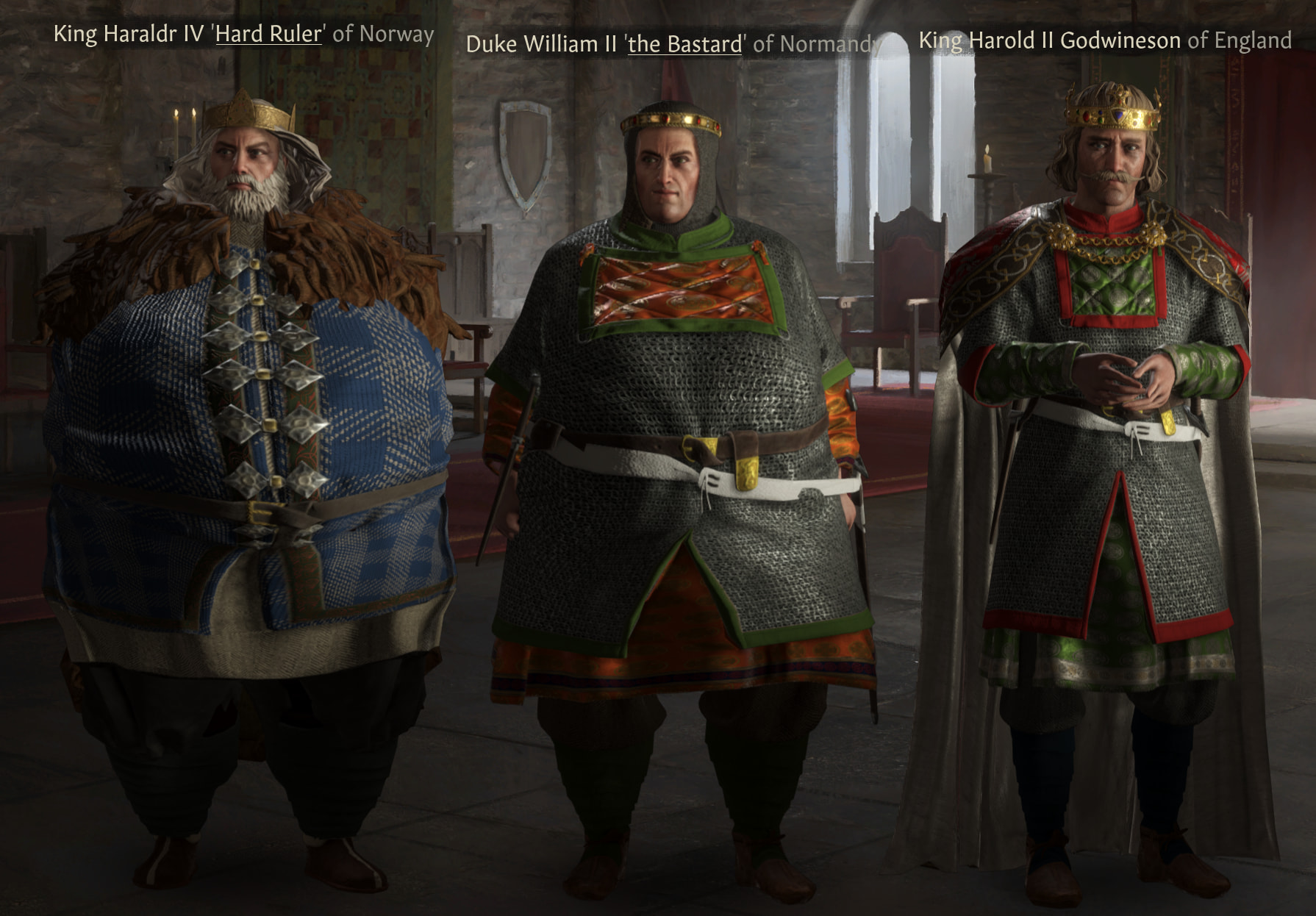
+ No Beard Stubble, No More Clones, More Hair And Eye Colors Remade, Congenital Beauty & Real Eyes 3.0 (All minor changes, my personal preference)

Installation Guide
To add non-Steam mods to CK3, the default location to place them is C:/\[Username\]/Documents/Paradox Interactive/Crusader Kings III/mod. Make sure both the mod folder and descriptor file (the .mod one) are in this location, and that OneDrive isn’t messing with your Documents folder because CK3 can’t load mods from there. Also make sure that the mod is actually extracted (not zipped) in the correct location, so you should have a regular folder and a .mod file like so:

If your computer username contains any characters that aren’t A-Z 0-9 (meaning no other alphabet or áccéntéd characters allowed) then these mods won’t load either. Instead make a folder elsewhere like C:/CK3 Mods to place the mod folders, then keep the descriptor files in the previous location and edit them (you can use notepad) to change the path to the new location. In this example the path line would read path=“C:/CK3 Mods/CBO Unofficial”.
Load Order
Load order for full functionality:
- Carnalitas (LoversLab)
- CBO
(LoversLab)Currently outdated, use CBO Unofficial instead (LoversLab) - WGaC: Expanded
If your computer struggles with running the complete CBO Unofficial mod, it is also released in separate chunks (base, animations & mesh). Think of these as progressive “stages” to the mod: each prior stage is required for the latter to work, and they are increasingly demanding on your computer. Base should be below Carnalitas, then Animations, then Mesh. Although if you are using all 3, that is the same as using the whole mod. An example playlist could look like:
- Carnalitas
- CBO Unofficial Base
- CBO Unofficial Animations
- WGaC: Expanded
There are of course a bunch of optional mods you can add to this like CFP and EPE if you use the correct compatches, but this is the most basic load order you’ll need.
As a general rule, any mod that adds new clothing items and/or messes with the character model in some way needs to be above Carnalitas, then their respective compatches, then the load order shown above. Then in between CBO and WGaC you put the other compatches.
So, for example, if you were to play with Community Flavour Pack and Ethnicities & Portraits Expanded, the load order would be as follows:
- CFP (Steam)
- EPE (Steam)
- CFP-EPE Patch (Steam)
- Carnalitas
- CBO Unofficial
- CFP+EPE CBO Patch (Mega folder, sort by date added for the most recent version)
- WGaC: Expanded
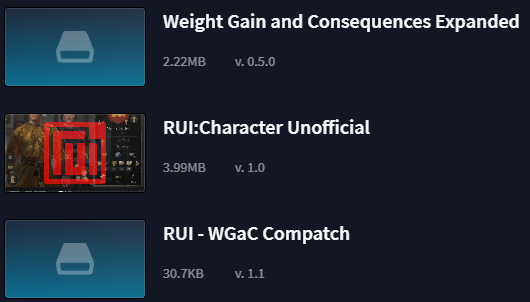
If you want to use RUI (Steam mod) with WGaC: Expanded, place that below everything listed here, then place my compatch below that, as seen below.
Compatibility & Compatches
WGaC: Expanded is compatible with most mods (yes, even AGOT  ), but any that change the character window will overwrite it depending on which mod is lowest in the load order (yes, even AGOT
  ). Compatibility patches for this can be made if there is enough demand for them
 or if I happen to want one.
RUI-WGaC Compatch: RUI_WGaC_Compatch.zip (6.3 KB)
RUI is compatible with many other mods that change the UI, so theoretically this could make WGaC compatible with those too (including AGOT!). However, this is untested.
 Mods that change the character model may not be compatible, as this is made with CBO in mind, but that doesn’t necessarily mean other mods won’t work.
 Physical Attributes is technically incompatible. It won’t crash your game, but you will end up with 2 height traits, each calculated separately. I may make a compatch for this in the future if enough people want one.
Want to help out? Here’s how you can!
I’ll be honest, this is little more than a passion project for me. I feel no obligation to constantly work on or improve this mod, and as such I’ll only be working on if there’s something I particularly want to change or add. If you want to contribute though, you can send a push to the GitGud repo and I’ll add it in for everyone else to enjoy.
GitGud Link: Coming SoonTM. There’s a lot I need to learn about this first, so I want to make sure I don’t mess anything up before releasing it to everyone.
Credits
@vocon92964 - Original author of the mod
@Shushen, @Wulf_Diomhaireachd, @MomoKashi & @HopelessLoner - Authors of subsequent compatibility updates and expansion patches
@Wulf_Diomhaireachd - Lead author of WGaC: Expanded