What do you mean keep changes?
At least for how it happens with me, whenever I change something inside the game code, it takes a variable amount of time for it to apply itself. I’d say just wait it out.
yeah just checked back in with it, changes do show up after a while, thanks!
Hyperfocus is fun…
I enjoy playing this game on occasion. This evening I decided to figure out how one might go about modding the game and to what extent this is possible. Massive congrats to the dev for the well written code backing this as the code is quite clear and easy to understand.
The project being entirely Javascript in terms of control and easily readable means that you can modify everything (and I do mean everything, including all stats (adventurer and enemy), world layout, level layout, dialog options, etc…). On Chrome at least (what I used for this) you can setup a local override to replace an existing javascript file and save modifications locally, that way you can easily implement changes to data permanently. You can also just type the appropriate javascript into the browser console and do all this too, like create a new level, or unlock a character, or set their weight to whatever you want. Naturally this completely devalues the game if abused as it’s the ultimate cheat engine, but I had fun figuring it out.
Seems the only thing that can’t be easily done is adding new images/scripts (as Chrome doesn’t let you load local files), but as long as you’re happy to replace something that already exists, this isn’t a problem as you can instead override existing assets (scripts/images) with replacements from your local PC.
If people are interested I may return and write up a guide on how to do some things (it’s fairly straightforward if you know the basics of programming, the code is really readable). To point people in the right direction for modding purposes (on Chrome at least), look into “Google Chrome DevTools local override”. This is the method to replace content from the webpage with a local version while still letting it run. That way you can make and save changes locally to your modded version (it’s saved to a folder on your PC) and use it online, without needing to download the entire game.
Massive thanks to the Dev for making this game. Looking into it more in depth only increased my appreciation for it.
Tried following the instructions for the downloader and when I installed it and tried running it got this message,
[2023-12-02T15:50:23.635Z] “GET /” Error (404): “Not found”
[2023-12-02T15:50:24.852Z] “GET /” “Mozilla/5.0 (Windows NT 10.0; Win64; x64) AppleWebKit/537.36 (KHTML, like Gecko) Chrome/119.0.0.0 Safari/537.36”
tried copying what you said to fix it like moving the folder into one without spaces, and no luck.
I actually rewrote the downloader to be (hopefully!) a little less obtuse and quite a bit quicker a bit ago. As such the problem with spaces has been resolved.
Are you running the .bat files from the directory with EatTheDungeon/ ? If not it won’t find the folder.
so I unzipped the file and did the .bat file under the “EatTheDungeonDownloader-main” on my desktop, should I make a new folder called “EatTheDungeon” and put everything in there?
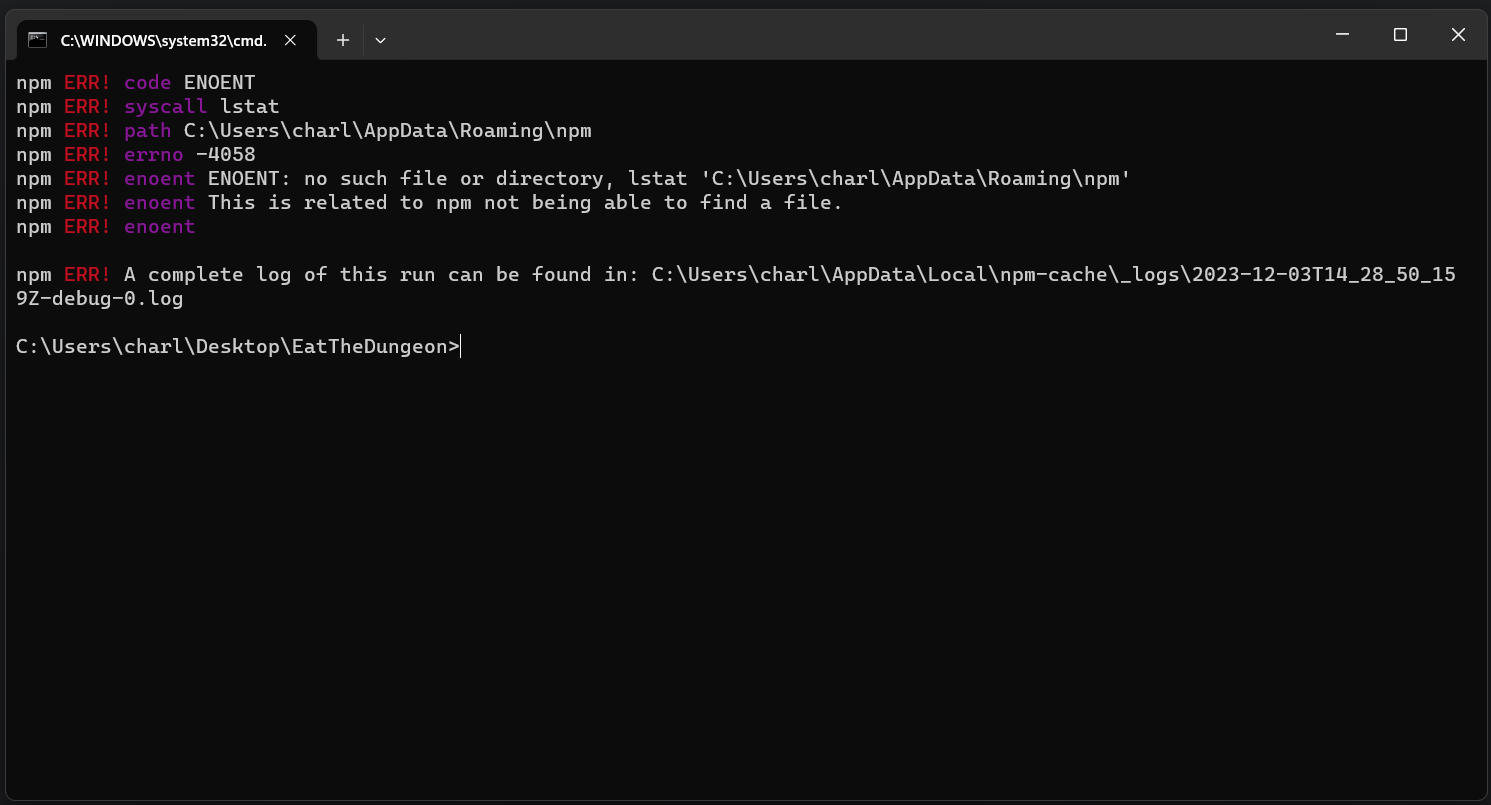
You won’t need to move or create any folders. As for the problem, it looks like you might not have installed Node.
I do have it downloaded, still have the problem. so I tried uninstalling and reinstalling, but no luck,
I just tested a fresh install on Windows and can reproduce the error. Not sure why, but Ill look into it. In the meantime, if you just run “node index.js” in your command prompt it should finish installation. Are you on Windows 11?
yeah, windows 11 home
Was finally able to get the downloader to work. So that’s really nice.
I’m probably gonna use it for mostly reskinning the adventurers than anything else. Still thank you for making the downloader.
Just pushed the change that should fix the problem. Redownload the github repo and it should work for you!
Good to hear!
1 Like
I that fixed it (I think)! I realized that the installer wasn’t downloading the files, seeing as it showed me downloading them, before it would just stop. but the downloader had some problems downloading files, and so it won’t load,
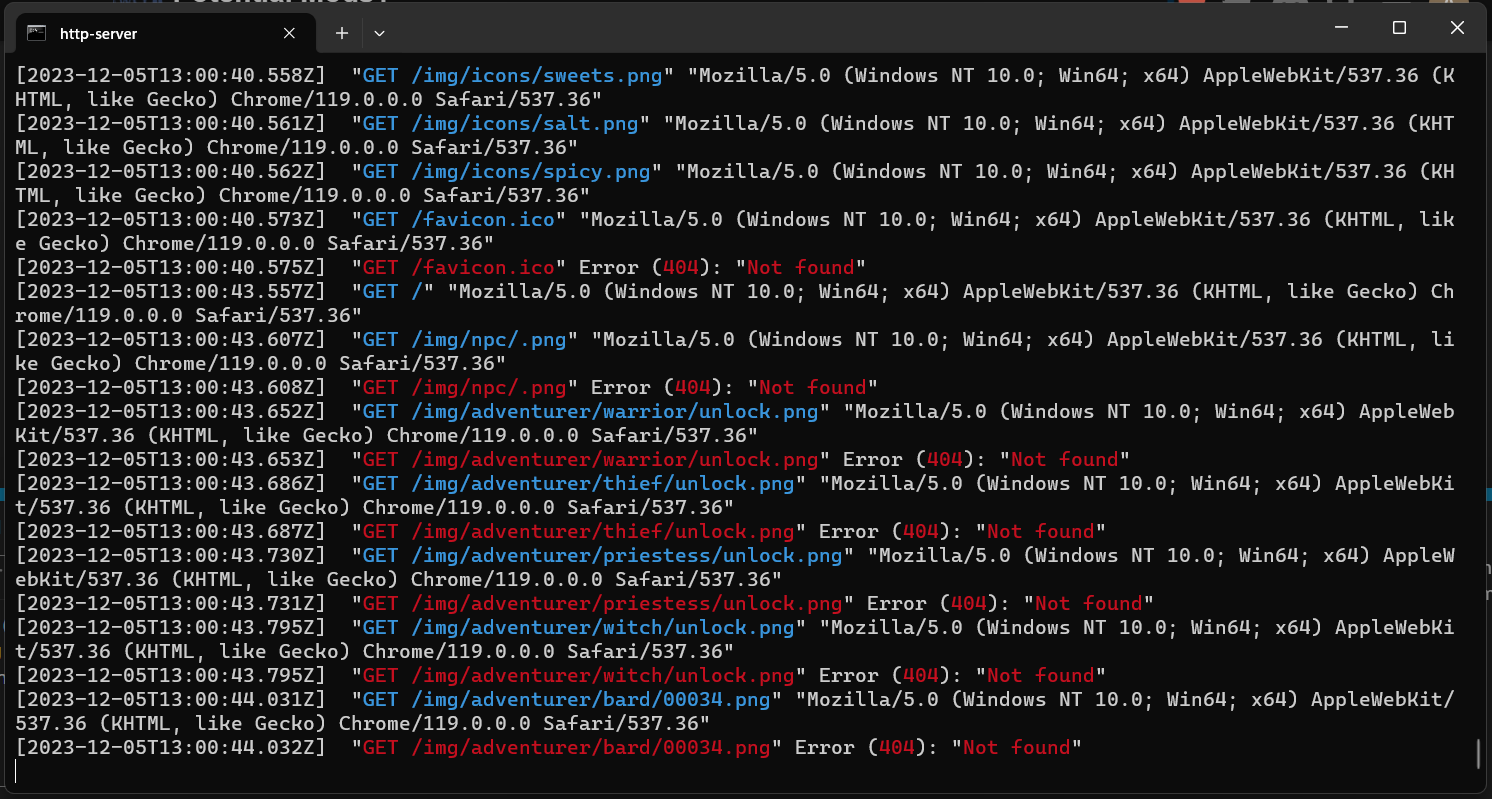
should I just retry extracting the downloader and reinstalling it, or is there something else that can help with the downloads
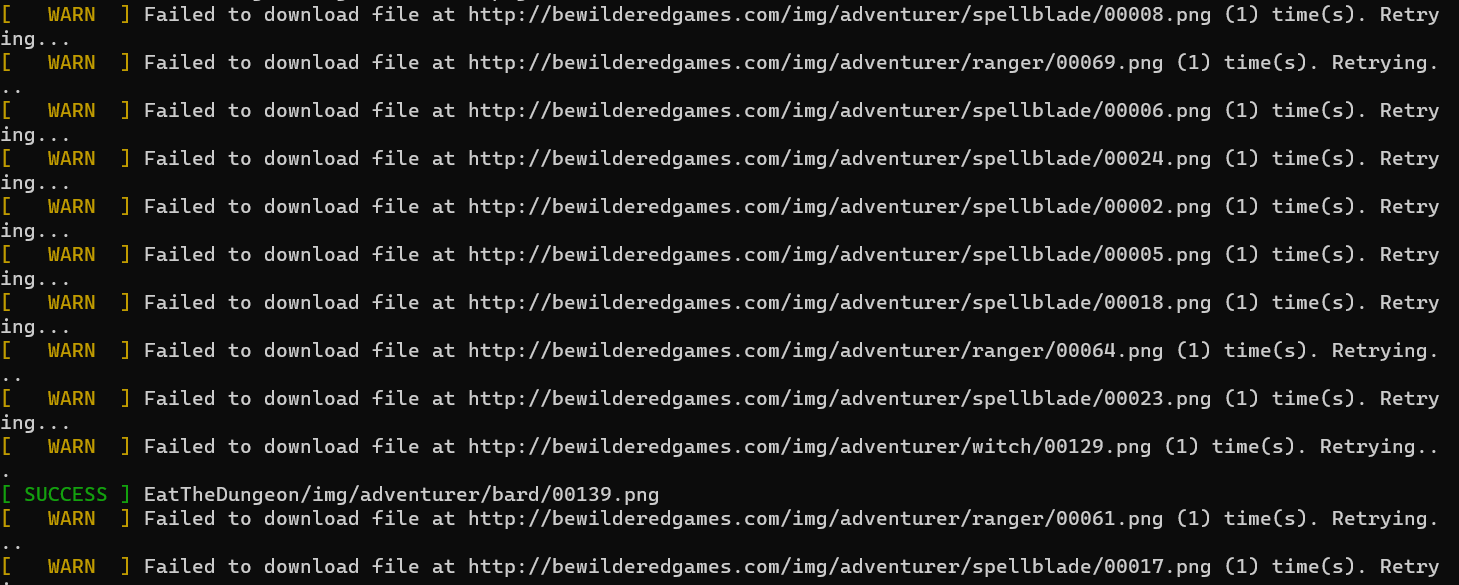
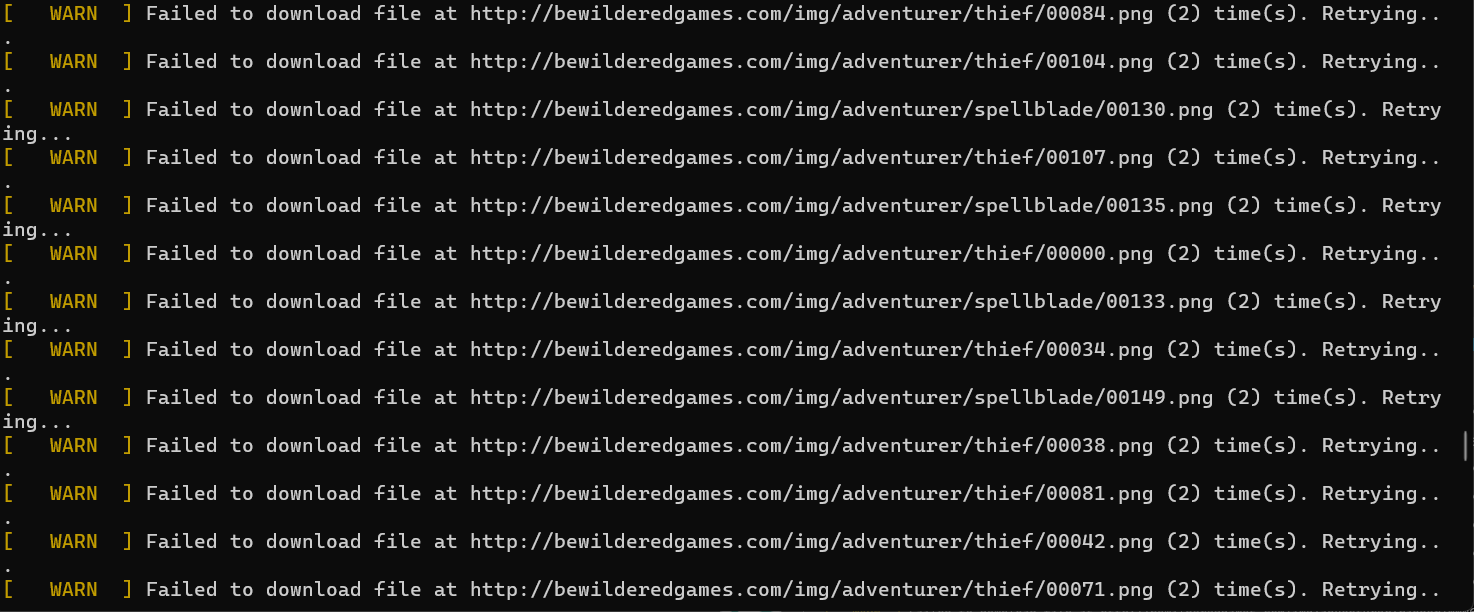
I tried redownloading it and here are some of the files I had problems with it seems to be the character PNG’s, and when I tried playing it it couldn’t find the files of the warrior bard and two others.
I hope this helps with finding the problem.
here is what I found when trying to run it,
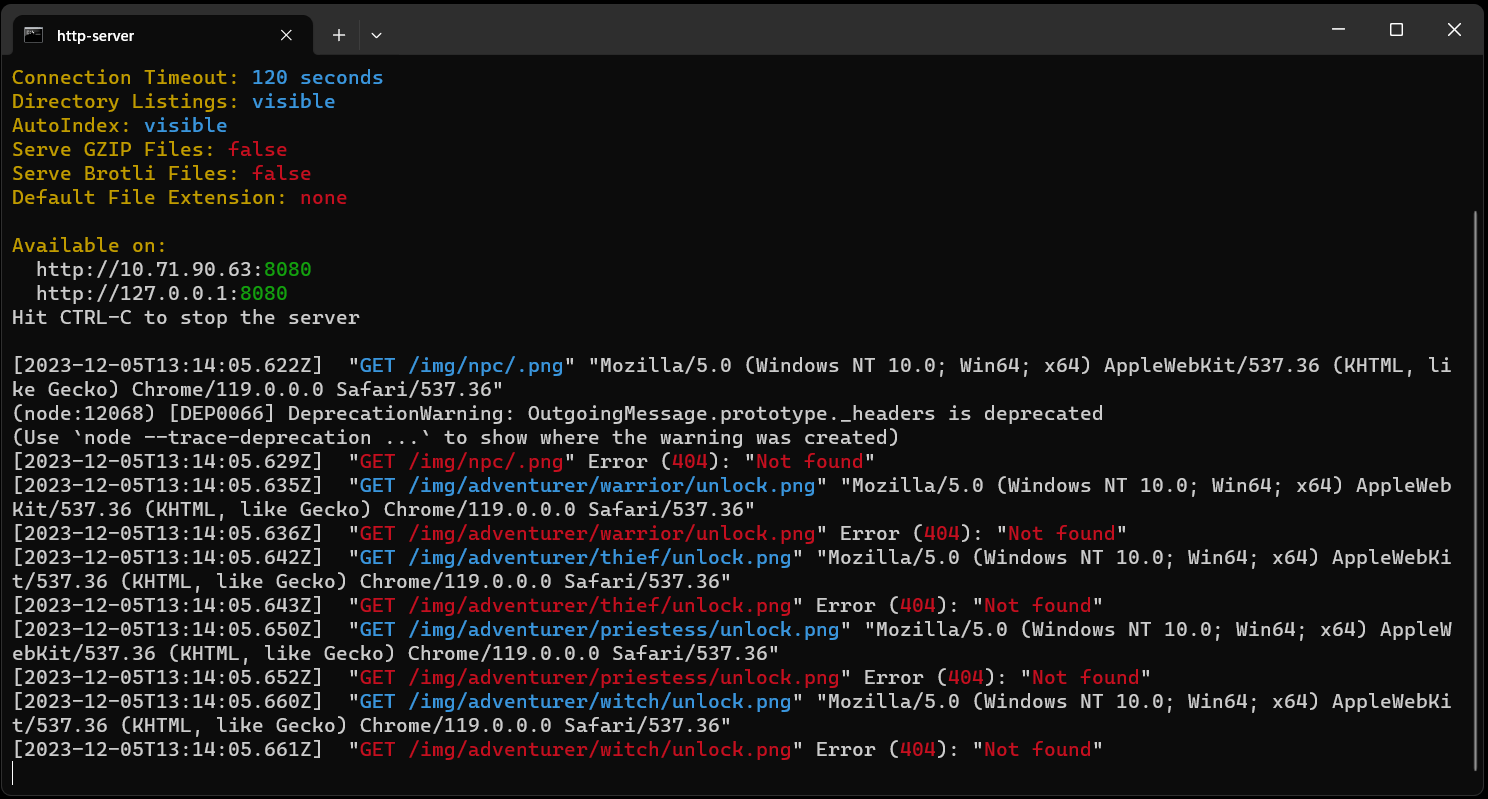
Good to hear that mostly fixed the issues! As for the missing files, a handful of them will always be missing: the unlock png for the starter characters (they are already unlocked), favicon.ico (that’s the icon in the tab, not sure where that normally comes from) and any files named “.png” (those don’t exist either). While it will give errors for not having them, they aren’t really issues. If you are missing other files, however, it could be.
Does http://localhost:8080/ not load in your browser after you launch RUN? It should still work even if it’s missing files. It’s possible it’s getting blocked by your firewall if it still doesn’t work. As for the warnings, the downloader tries 5 times to download a given file when the request times out from the server. As long as you don’t see any [ ERROR ] messages in the INSTALL process it means it got the file eventually.
I did get http://localhost:8080/, so to fix it all I have to do is run it as administrator, right, and make sure firewalls do not block it. thanks for the help, I really appreciate it!
edit:(I got it working, but I had to change browsers, I was hoping I could use Brave as you can set Chrome as the search engine, but I guess the shields block it too, thanks for helping me trouble shoot!
I cant get it to save any changes I make, like if I try to change the Grape Dragon’s damage type to fullness and delete everything else, it just refuses and reverts everything back to how it usually is.
Also, if I try to open any of the JS files, it just throws me an error saying that something isn’t defined, E.G> in “enemy.js”, I get thrown “FOOD_TYPE_ENUM is undefined”
As for this, double check that:
- You are restarting the RUN script (http server) after you make the change
- The web browser isn’t caching the webpage. You can force a full, non-cached reload with Ctrl+F5.
This seems like it might be an IDE issue. Is the error at runtime or just Intellisense?